
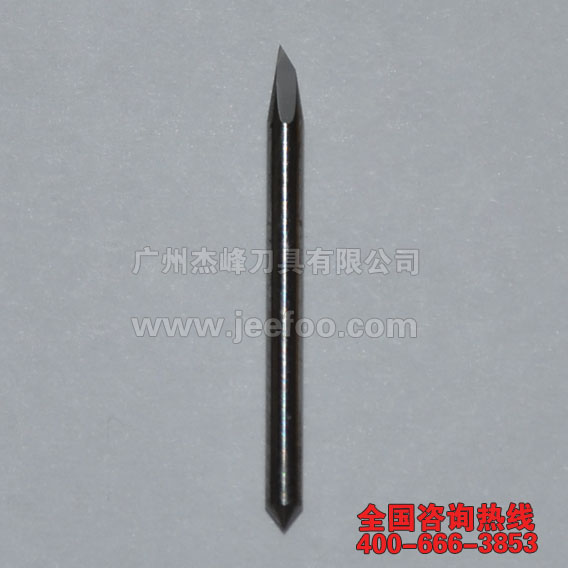
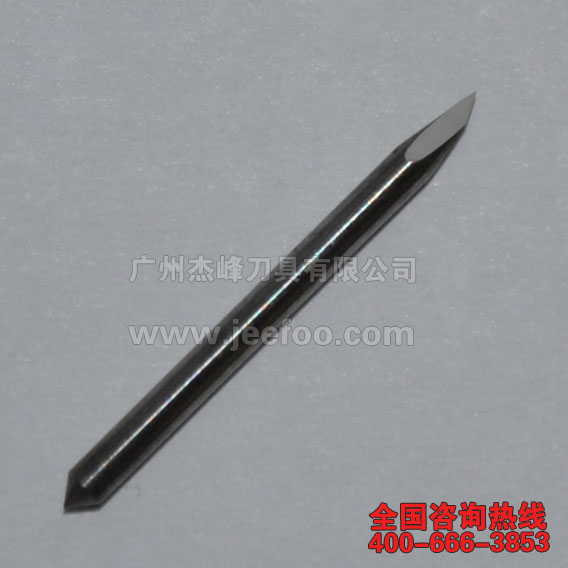
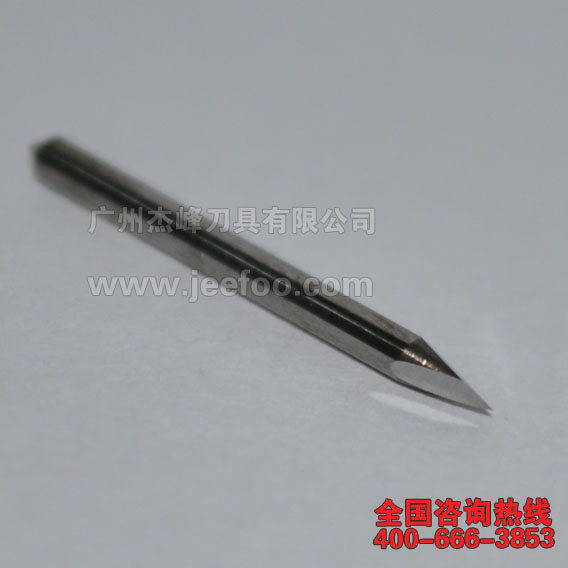
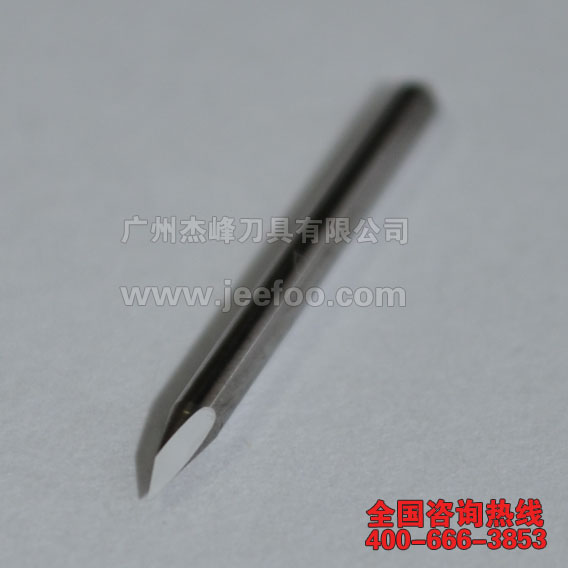
Summa Lettering Knife for 60° Plotter Cutting
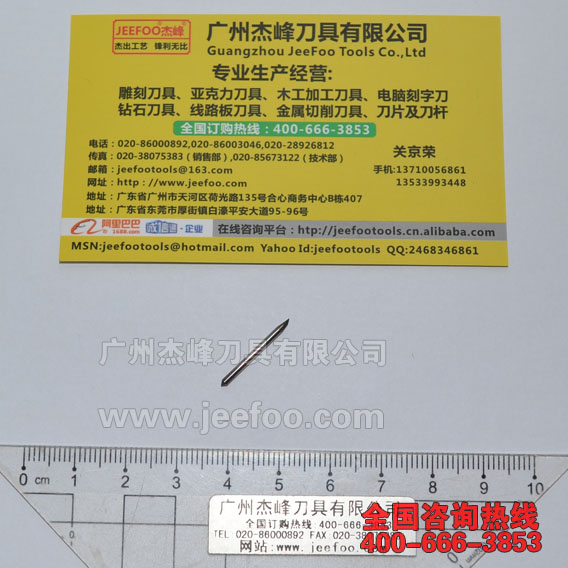
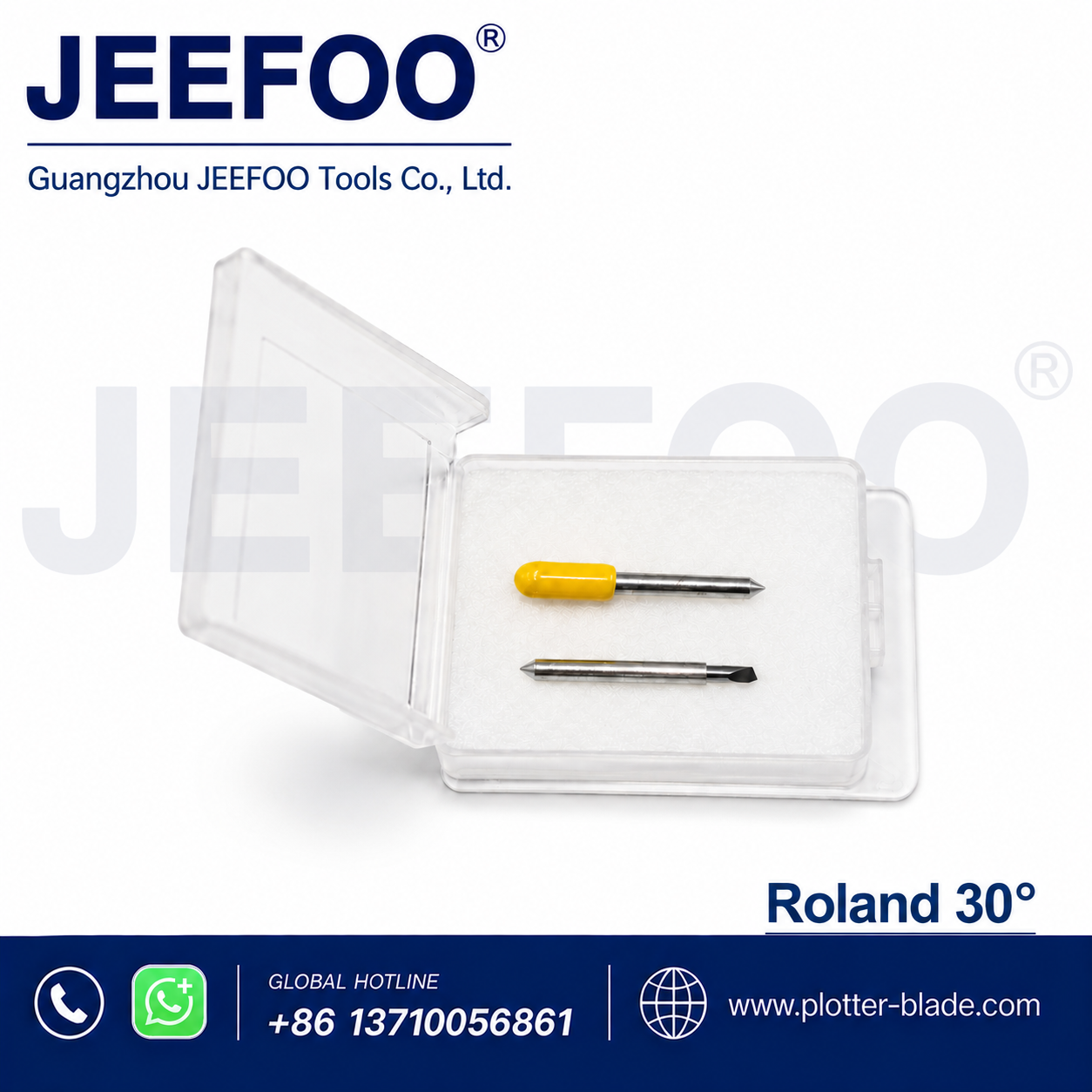
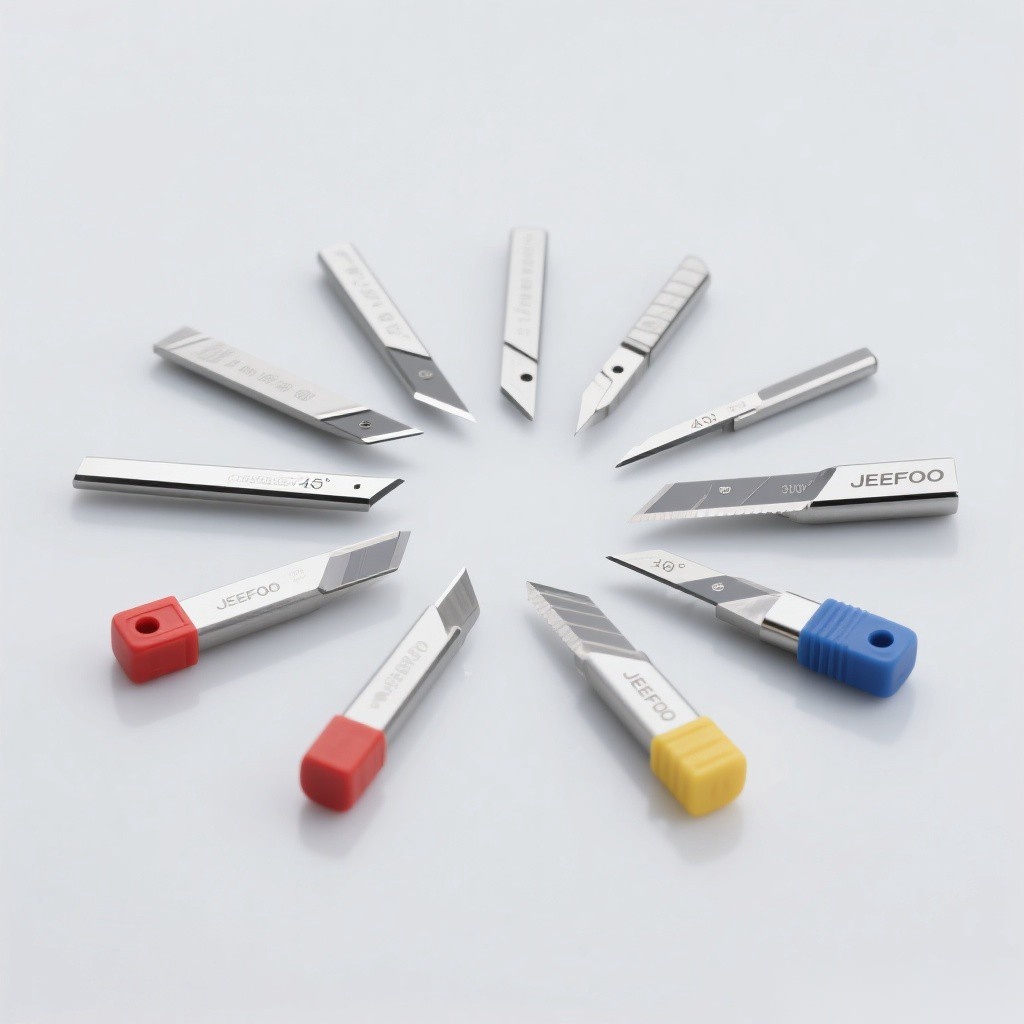
A Summa lettering knife with a 60-degree cutting angle is intended for controlled cutting and lettering work on compatible computer cutting plotters. The sharper angle is commonly considered when the material, detail level, or cutting path calls for a blade that can follow fine contours. This page summarizes the available specifications and practical selection points so buyers can compare the blade with their machine, holder, and material before ordering.
JEEFOO supplies plotter cutting tools from Guangzhou, China. For a compatibility check, provide the plotter model, blade-holder type, material name, and material thickness. These details are more reliable than choosing a replacement blade by appearance alone.
Available Summa Lettering Knife Specifications
- Cutting angle: 60 degrees
- CB09 cutting thickness reference: up to 0.25 mm
- CB15 cutting thickness reference: up to 1.50 mm
- CB09 shank diameter: 0.9 mm (0.04 in)
- CB15 shank diameter: 1.5 mm (0.06 in)
- Blade length: 18 mm (0.71 in)
- Material specification listed: 89–90% WC with 10–11% binder content
- Hardness listed: 91.5 HRA Rockwell
- Breaking-strength specification listed: 4000–4200 / mm
The figures above reproduce the available product data. Because machine configurations and material behavior vary, confirm the required blade series and holder before use. A CB09 blade and a CB15 blade have different shank diameters and should not be treated as interchangeable.
What Is a 60-Degree Plotter Blade Used For?
The 60-degree geometry is suited to lettering, sign graphics, decals, labels, and other contour-cutting applications when it matches the material and plotter setup. It can be considered for detailed shapes or materials that require a steeper cutting angle. Actual results depend on blade exposure, downforce, speed, holder condition, cutting strip condition, and the material itself.
Start with the smallest practical blade exposure. Excessive exposure can drag the tip, lift small characters, damage the cutting strip, and shorten blade life. Run a test cut before production, then adjust force in small steps. If corners lift or curves distort, check the holder rotation and debris around the blade before increasing pressure.
How to Confirm Compatibility
First, identify whether the holder accepts a 0.9 mm CB09-style shank or a 1.5 mm CB15-style shank. Second, compare the 18 mm blade length with the blade currently installed. Third, check the plotter manual and the holder specification. The blade angle alone does not establish compatibility.
For related hardware, see the Summa cutting plotter holder. You can also review the full cutting plotter blade range. For manufacturer documentation and model-specific support, consult the official Summa support resources.
Setup and Maintenance Tips
- Clean the holder and confirm that the blade rotates freely.
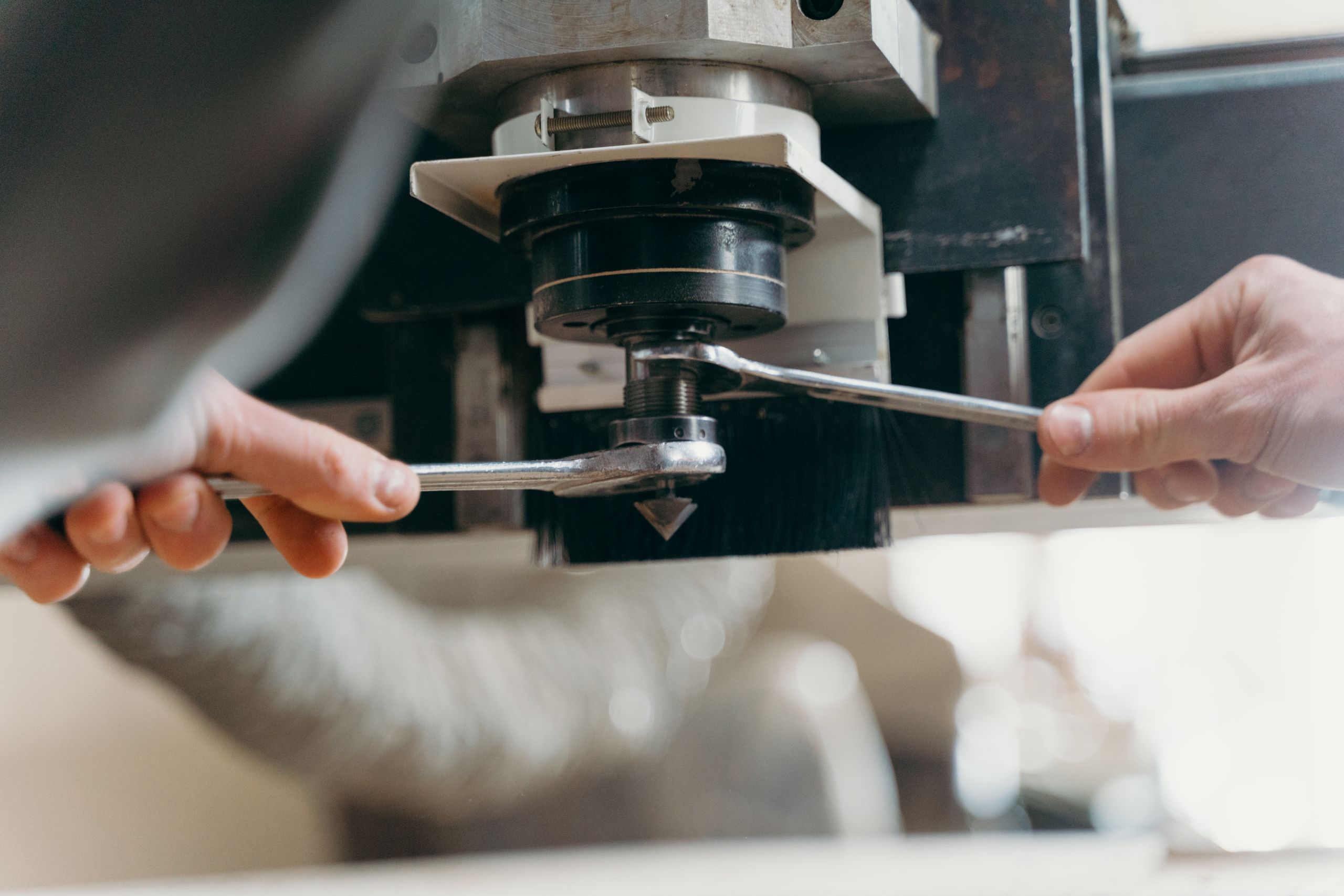
- Install the correct shank diameter without forcing the blade into the holder.
- Set blade exposure to slightly more than the material thickness, not the backing liner.
- Perform a small test cut and inspect weedability, corners, and liner marks.
- Adjust cutting force and speed gradually for the specific media.
- Replace a worn or chipped blade instead of compensating with excessive force.
Keep unused blades dry, protected, and separated so the cutting tips do not contact hard surfaces. Adhesive residue and fine dust can reduce holder movement, so routine cleaning is important for consistent lettering work.
Ordering from JEEFOO in Guangzhou, China
When requesting this Summa lettering knife, include the machine model, holder type, required shank diameter, material, thickness, and expected cutting application. JEEFOO can then compare the request with the listed CB09 or CB15 dimensions. Clear application details help reduce selection errors for sign-making, label, decal, and computer plotter workflows.
This 60-degree blade page is a specification and selection guide; it does not replace the plotter manufacturer’s operating instructions. Confirm compatibility and run a test cut before starting a full production job.
Product Images



发表回复
要发表评论,您必须先登录。