
A 3D carbide carving knife is a precision rotary cutter used for three-dimensional engraving, corner cleaning, chamfering, relief work, and fine-detail finishing. Its point angle, tip shape, cutting-edge geometry, diameter, reach, and carbide grade must match the material, smallest feature, machine, and required surface quality.
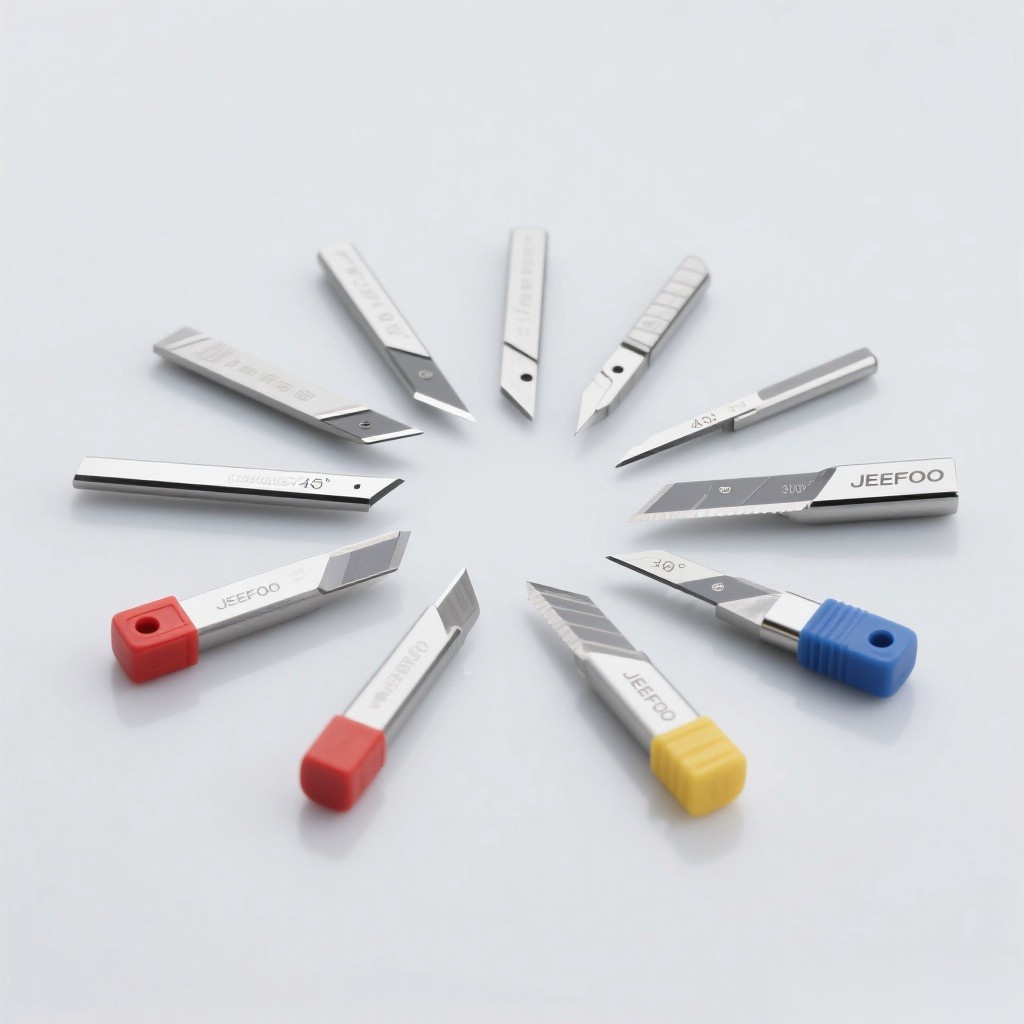
3D Carbide Carving Knife: Quick Answer
The tool removes small amounts of material with a narrow, pointed, or radiused cutting end. It can reach details that a larger end mill cannot, but the fine tip is sensitive to runout, impact, excessive feed, poor chip evacuation, and long projection. Use it after roughing whenever practical so the delicate edge cuts a controlled finishing allowance.
Main Functions And Applications
| Function | Typical result | Key control |
|---|---|---|
| 3D engraving | Relief, texture, and sculpted detail | Tip radius, stepover, and toolpath direction |
| Corner cleaning | Removes stock left by a larger cutter | Reach, collision clearance, and finishing allowance |
| Chamfering | Produces a controlled beveled edge | Included angle and cutting depth |
| Lettering | Fine grooves and sharp visual detail | Tip condition and minimum line width |
| Deburring | Removes a small sharp edge | Consistent contact and light engagement |
Common Knife Shapes
| Shape | Best suited to | Main limitation |
|---|---|---|
| V-bit | Lettering, chamfers, variable-width grooves | Width changes with depth |
| Ball nose | Curved 3D surfaces and smooth blending | Near-zero cutting speed at the center |
| Tapered ball nose | Deep relief and fine 3D detail | Geometry must match access and finish needs |
| Pointed engraving cutter | Fine lines and corner cleanup | Small tip is fragile |
| Flat-tip engraving cutter | Controlled floors and line widths | Cannot reproduce a true sharp point |
Why Tungsten Carbide Is Used
Tungsten carbide provides hardness, compressive strength, wear resistance, and edge retention at suitable cutting temperatures. These properties support fine geometry and consistent detail. Carbide is less tolerant of shock and bending than tougher tool materials, so runout, vibration, sudden entry, and collisions can chip the point.
How To Select A 3D Carbide Carving Knife
- Define the smallest detail. The effective tip must fit the narrowest groove, corner, or radius.
- Match the profile. Choose V, ball, tapered, pointed, or flat geometry for the intended surface.
- Confirm the material. Match carbide grade, coating, polish, and edge preparation to the workpiece.
- Minimize reach. Use the shortest projection that clears the model and fixture.
- Check the shank. Use a clean, accurate holder with the correct shank diameter.
- Plan roughing first. Leave a small, uniform finishing allowance for the carving tool.
Stepover, Depth, And Surface Finish
Smaller stepovers usually reduce scallop height on 3D surfaces but increase machining time. Chamfer width depends on cutter angle, tool tip, depth, and part geometry. Use CAM simulation and supplier data to choose stepover, depth, feed, and spindle speed; do not apply one setting to every tool shape or material.
Setup Checklist
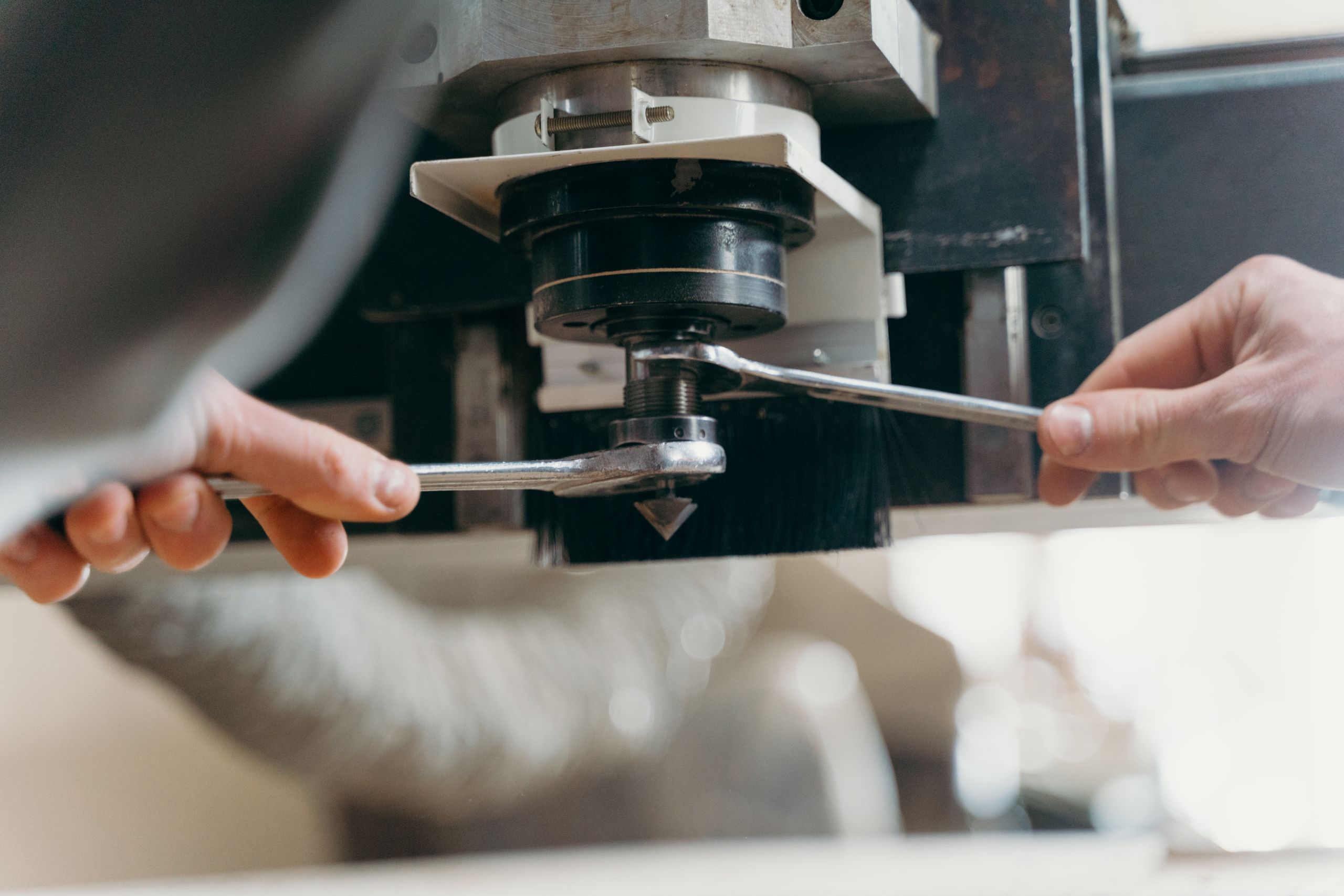
- Clean the spindle taper, holder, collet, and carbide shank.
- Measure runout close to the fine cutting point.
- Clamp and support the workpiece against changing 3D cutting forces.
- Verify rotation, entry, clearance, and collision-free toolpaths.
- Use the manufacturer’s speed, feed, engagement, and cooling guidance.
- Inspect chips, sound, heat, detail, and edge condition after a guarded test pass.
Common Problems And Corrections
| Problem | Likely cause | Correction |
|---|---|---|
| Broken tip | Runout, impact, overload, or collision | Stop and verify holder, toolpath, and cutting data |
| Lost detail | Tip too large or model allowance too high | Use suitable geometry and refine the finishing path |
| Chatter marks | Long reach, weak setup, unstable engagement | Increase rigidity and shorten projection |
| Visible scallops | Large stepover or unsuitable tip radius | Reduce stepover and verify tool geometry |
| Burning or melting | Rubbing, heat, or poor chip removal | Restore chip formation and evacuation |
Selection Summary
Choose a 3D carbide carving knife for engraving, fine corner cleaning, chamfering, relief work, or finishing that requires a small effective tip. Match shape, angle, radius, material compatibility, reach, and holder accuracy, then control runout, stock allowance, engagement, and chip flow. Browse the JeeFoo carving-tool range and follow applicable OSHA machine-guarding guidance.
Frequently Asked Questions
What is a 3D carving knife used for?
It is used for relief carving, lettering, corner cleanup, chamfering, fine grooves, and finishing sculpted surfaces.
Should roughing be done with the same tool?
Usually a larger, stronger roughing cutter is more efficient; the carving knife can then remove a controlled finishing allowance.
Why does the carbide tip chip?
Common causes include runout, vibration, excessive engagement, impact, poor entry, long projection, chip packing, and collision.

发表回复
要发表评论,您必须先登录。