
A Roland engraving knife delivers clean, repeatable lettering and graphics when its angle, offset, exposure, speed, and pressure match the material. This Roland Engraving Knife Guide explains the main advantages and gives a practical setup method for vinyl, reflective film, paper, masking film, and other thin media.
What is a Roland engraving knife?
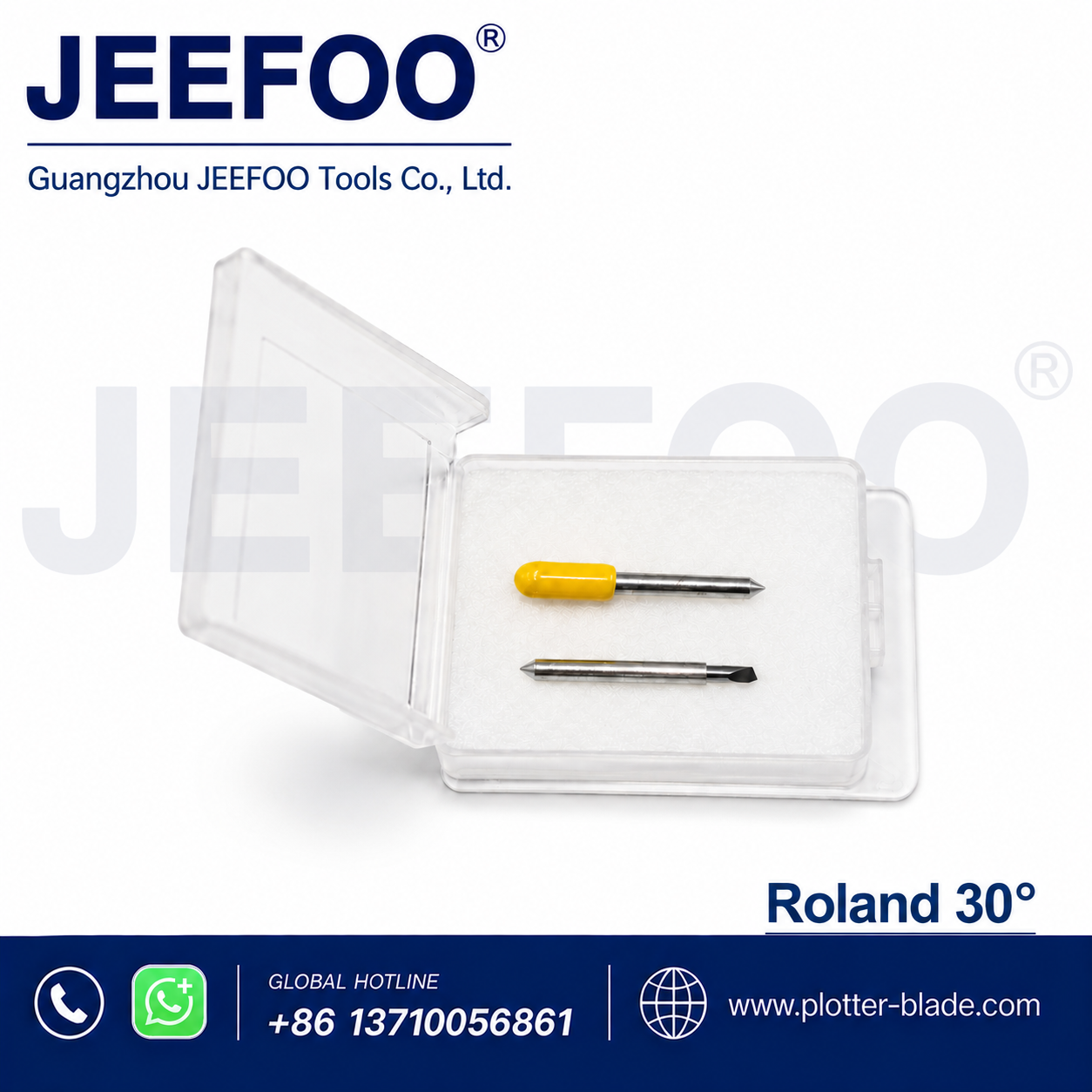
A Roland engraving knife is a precision blade fitted to a compatible Roland-style holder or cutting plotter. Its sharp carbide edge follows vector paths to cut letters, logos, labels, stencils, and detailed graphics. The correct blade geometry helps the machine produce accurate corners while limiting drag and material damage.
9 advantages of a Roland engraving knife
- Clean detail: a fine point cuts small text and intricate curves with less tearing.
- Accurate corners: correct offset compensation improves sharp angles and closed shapes.
- Consistent depth: controlled blade exposure protects the liner while separating the face material.
- Fast production: low cutting resistance supports efficient plotter speeds after calibration.
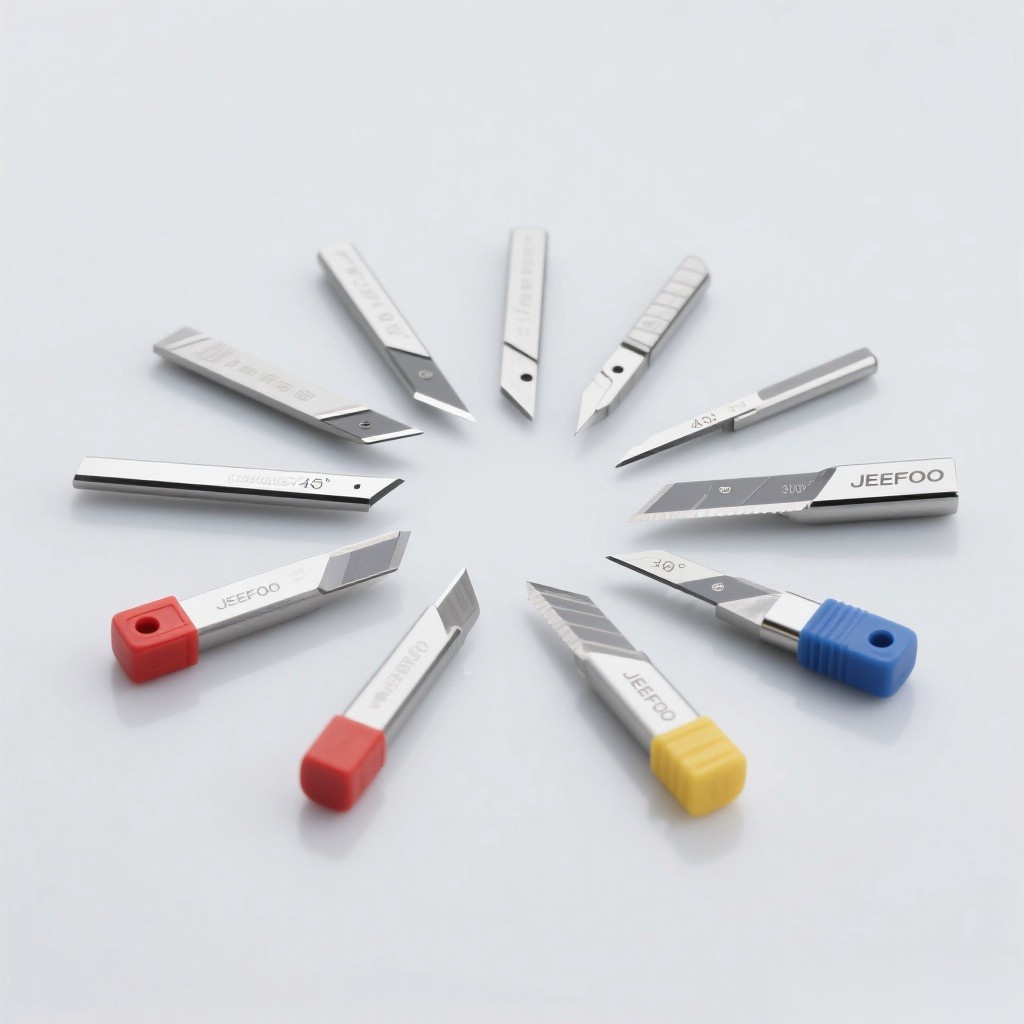
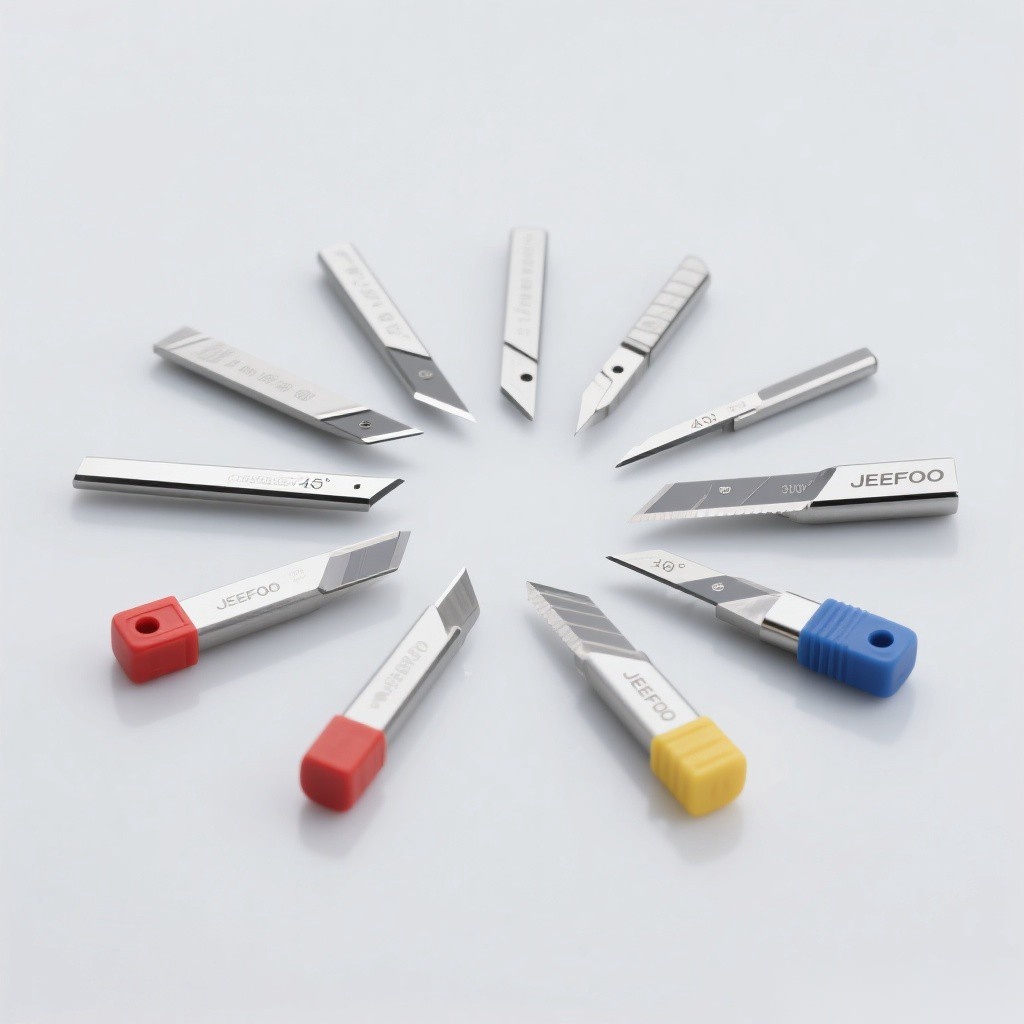
- Wide material range: different blade angles cover standard vinyl, thick film, reflective media, paper, and masking film.
- Reduced waste: repeatable settings make test cuts easier and lower rejected-sheet costs.
- Easy replacement: compatible blade and holder formats simplify routine maintenance.
- Long service life: quality carbide resists wear when used on clean, suitable media.
- Reliable weeding: complete, controlled cuts make letters and fine graphics easier to remove.
Choose the correct blade angle
Use a lower-angle blade for ordinary thin vinyl and a steeper blade for thicker, harder, or more abrasive media. A 30° blade favors thin films and fine detail, 45° is a versatile general-purpose choice, and 60° is commonly selected for thick or reflective materials. Confirm compatibility with the holder and machine before installation.
Set blade exposure, pressure, and speed
- Extend only enough blade to cut the face material; excessive exposure damages liners and increases corner lift.
- Begin with low pressure and increase it gradually after a small test cut.
- Use moderate speed for tiny letters, tight curves, or thick film.
- Check that the blade rotates freely and that the holder is clean.
- Recalibrate offset whenever blade angle, holder, or material changes.
How offset affects cutting accuracy
Blade offset is the distance between the blade tip and its rotation center. Too little offset rounds external corners; too much creates hooks or overcut marks. Run the plotter’s square-and-triangle test, inspect corners and weeding, then adjust offset in small steps until shapes close cleanly.
Troubleshooting common cutting problems
- Incomplete cuts: inspect for a dull tip, debris, low force, or inadequate exposure.
- Cut liner: reduce exposure first, then reduce force.
- Lifted corners: lower speed, verify offset, and confirm the blade rotates freely.
- Jagged curves: inspect the blade tip, holder bearing, pinch rollers, and vector file.
- Uneven depth: keep the media flat and check the cutting strip for wear.
Maintenance and safety checklist
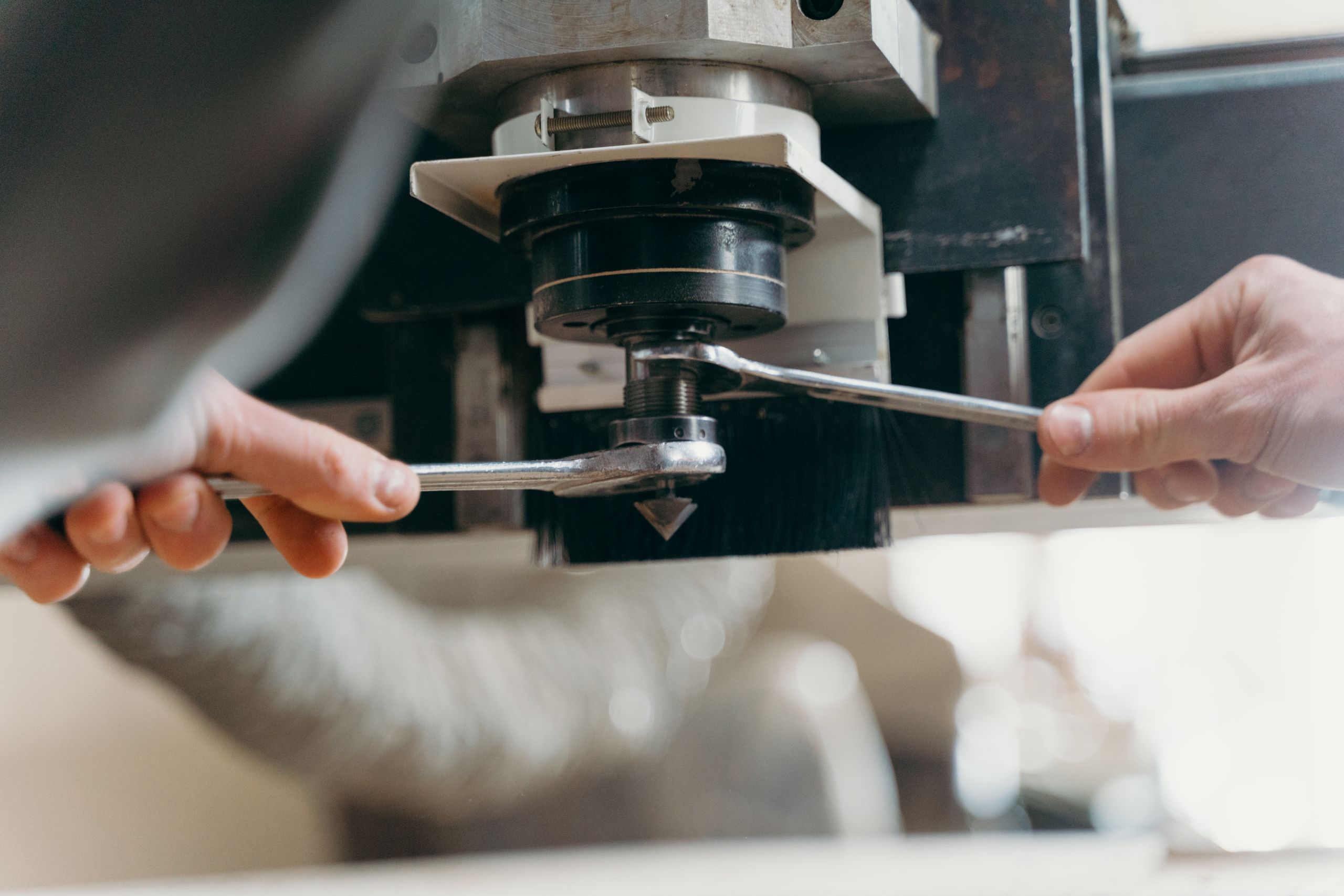
Remove adhesive buildup with a safe cleaning method, keep spare blades capped, and replace chipped or worn tips. Never touch the cutting edge. Power down the plotter before changing a blade and follow the machine manufacturer’s instructions. For general machine-safety principles, consult the OSHA machine guarding guidance. You can also review JeeFoo plotter blade solutions for compatible cutting-tool options.
Roland Engraving Knife Guide setup checklist
For repeatable results, record the blade angle, offset, exposure, force, speed, material name, and successful test-cut result. This simple record shortens future setup and supports consistent production across operators and batches.
Frequently asked questions
Which Roland engraving knife angle is best for vinyl?
A 45° blade is the common general-purpose starting point. Use a finer 30° option for thin film and detailed graphics, or a 60° blade for thicker and more demanding materials.
Why does the knife cut through the backing liner?
Excessive blade exposure is the most common cause. Retract the blade until only the face material is cut, then fine-tune pressure with test cuts.
When should a Roland engraving knife be replaced?
Replace it when cleaning and calibration no longer restore clean cuts, pressure must be increased unusually, or the tip is visibly chipped or rounded.

发表回复
要发表评论,您必须先登录。