
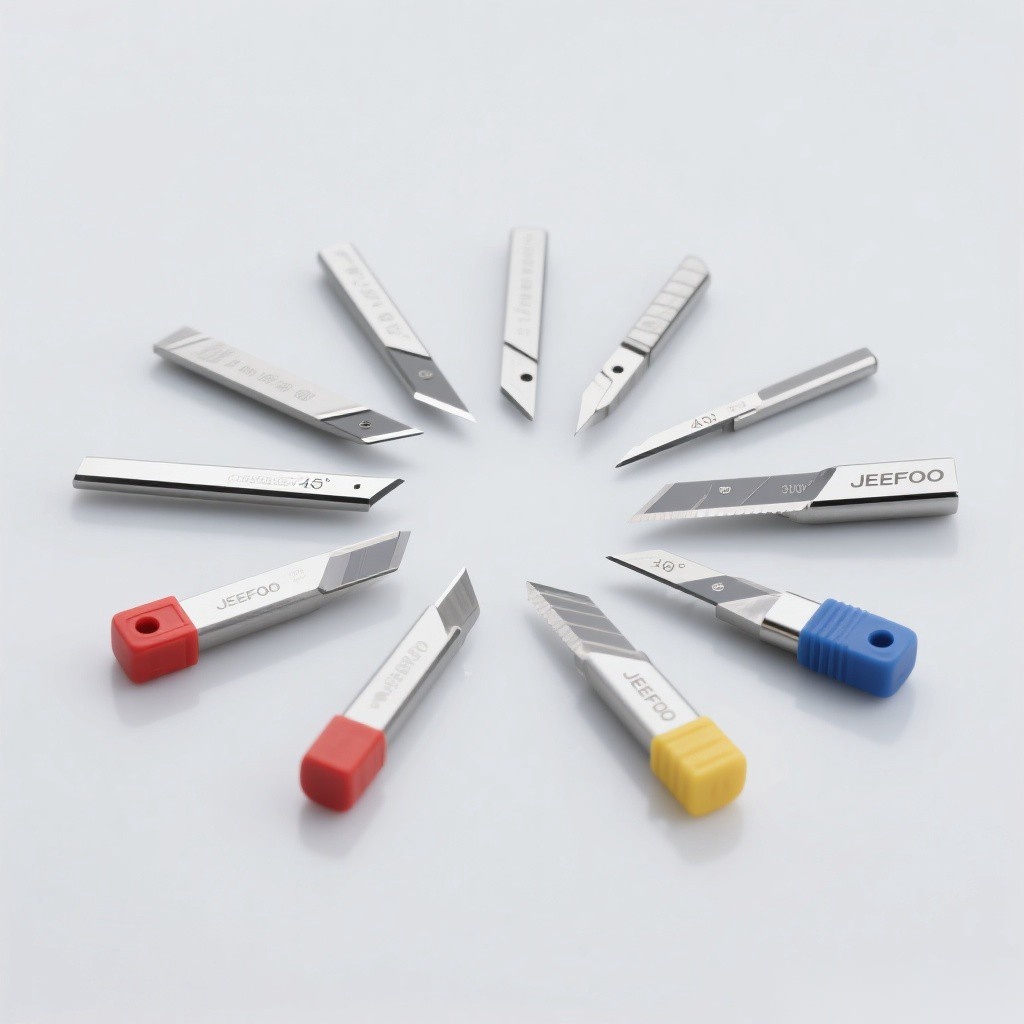
Big Picture King Plotter Blade Guide: a Big Picture King carving knife is a precision swivel blade associated with large-format vinyl cutting and lettering equipment. Because the name may identify a machine or compatible product family rather than one universal blade standard, users must confirm shaft size, holder fit, tip angle, offset, and exact cutter model before installation.
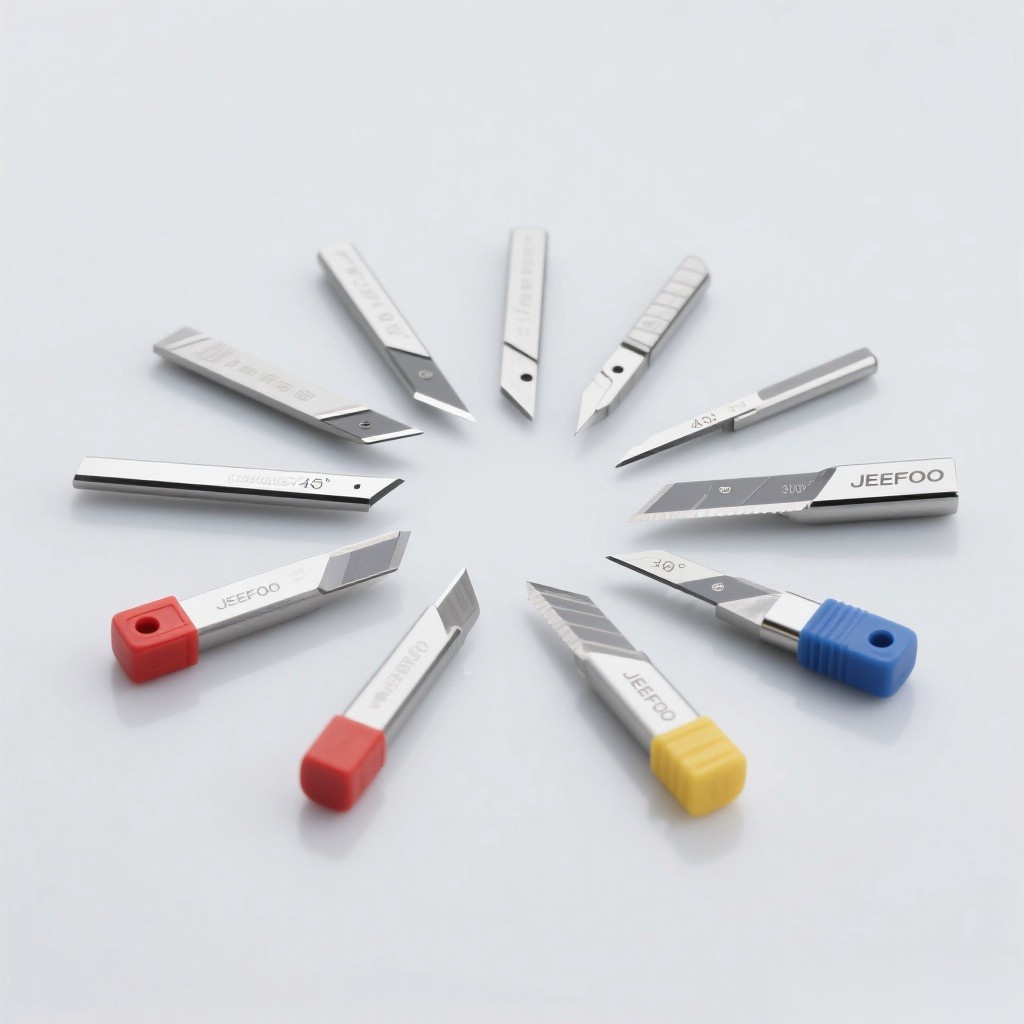
Table of Contents
Big Picture King Plotter Blade Guide: Quick Answer
Use only a blade confirmed for the machine and holder. Match the angle to media thickness, expose the minimum tip, start with low force, enter the stated offset, and run a test cut. For long graphics, also check pinch-roller placement, media alignment, tracking, roll tension, and clean grit rollers before production.
Confirm Compatibility Before Buying
Compare shaft diameter, shaft length, retaining groove, cutting direction, nominal offset, tip angle, holder type, and approved models. A blade that fits loosely or positions its tip incorrectly can damage media and produce inaccurate corners. Request a dimensioned drawing or supplier confirmation when the part number is unknown.
Typical Materials
- Sign vinyl and heat-transfer vinyl approved by the cutter maker.
- Masking film, labels, window film, and adhesive sheets.
- Paper, card, and thin synthetic media within machine limits.
- Large decals, banners with cut film, stencils, and vehicle graphics.
- Reflective or laminated media with a suitable blade angle.
- Long-format lettering where tracking accuracy matters.
Thick sandblast mask, magnetic sheet, fabric, and composites may require a specialized blade, holder, tangential tool, or different machine. Do not assume the standard knife can safely cut them.
Blade Angle Selection
A lower-angle blade is commonly used for thin, standard vinyl and small details. A steeper angle can reach through thicker, laminated, or dense media, but it may increase drag and tip sensitivity. Angle alone does not determine performance; offset, extension, holder rotation, adhesive, liner, and edge condition are equally important.
8 Setup Checks
- Model: verify machine, holder, and blade compatibility.
- Angle: match media thickness, hardness, and detail size.
- Extension: expose only enough tip to cut the face.
- Force: begin low and increase through test cuts.
- Offset: enter the blade’s nominal value and tune slightly.
- Speed: reduce for small lettering and difficult corners.
- Tracking: align media and place pinch rollers correctly.
- Condition: reject chipped, bent, dirty, or dull blades.
Blade Extension and Force
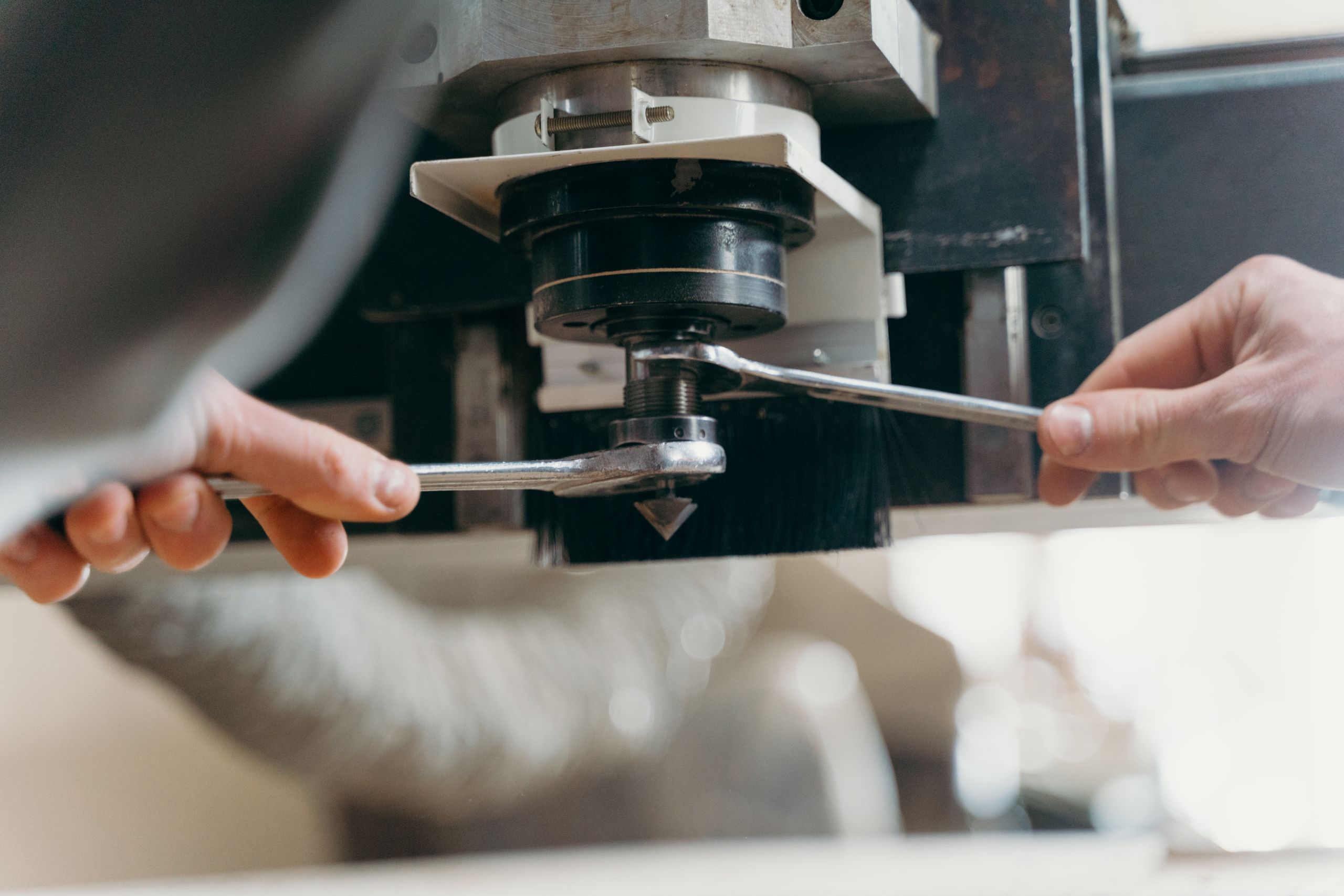
Excess extension increases drag, liner damage, lifting, corner distortion, and tip breakage. Adjust the holder so the exposed tip barely cuts the face layer when moved gently across a scrap sample. Install the holder, start with conservative force, and increase only until the face weeds cleanly while the backing remains largely intact.
Offset and Corner Quality
The Big Picture King Plotter Blade Guide includes offset because the swivel tip trails its rotation center. Too little offset rounds corners and may leave paths open; too much creates hooks or overshoot. Use the supplier’s value as the starting point, then adjust in small steps after extension and force are correct.
Long-Format Tracking Checklist
- Square the media to the cutter before clamping.
- Place pinch rollers only in approved grit-roller zones.
- Clean grit rollers and remove adhesive or paper dust.
- Pre-feed the planned length and watch for sideways drift.
- Support heavy rolls so tension remains low and consistent.
- Keep media edges flat and free from curl or damage.
- Reduce acceleration for long or highly detailed jobs.
- Use paneling or registration workflows when appropriate.
Test-Cut Procedure
Load the actual media, set minimal extension, low force, moderate speed, and the specified offset. Run the built-in test or a small square and triangle. Weed the face and inspect corner closure, liner marking, tearing, and lifting. Change only one setting in a small increment, retest, and save the validated preset with the media name and batch.
Troubleshooting
Rounded corners can indicate low offset, high speed, or a sticking holder. Hooked corners may indicate excess offset or extension. Deep liner cuts come from excess force or tip exposure. Long-job drift often comes from poor alignment, roller placement, roll tension, or dirty grit rollers. Tearing can indicate a damaged blade or unsuitable angle.
Cleaning and Replacement
Power off the cutter before handling the knife. Remove adhesive with a blade-safe method, clean the holder bore, and confirm free swivel movement. Store blades in labeled protective tubes. Replace the knife when the tip is chipped or bent, force must rise abnormally, corners become inconsistent, or weeding remains poor after correct settings and media handling.
Safety and Authoritative Resources
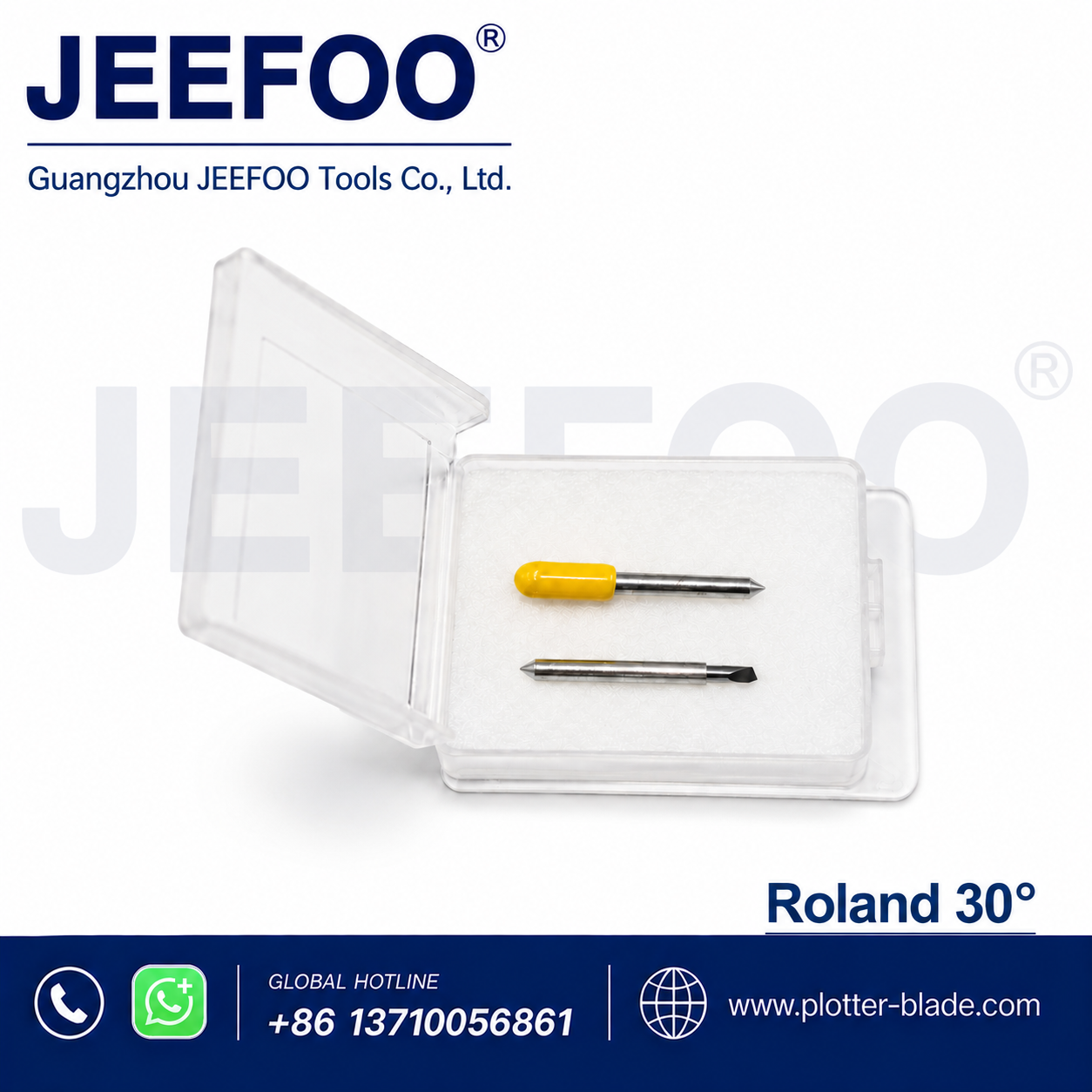
Plotter knives can cause puncture injuries. Use a removal tool or protective cap, keep fingers away from the tip, and dispose of damaged blades in a sharps container. Follow the cutter manufacturer’s manual. For general safety context, see the OSHA machine guarding resource. For compatible blade options, visit JeeFoo Tools.
Frequently Asked Questions
Are all Big Picture King blades interchangeable?
No. Verify the exact machine, holder, shaft, angle, and offset. Similar-looking blades can have incompatible dimensions.
How much blade should protrude?
Only enough to penetrate the face material. It should not protrude by the combined thickness of the media and liner.
Why does a long graphic drift sideways?
Check initial alignment, pinch-roller zones, grit-roller cleanliness, roll tension, edge curl, and whether the planned length was pre-fed successfully.
Can one preset cut every vinyl?
No. Thickness, liner, adhesive, temperature, age, and batch vary. Test important media and save separate presets.

发表回复
要发表评论,您必须先登录。