
3DV Blade Material Cutting Guide: “3DV blade” is a supplier or product-family term commonly associated with precision carving and V-groove cutting tools for detailed 2D/3D work. Because geometry can vary by manufacturer, users should verify the included angle, tip width, cutting length, shank size, substrate, and approved materials before machining.
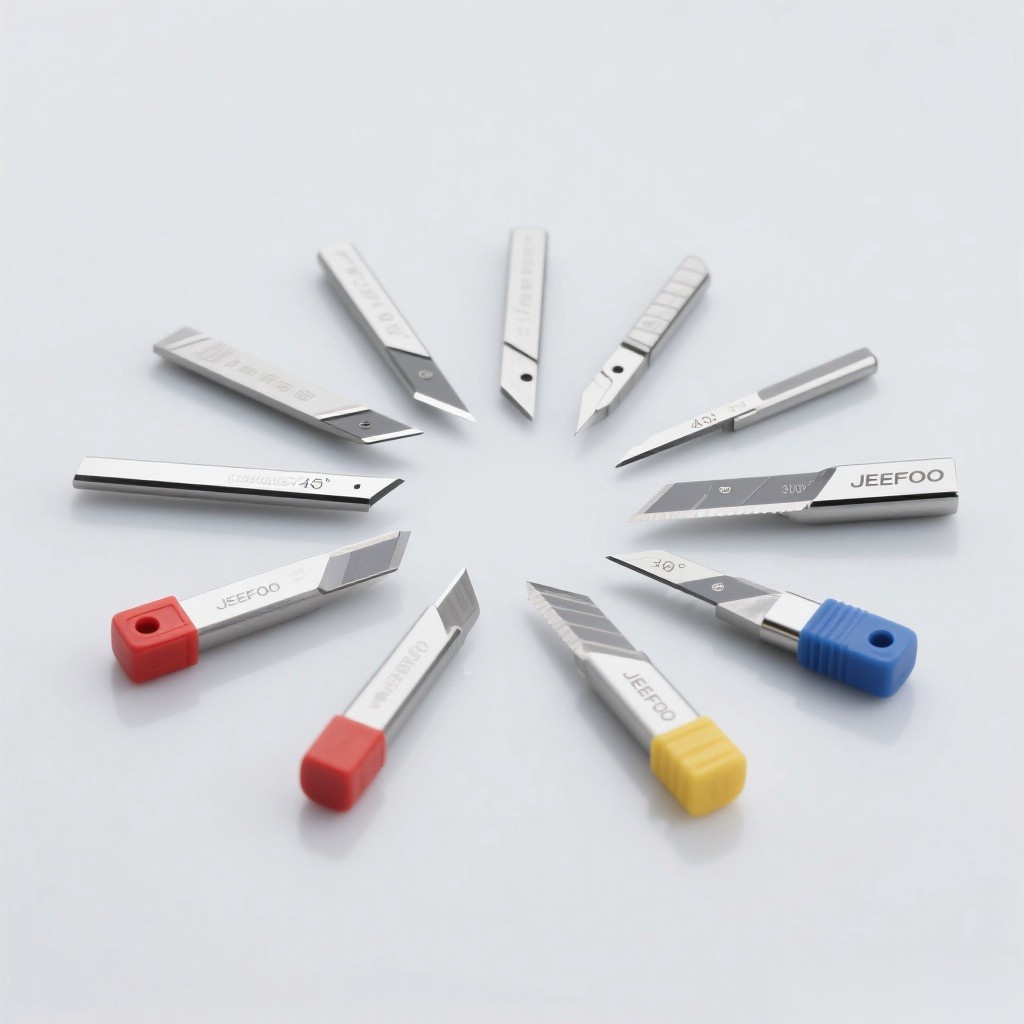
3DV Blade Material Cutting Guide: Quick Answer
A 3DV blade can be useful for lettering, chamfers, V-grooves, decorative reliefs, fine outlines, and tapered details when its geometry matches the job. Select the smallest practical tip, a suitable included angle, and enough cutting length without excessive overhang. Confirm feeds, speeds, depth, and material compatibility from the tool supplier, then validate them with a short test cut.
What Does “3DV Blade” Mean?
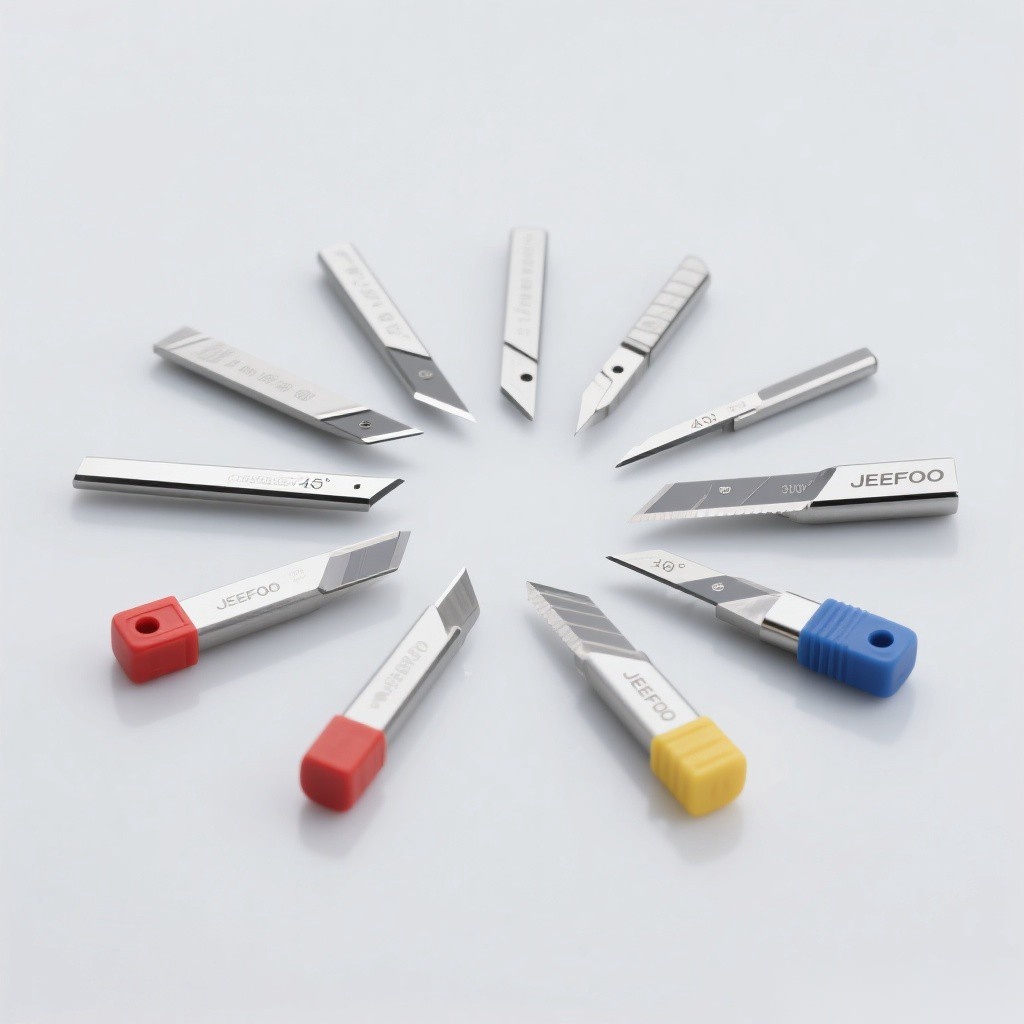
The name is not a universal ISO geometry designation. Some sellers use it for pointed V cutters, tapered engraving cutters, or three-dimensional carving tools. Therefore, purchasing by name alone is risky. The drawing and specification sheet should identify the tip form, angle, edge count, cutting diameter, cutting length, shank, overall length, rotation direction, and recommended workpiece range.
Typical Applications
- V-carved letters, logos, sign details, and decorative lines.
- Chamfers and countersink-style edge features when geometry permits.
- Fine 3D relief details after roughing with a larger cutter.
- Narrow tapered channels and sharp-looking internal features.
- Wood, plastics, foam, resin, and selected non-ferrous materials approved by the supplier.
- Prototype, craft, advertising, and model-making operations.
Material Compatibility
Wood and MDF require sharp edges and effective dust extraction. Acrylic and plastics need chip-forming parameters that prevent melting. Foam and resin benefit from clean evacuation and low cutting force. Aluminum requires a tool explicitly designed for non-ferrous metal, sufficient rigidity, suitable lubrication or air, and conservative engagement. Do not use a general carving blade on steel or composites unless the manufacturer approves it.
8 Specifications to Check
- Included angle: controls groove width and side-wall slope.
- Tip width or radius: determines the smallest achievable detail.
- Cutting diameter: affects strength, clearance, and material removal.
- Cutting length: must reach the feature without unnecessary flex.
- Shank diameter: must fit the collet exactly.
- Edge count and rake: influence chip space, feed, and material behavior.
- Substrate and coating: must suit abrasion, heat, and adhesion conditions.
- Overall length: must clear fixtures while keeping stick-out minimal.
How Angle Changes the Result
A narrower included angle reaches tight features and creates steep walls, but the tip may be more delicate. A wider angle produces a broader groove at the same depth and generally offers more support near the tip. In V-carving, software varies depth to control line width, so the programmed angle must match the actual cutter angle or lettering dimensions will be wrong.
Speed, Feed, and Cutting Strategy
The 3DV Blade Material Cutting Guide does not replace supplier data. Start with the recommended surface speed and chip load for the exact cutter and material. Use shallow passes for delicate tips, ramp into the work when possible, and avoid dwelling. Ensure each edge takes a real chip instead of rubbing. Adjust one variable at a time after inspecting chips, sound, spindle load, and finish.
Setup Checklist
- Confirm the drawing and approved material list.
- Inspect the tip and cutting edge under good lighting.
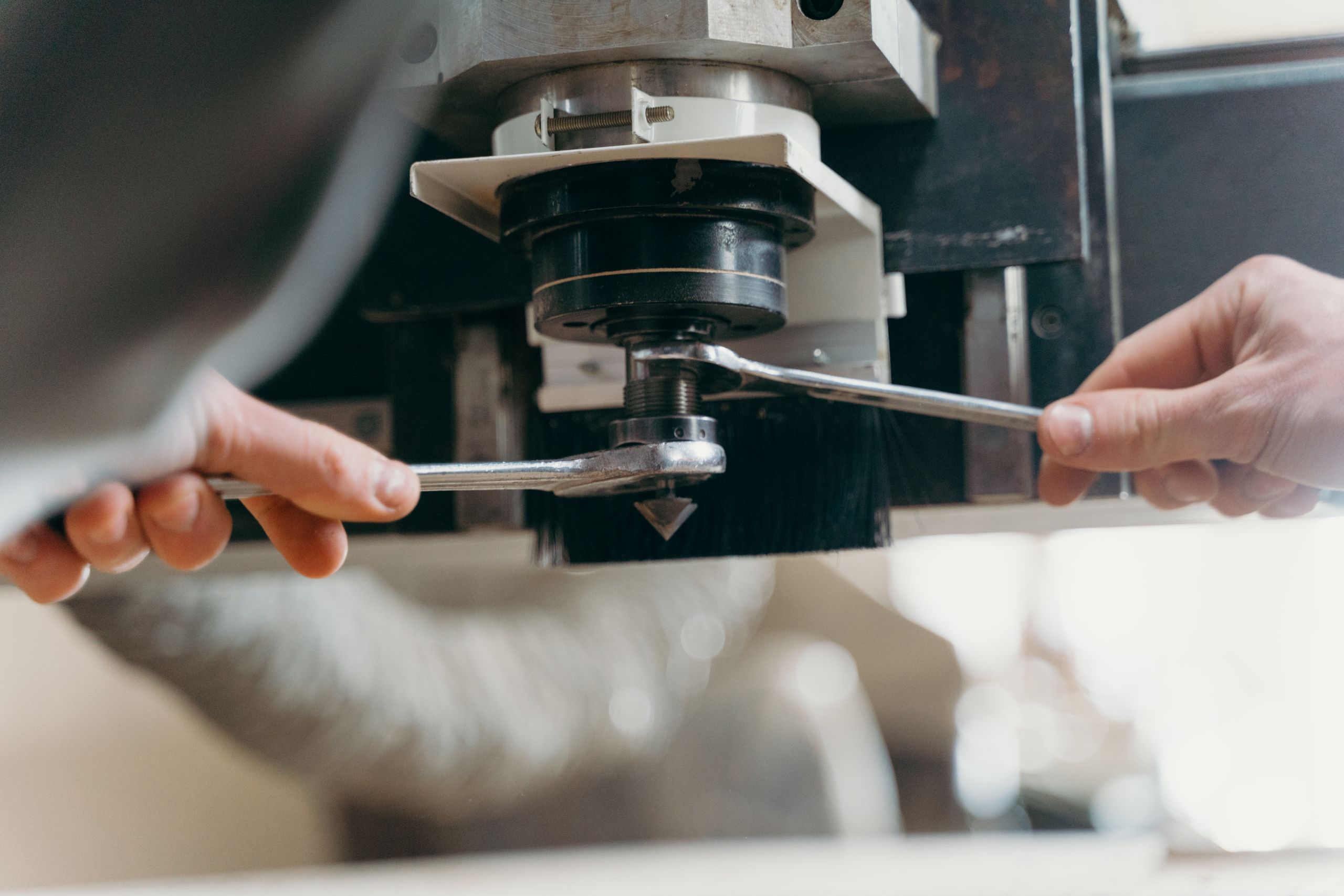
- Clean the collet, nut, shank, and spindle taper.
- Clamp sufficient shank without gripping the cutting section.
- Minimize overhang and measure runout.
- Verify tool angle, diameter, offsets, rotation, and toolpath simulation.
- Secure the workpiece and activate suitable chip or dust extraction.
- Run a short test cut before full production.
Common Problems and Fixes
Broken tips often result from aggressive depth, impact, runout, or unsuitable material. Wrong groove width can come from a mismatch between programmed and actual angle. Burning suggests rubbing, a dull edge, poor evacuation, or low feed. Melting plastic indicates excessive heat or recutting. Chatter can be reduced by shortening stick-out, improving workholding, and adjusting engagement or speed.
Maintenance and Replacement
Clean residue with a tool-safe method, dry the cutter, and protect the fine tip in an individual holder. Check the tip, cutting edges, shank, and coating before every reuse. Replace the blade when it is chipped, cracked, bent, badly worn, or unable to produce an acceptable finish after process settings are corrected.
Safety and Reliable References
Use guards, eye and hearing protection, secure workholding, and dust or chip control appropriate to the material. Never touch a rotating tool or clear chips by hand. The OSHA machine guarding resource provides general safety context. For tool options and application support, visit JeeFoo Tools.
Frequently Asked Questions
Is every 3DV blade the same shape?
No. The term can cover different pointed, tapered, or V-shaped tools. Compare the technical drawing and dimensions rather than relying only on the product name.
Which angle is best for lettering?
It depends on letter size, desired line width, material thickness, and required depth. Narrow angles suit fine details; wider angles produce broader grooves and can be stronger.
Can a 3DV blade cut aluminum?
Only if the exact blade is rated for aluminum and the machine, chip evacuation, lubrication, feeds, and speeds are suitable. A wood-only engraving cutter should not be assumed safe for metal.
Why does the carved width differ from the design?
The CAM angle, zero height, actual tip width, runout, or material surface may be incorrect. Measure the cutter and test the programmed V-carve on scrap material.

发表回复
要发表评论,您必须先登录。