
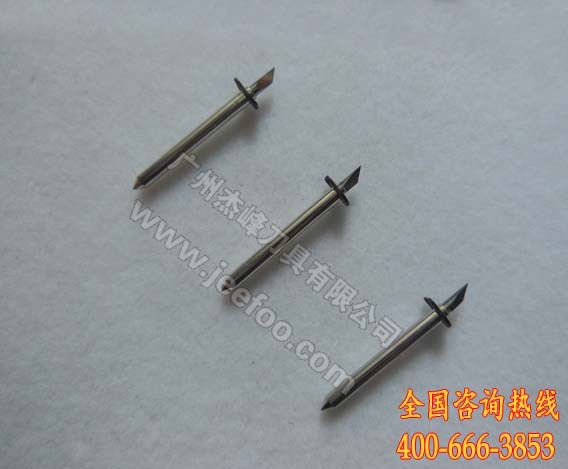
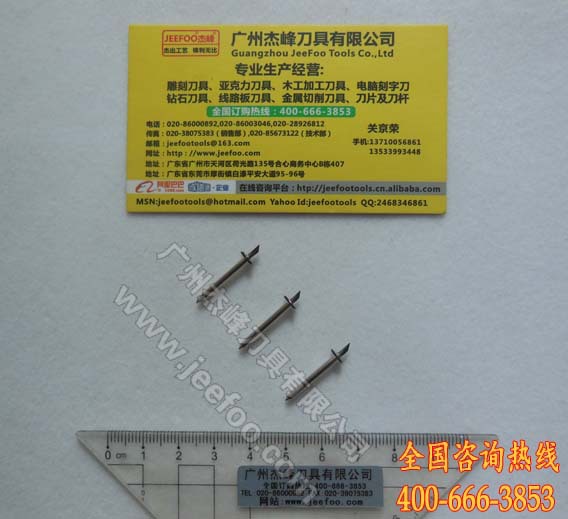
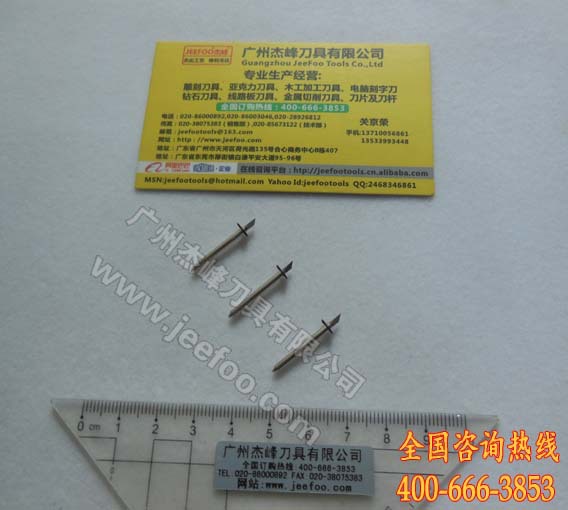
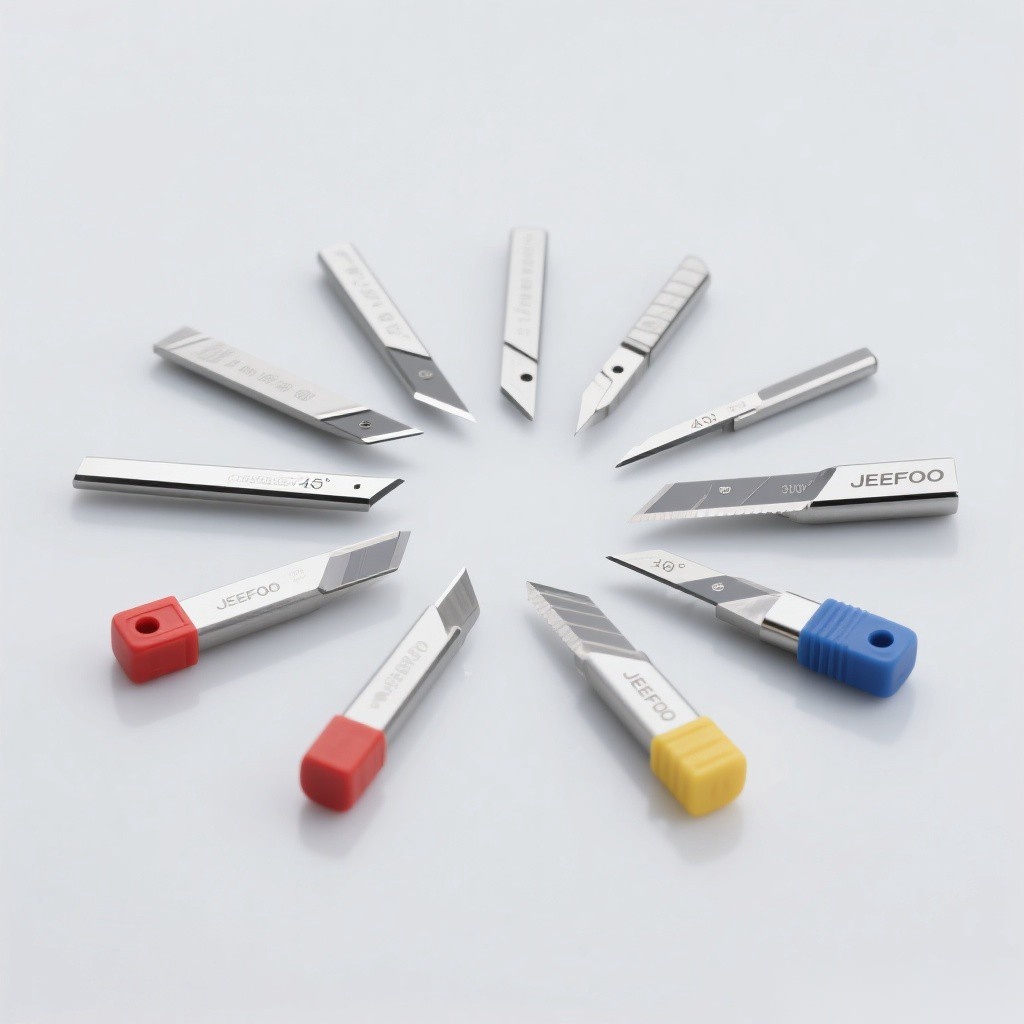
– Cutting media up to 0.25mm thick – Diameter: 2mm (0.08″)/Length: 23mm (0.91″) – Available in 30, 45 and 60 degree, 0.25mm offset – material: 89-90%Wc/10-11%Co – hardens: 91, 5HRA Rockwell – breaking strength:4000-4200N/mm2
– 5pcs per box.
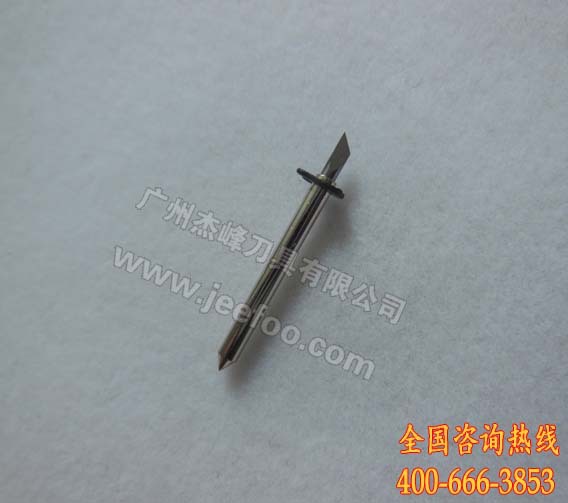
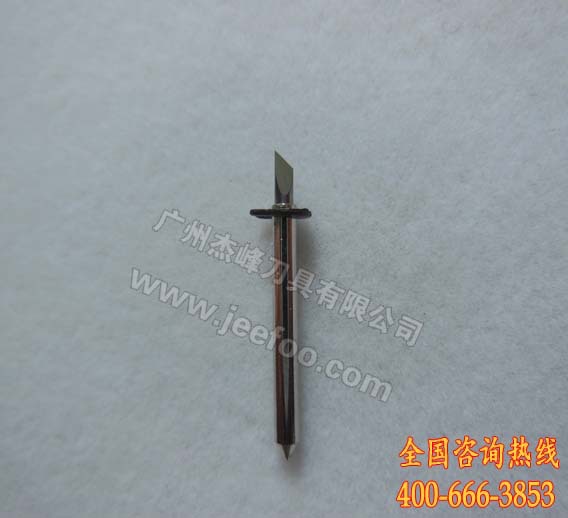

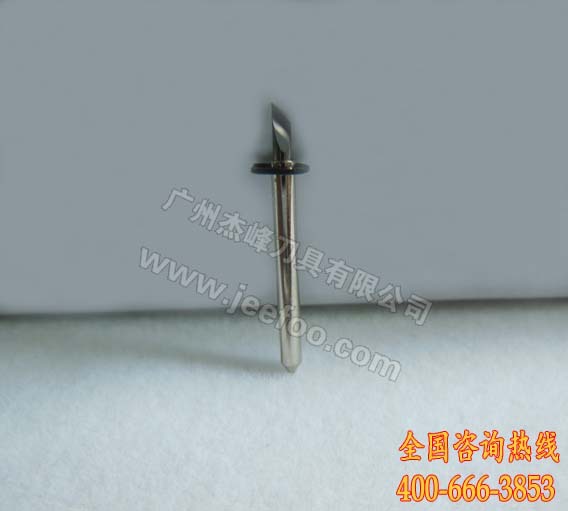
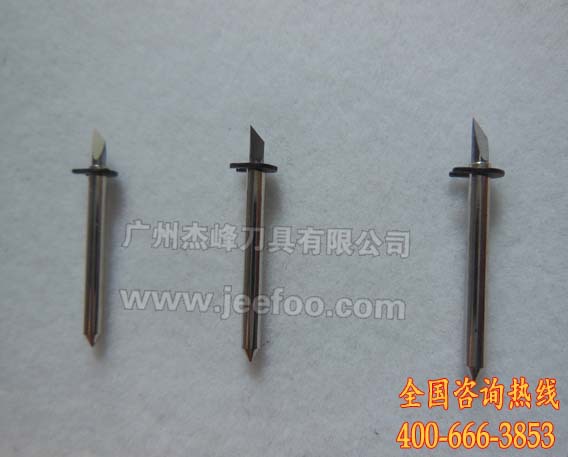

How to Select a Roland Plotter Cutting Blade
A Roland plotter cutting blade should be selected by matching the machine, holder, media thickness, and artwork detail. This product listing specifies a 2 mm diameter, 23 mm length, 0.25 mm offset, and 30°, 45°, or 60° blade options. Confirm every dimension against the existing holder and the cutter documentation before ordering or installing a replacement.
1. Verify machine and holder compatibility
Record the exact plotter model and compare the original blade shaft, overall length, tip geometry, and offset. Similar-looking blades are not automatically interchangeable. The blade should seat fully, rotate freely, and remain stable in the carriage. If any dimension is uncertain, share photographs and measurements with the supplier before purchasing.
2. Choose the blade angle for the material
The available 30°, 45°, and 60° options serve different cutting situations. A lower angle is commonly considered for fine details and thinner films, while a higher angle may be evaluated for thicker or more demanding media. Actual suitability depends on the holder, plotter settings, adhesive film, laminate, and design size, so use a controlled test rather than relying on angle alone.
3. Begin with minimal blade exposure
Install the Roland plotter cutting blade with only enough tip exposed to cut the face material. Too much exposure can score the liner, increase drag, and distort corners. Start with conservative force and speed, run a small square or lettering test, and change one setting at a time until the vinyl weeds cleanly without deep backing marks.
4. Check offset and corner quality
The listed offset is 0.25 mm, but the value entered in the cutter should follow the machine and blade instructions. If paths do not close or corners show hooks, inspect blade rotation, holder cleanliness, exposure, force, speed, and offset. Make small adjustments and repeat the same test file so that results remain comparable.
5. Match settings to the production job
Use the Roland plotter cutting blade only with media approved for the equipment. Sign vinyl, label film, masking material, and other sheets can require different settings even when their thickness appears similar. Test again whenever the material batch, laminate, design scale, holder, or environmental conditions change.
6. Inspect and maintain the cutting system
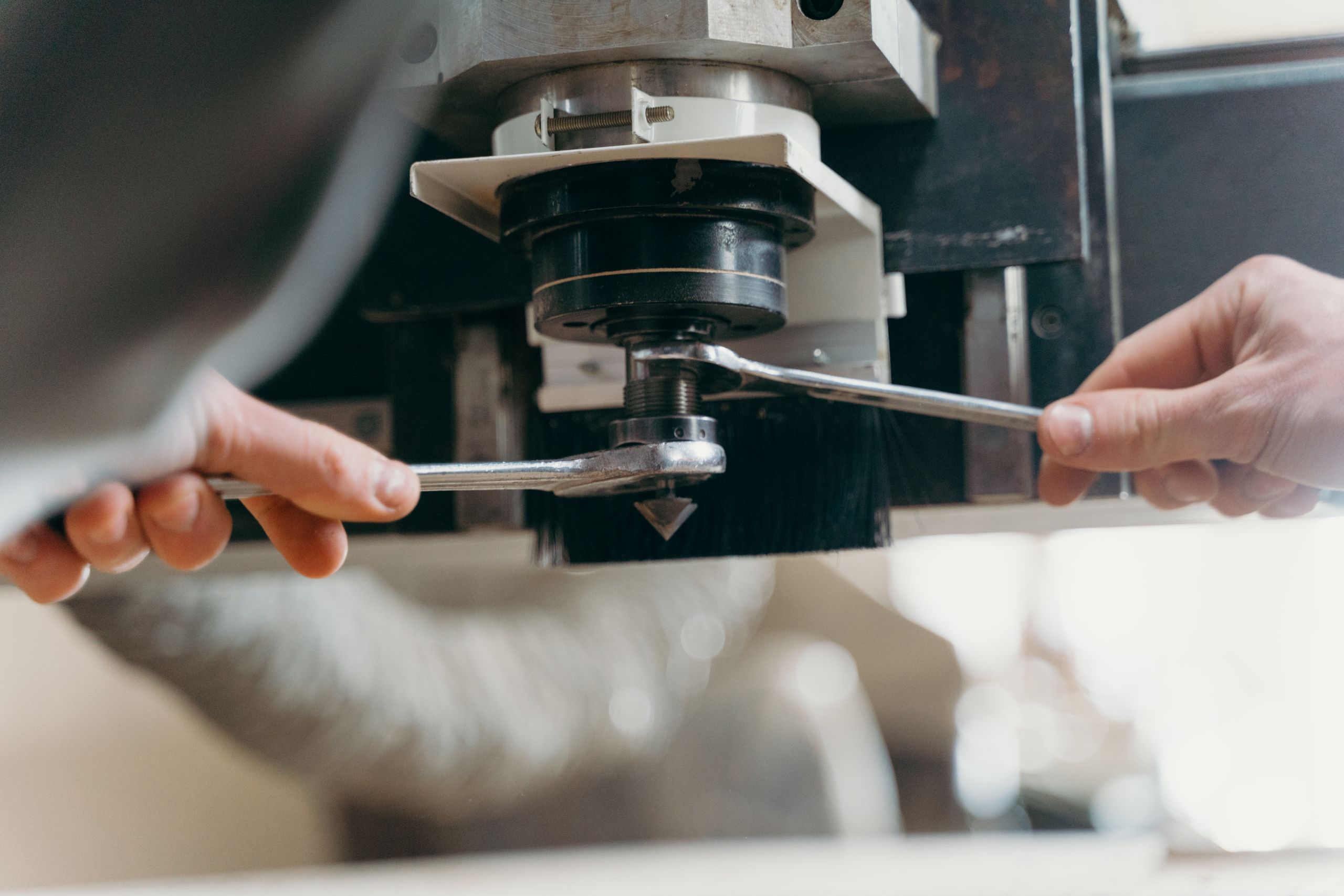
Remove adhesive residue and dust with a soft brush or dry air, and confirm that the blade swivels without restriction. Replace a chipped or worn blade instead of compensating indefinitely with more force. Power down the plotter before servicing the holder and follow relevant machine-guarding guidance together with the equipment manufacturer’s safety instructions.
7. Provide complete information when ordering
For a useful recommendation, provide the machine model, holder type, blade dimensions, preferred angle, material, typical character size, and required cutting depth. JEEFOO in Guangzhou, China supports buyers comparing a Roland plotter cutting blade and related cutting tools for signage, labels, decals, and film-processing workflows.
Before volume use, approve a sample and document the successful blade angle, exposure, force, speed, and offset. A repeatable setup process helps operators evaluate cut quality, weeding performance, and compatibility while reducing unnecessary changes during production.

发表回复
要发表评论,您必须先登录。