

How to Evaluate a Summa Cutting Plotter Holder
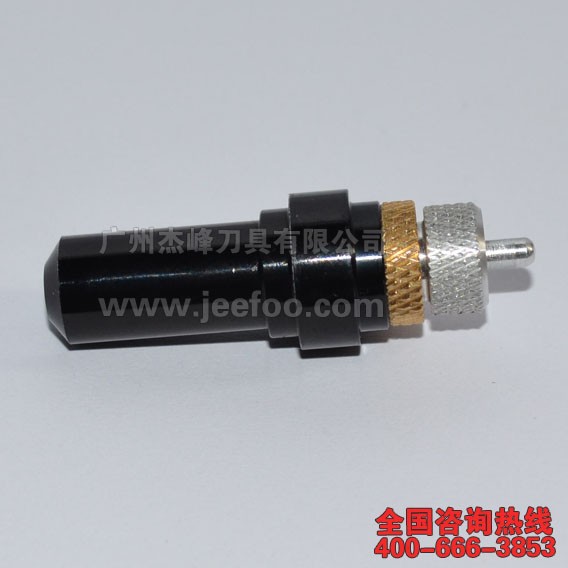
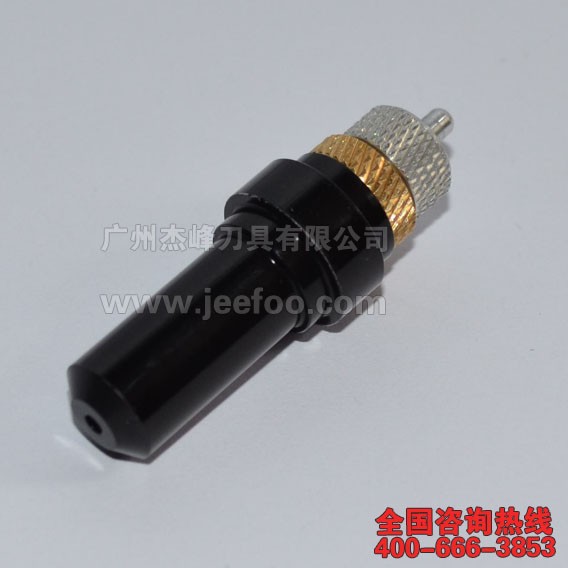
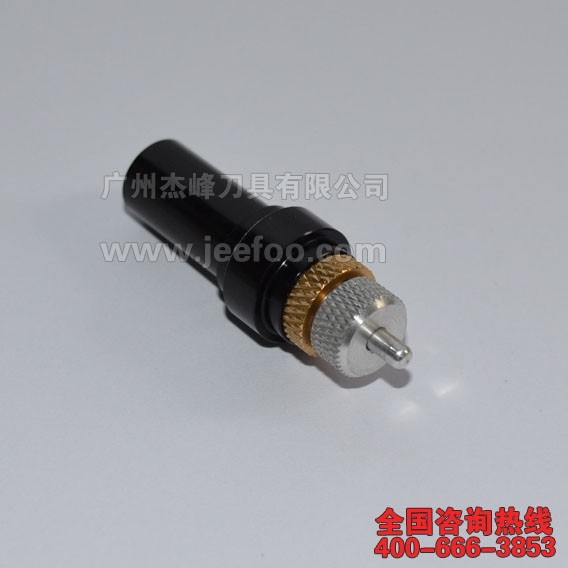
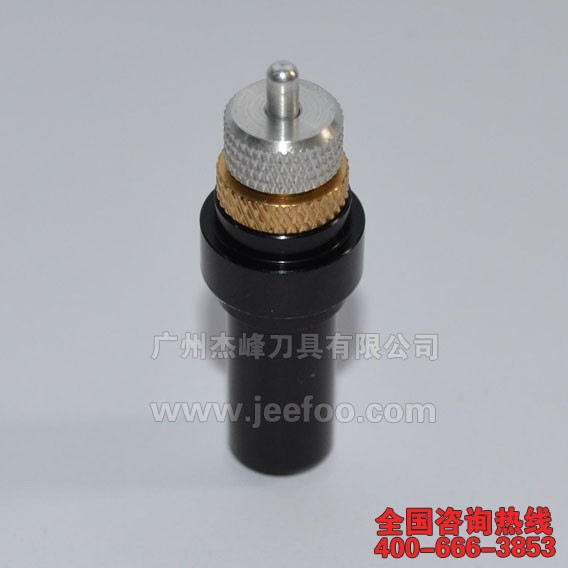
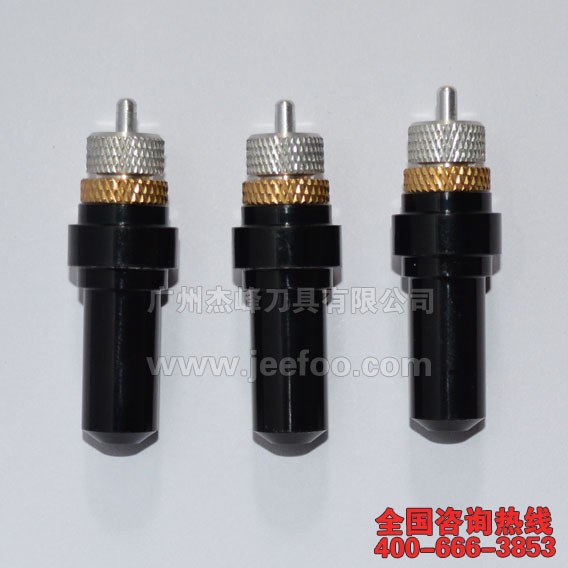
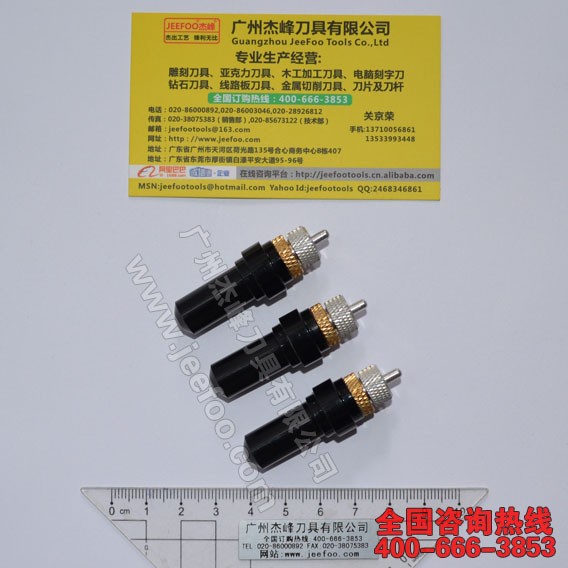
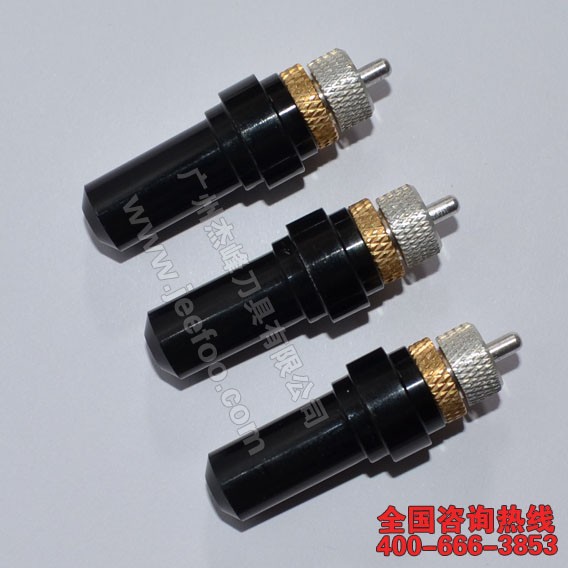
A Summa cutting plotter holder keeps a compatible swivel blade aligned in the carriage and provides controlled vertical adjustment. This listing specifies an aluminum body measuring about 52 mm long by 16 mm in diameter, with neodymium magnets, double bearings, blade-setting assistance, and one holder per package. Verify these details against the original part before ordering.
1. Confirm the exact plotter model
Read the machine label and record the full model designation. Similar Summa machines may use different carriage dimensions, clamps, blades, or adjustment methods. Compare the proposed replacement with the installed holder and consult the cutter documentation. Do not force a holder into a carriage when the diameter, flange, or seating depth does not match.
2. Measure the original holder
Use suitable measuring tools to compare overall length, body diameter, shoulder position, blade opening, and the area gripped by the carriage. The stated size is a useful reference, but the original tool remains the practical compatibility benchmark. Photographs beside a ruler can also help a supplier identify visible differences before shipment.
3. Check blade fit and free rotation
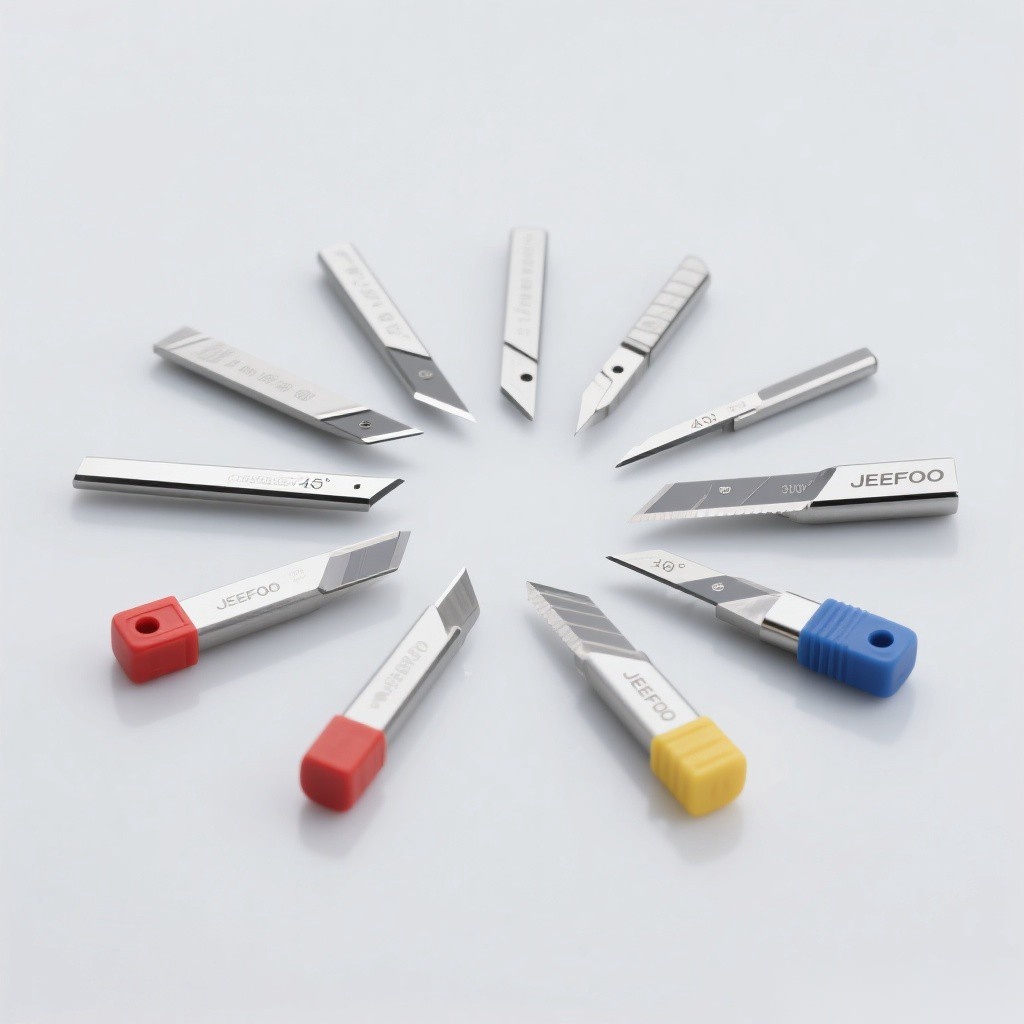
The blade should seat correctly in the Summa cutting plotter holder and swivel without binding. Confirm the shaft diameter and blade specification before installation. Dust, adhesive residue, or a damaged tip can restrict rotation and create hooks, incomplete corners, or uneven weeding, so inspect the blade and holder together rather than changing software settings first.
4. Set minimal blade exposure
Expose only enough blade to cut the face material. Excess exposure can score the liner, increase drag, and reduce corner accuracy. After installing the Summa cutting plotter holder, begin with conservative force and speed. Run a small square, circle, and lettering test, then change one setting at a time and inspect the backing after each cut.
5. Evaluate adjustment and bearing movement
Turn the vertical adjustment gradually and confirm that it moves smoothly without slipping. The listed double-bearing design should be assessed for clean rotation and stable blade positioning. If settings drift during a test or the body shows play in the carriage, stop and recheck seating, clamp pressure, dimensions, and component condition before production.
6. Match settings to the media
Vinyl, label stock, masking film, heat-transfer material, and other approved media can require different blade angles, force, speed, and offset. Test the Summa cutting plotter holder whenever the material, laminate, design scale, or blade changes. Small text usually benefits from careful exposure and slower test speeds, while larger graphics still require consistent depth across the cutting width.
7. Prepare complete purchasing information
Provide the plotter model, original holder measurements, blade shaft size, media, typical character dimensions, and production requirements. JEEFOO in Guangzhou, China supports buyers comparing a Summa cutting plotter holder and related cutting tools. Complete application details make compatibility discussions clearer and reduce avoidable ordering errors.
Installation and Maintenance Checklist
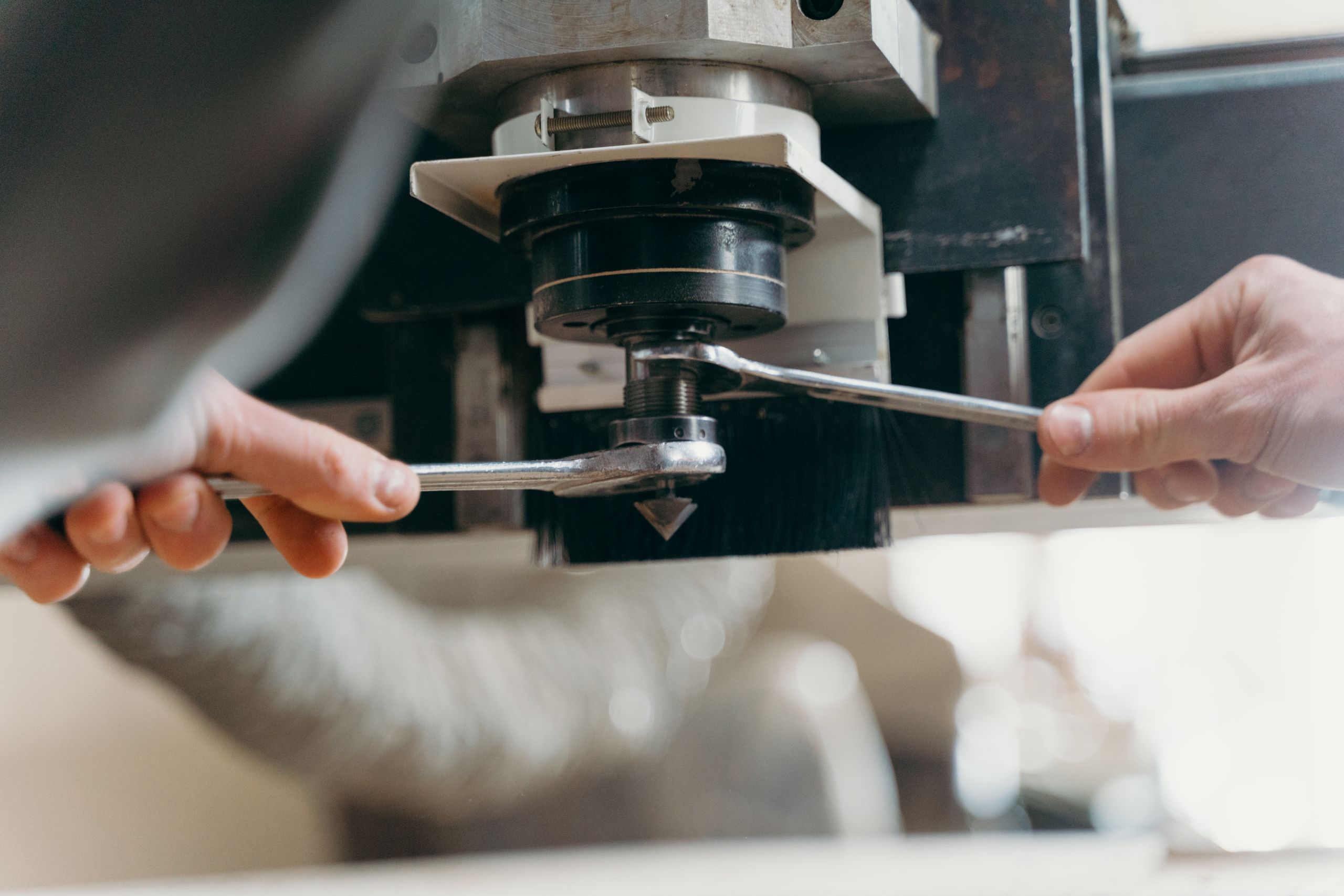
Power down the plotter before servicing the carriage. Seat the holder vertically, secure the clamp without excessive force, and confirm free blade rotation. Keep the opening clean with a soft brush or dry air, store blades in protective containers, and follow relevant machine-guarding guidance together with the equipment manufacturer’s instructions.
Document the successful blade, exposure, force, speed, offset, and media batch after testing. Replace a bent body, slipping adjustment mechanism, damaged bearing, or worn blade instead of compensating indefinitely with more force. A consistent inspection routine helps the Summa cutting plotter holder support repeatable vinyl-cutting work.

发表回复
要发表评论,您必须先登录。