
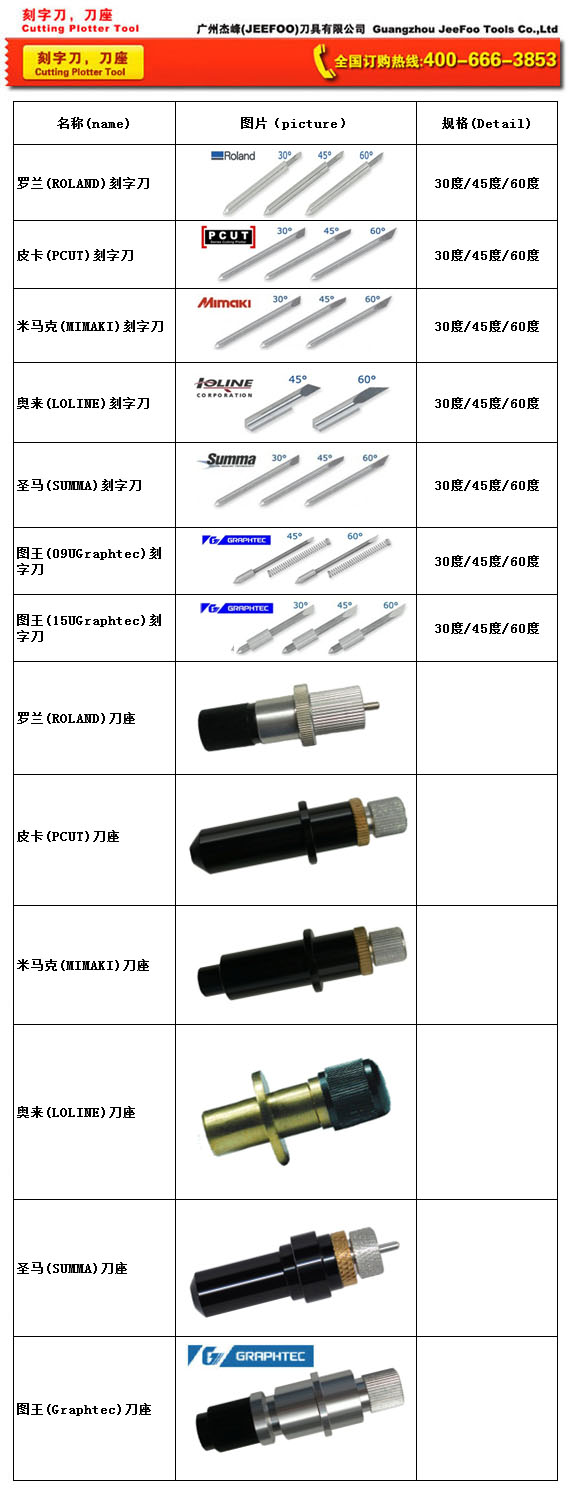
How to Set Up a 30 Degree Roland Blade
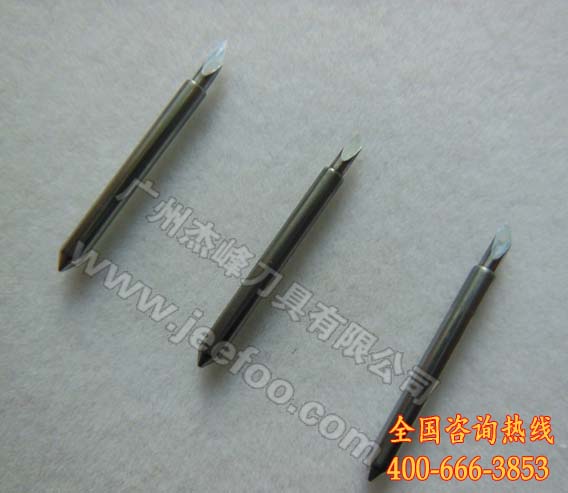
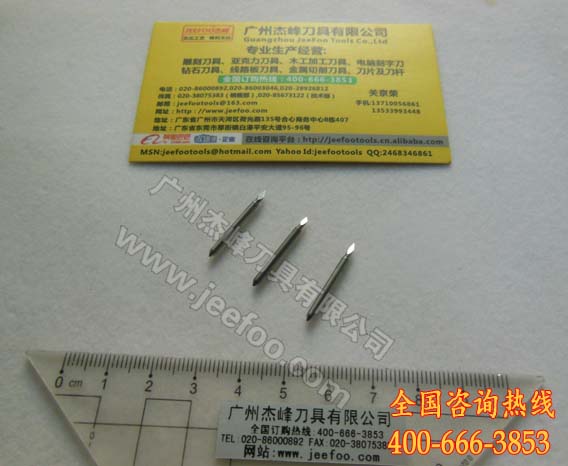
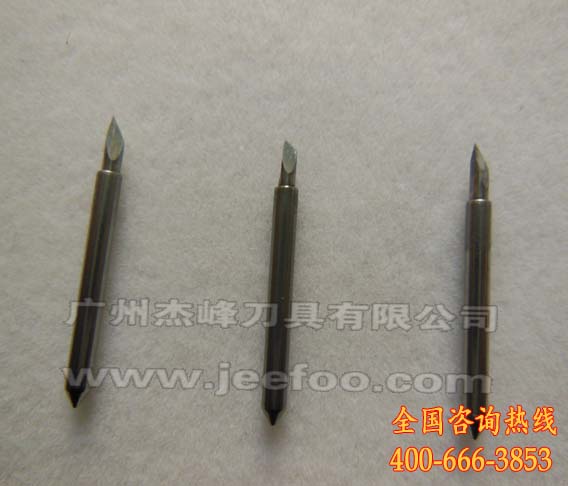
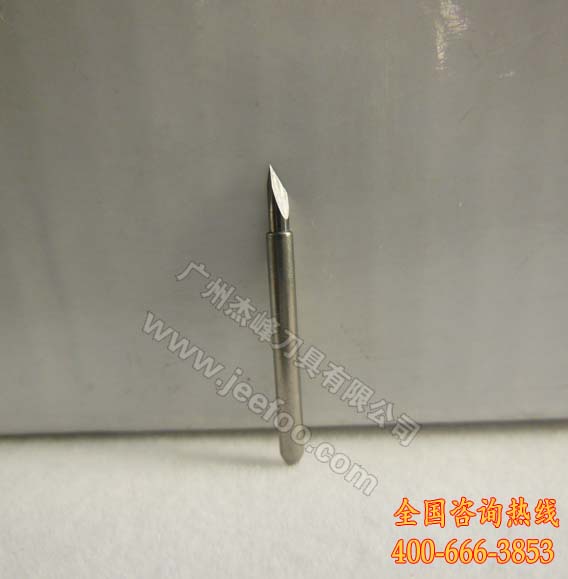
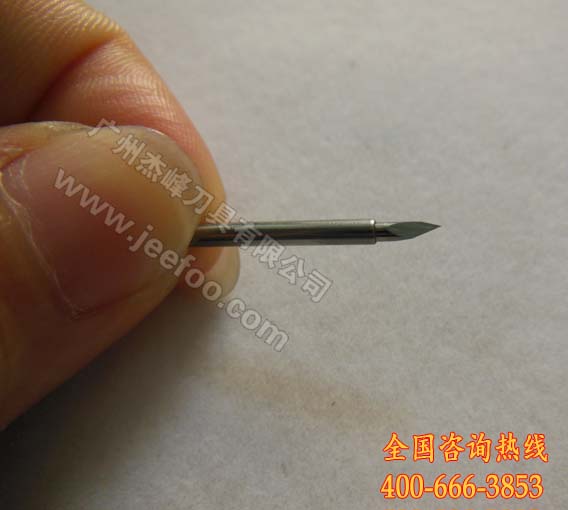
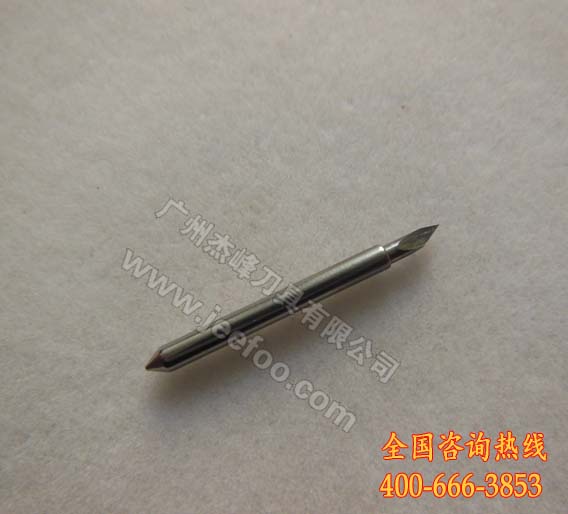
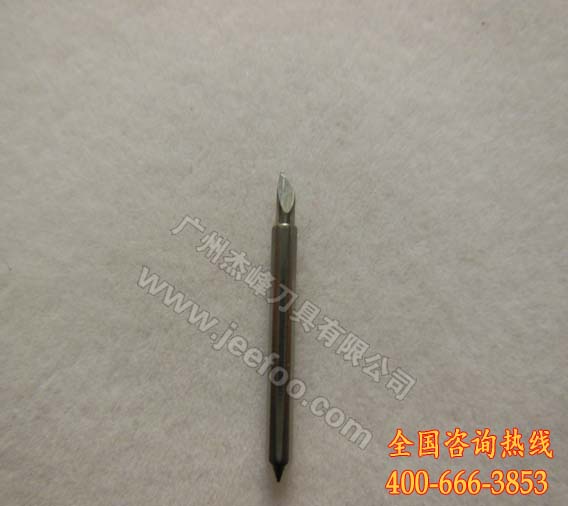
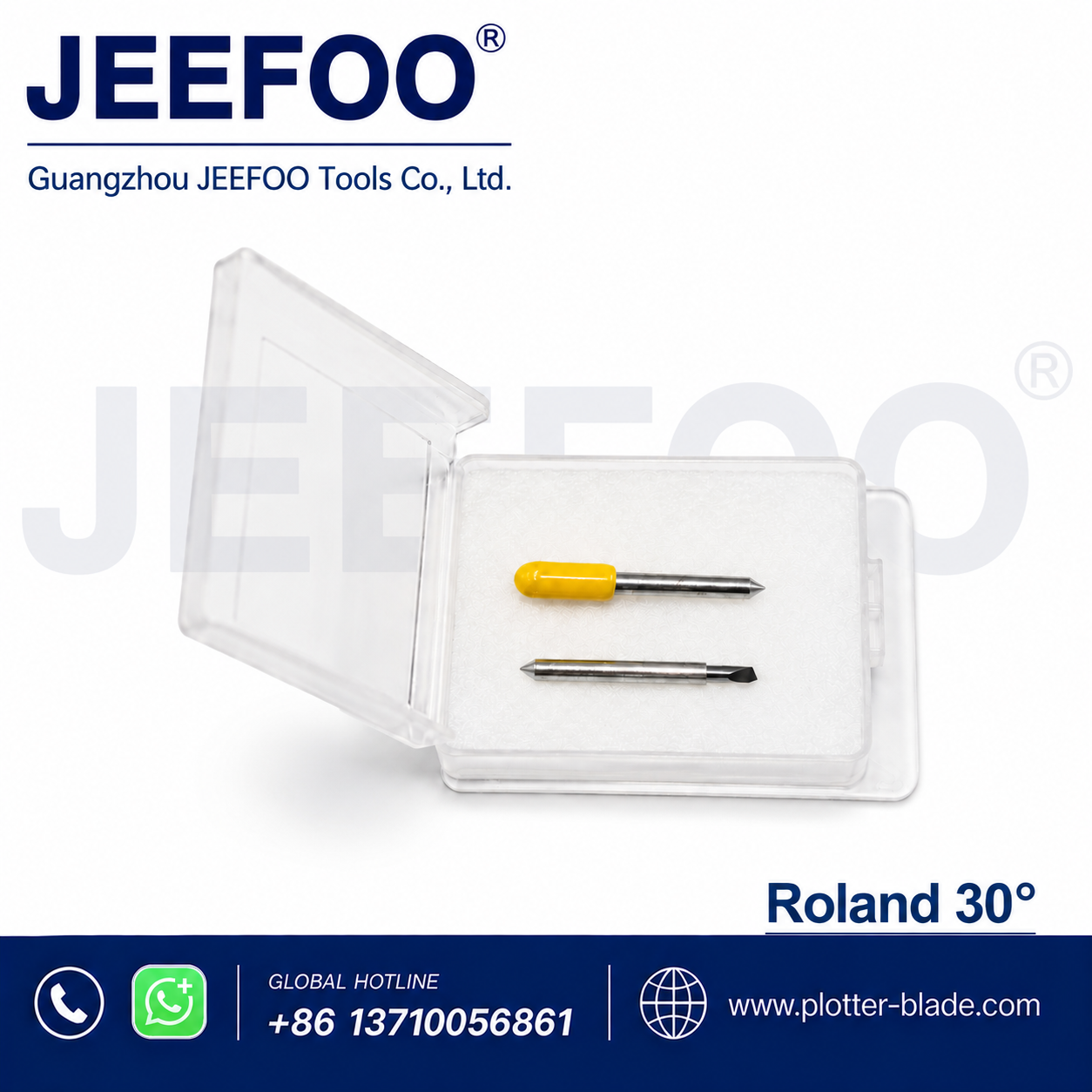
A 60 degree Roland blade is generally evaluated for thicker or more demanding machine-approved media where a steeper cutting angle may be appropriate. This listing states a cutting thickness of 0.25 mm. Confirm the blade shaft, length, offset, holder, machine model, and approved media before installation.
1. Verify machine and holder compatibility
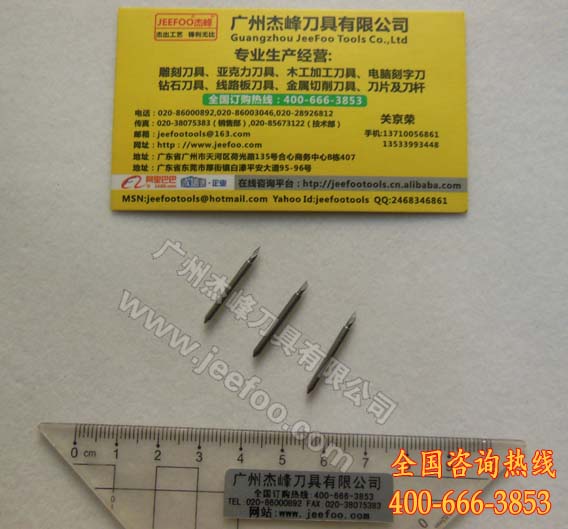
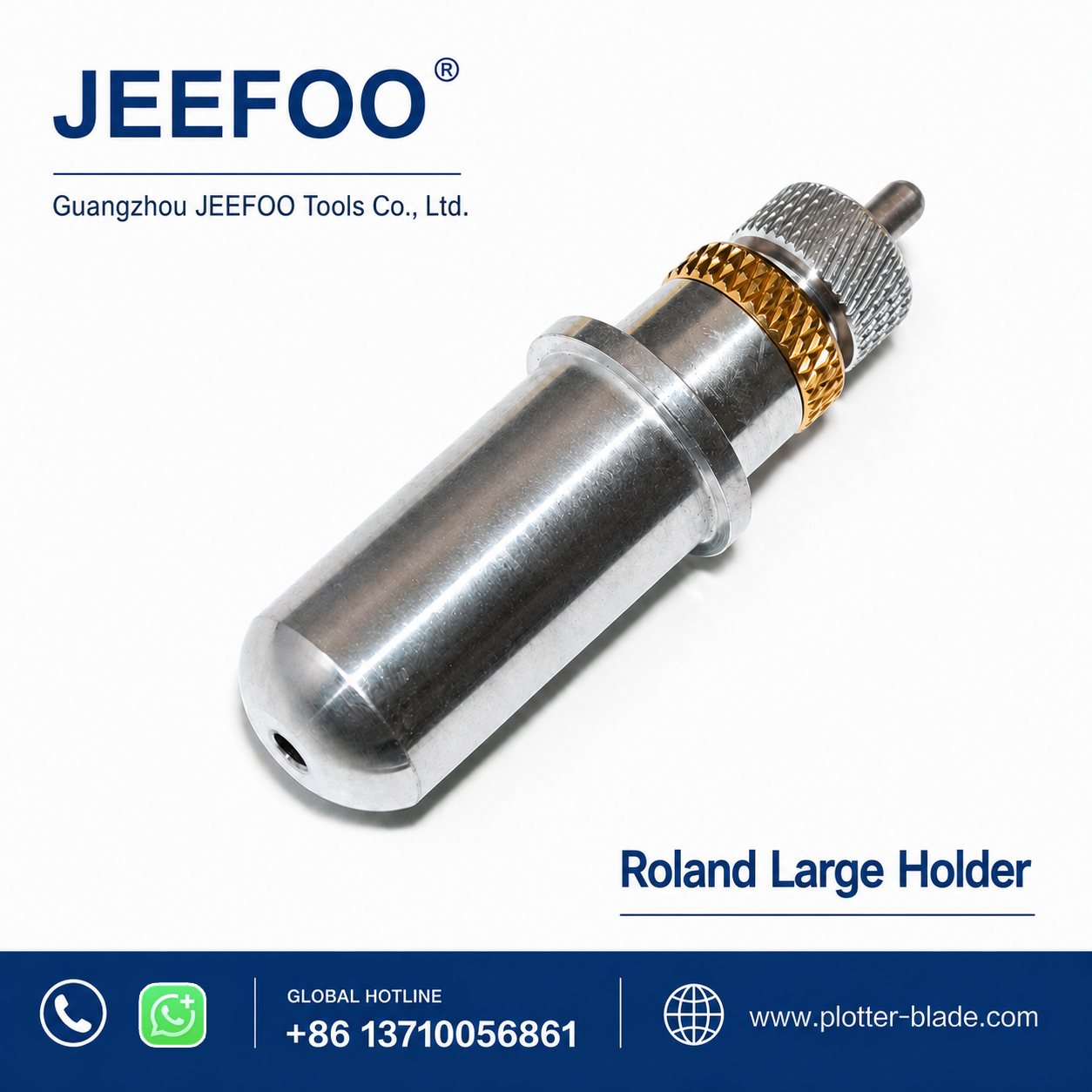
Read the cutter model label and compare the proposed blade with the existing part. Similar-looking Roland-style blades may differ in shaft size, length, tip geometry, or offset. The blade should seat correctly and swivel without binding. Provide photographs and measurements to the supplier when any detail is uncertain.
2. Match the angle to the design
The 60 degree Roland blade can be considered for thin films, small characters, narrow counters, and intricate graphics after compatibility is confirmed. Material construction, adhesive, laminate, design size, and equipment settings also affect results. Always run a controlled test instead of selecting an angle only from the media name.
3. Use minimal blade exposure
Expose only enough tip to cut the face layer. Excess exposure can score the liner, increase drag, and distort corners. Install the 60 degree Roland blade according to the cutter and holder instructions, begin with conservative force and speed, and make a small square, circle, and lettering test.
4. Adjust one setting at a time
If vinyl does not weed cleanly, inspect exposure, force, speed, offset, tip condition, and blade rotation. Change a single variable and repeat the same test file so results remain comparable. Deep liner marks typically indicate too much blade exposure or pressure, while open paths may require inspection of holder stability and offset.
5. Evaluate thicker and laminated media
For thicker or laminated films, confirm that the cutter, holder, and blade are approved for the material. Begin with a test pattern and inspect whether paths close, corners remain clean, and the backing is not deeply scored. A clean holder helps the 60 degree Roland blade rotate consistently through direction changes.
6. Inspect the full production area
Check cuts at several positions, not only near the origin. Look for continuous paths, consistent depth, closed corners, and easy weeding. Test again whenever the film, laminate, blade, holder, or design scale changes. Replace a damaged tip rather than compensating indefinitely with more force.
7. Provide complete ordering details
Share the plotter model, holder type, blade dimensions, offset, material, character size, and expected cutting depth. JEEFOO in Guangzhou, China supports buyers comparing a 60 degree Roland blade and related cutting tools. Clear application information reduces uncertainty and improves compatibility discussions.
Safe Handling and Maintenance
Power down the plotter before servicing the carriage, keep hands away from moving parts, and follow the machine manufacturer’s instructions together with appropriate machine-guarding guidance. Store loose blades in protective containers and clean the holder with a soft brush or dry air.
After a successful test, record blade exposure, force, speed, offset, material, and media batch. A repeatable setup process helps the 60 degree Roland blade support accurate detailed cutting while giving operators a reliable starting point for future vinyl jobs.

发表回复
要发表评论,您必须先登录。