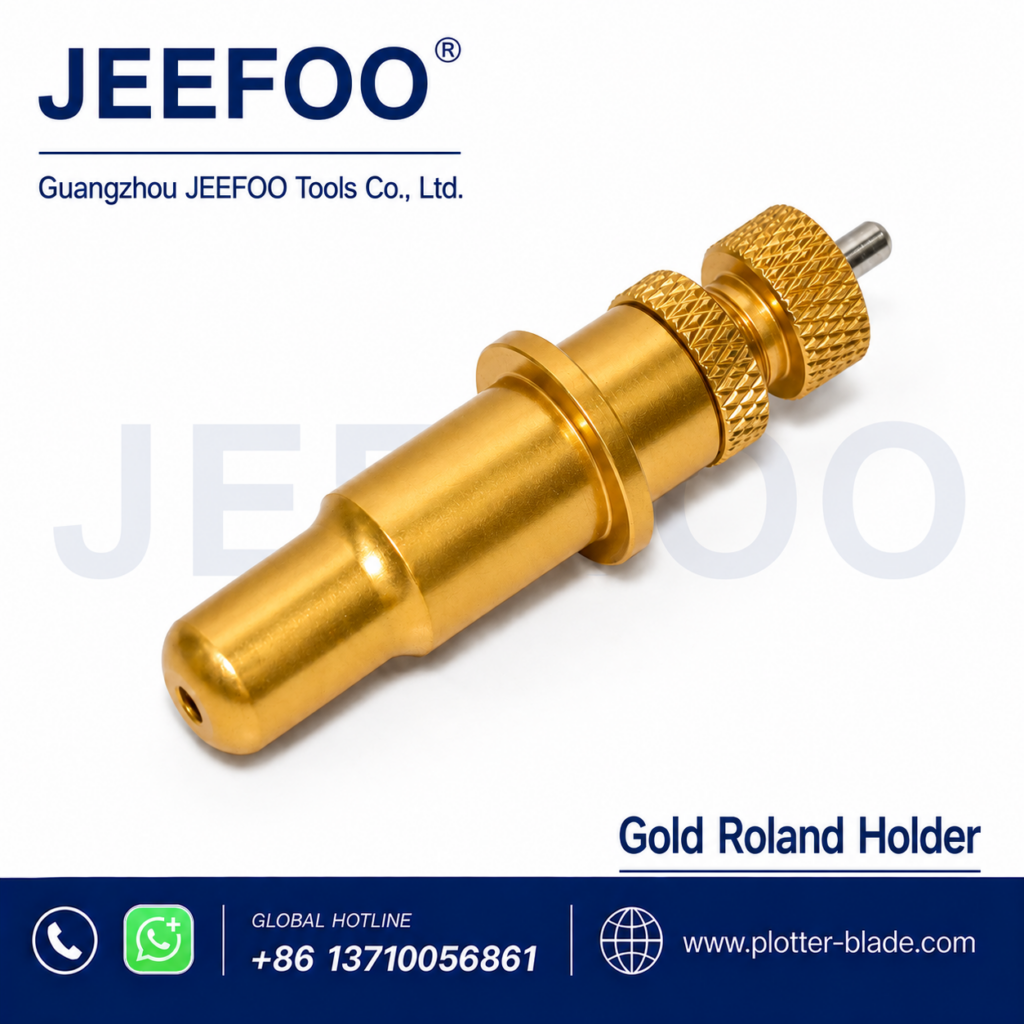
How to Evaluate a Golden Roland Cutting Holder
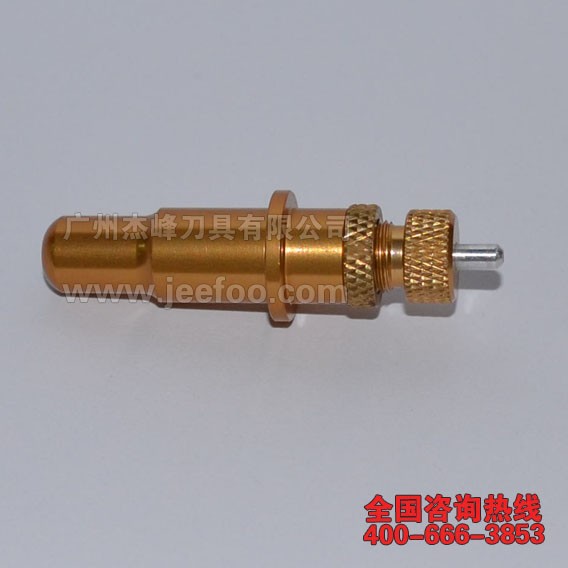
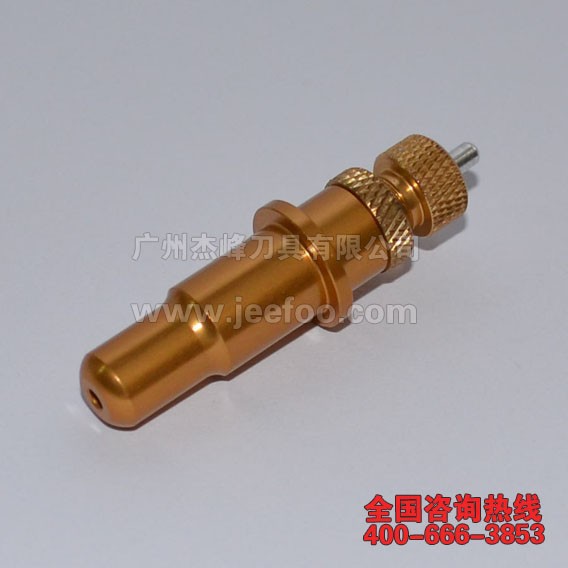
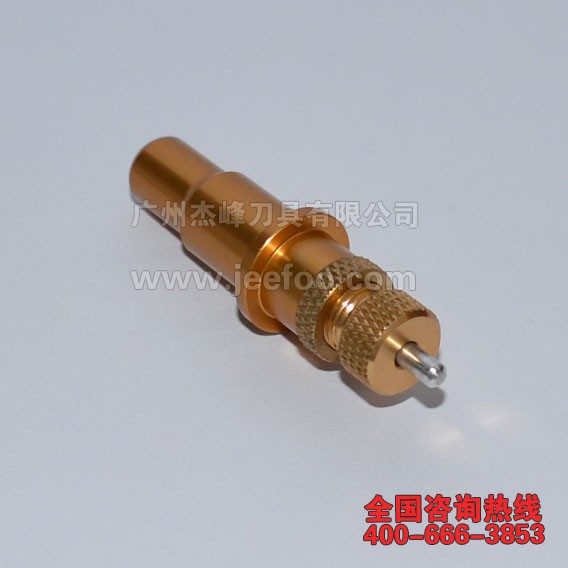
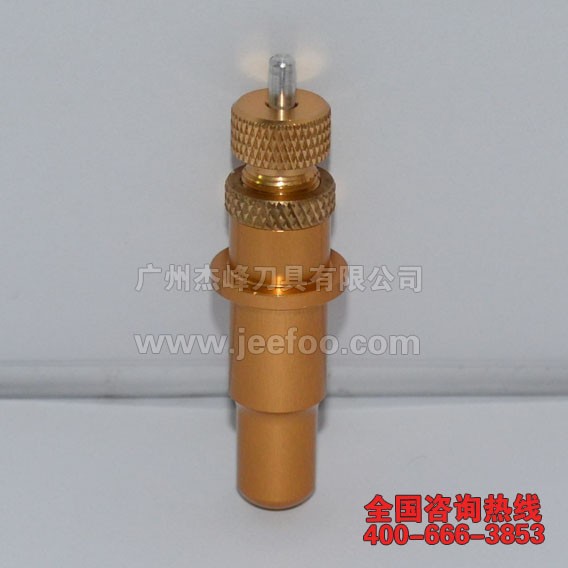
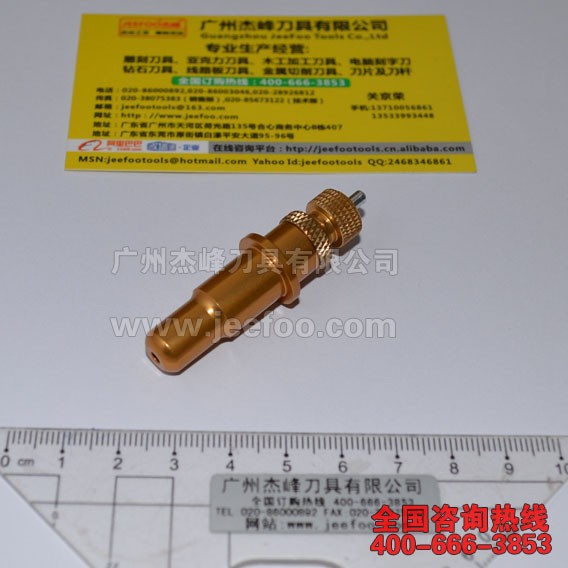
A Golden Roland cutting holder supports a compatible swivel blade and helps the cutting plotter follow straight lines, curves, and corners. Correct holder fit, blade rotation, exposure, force, speed, and offset all influence finished vinyl graphics. Because this listing does not identify a specific machine model, buyers should verify compatibility before ordering.
1. Record the machine model
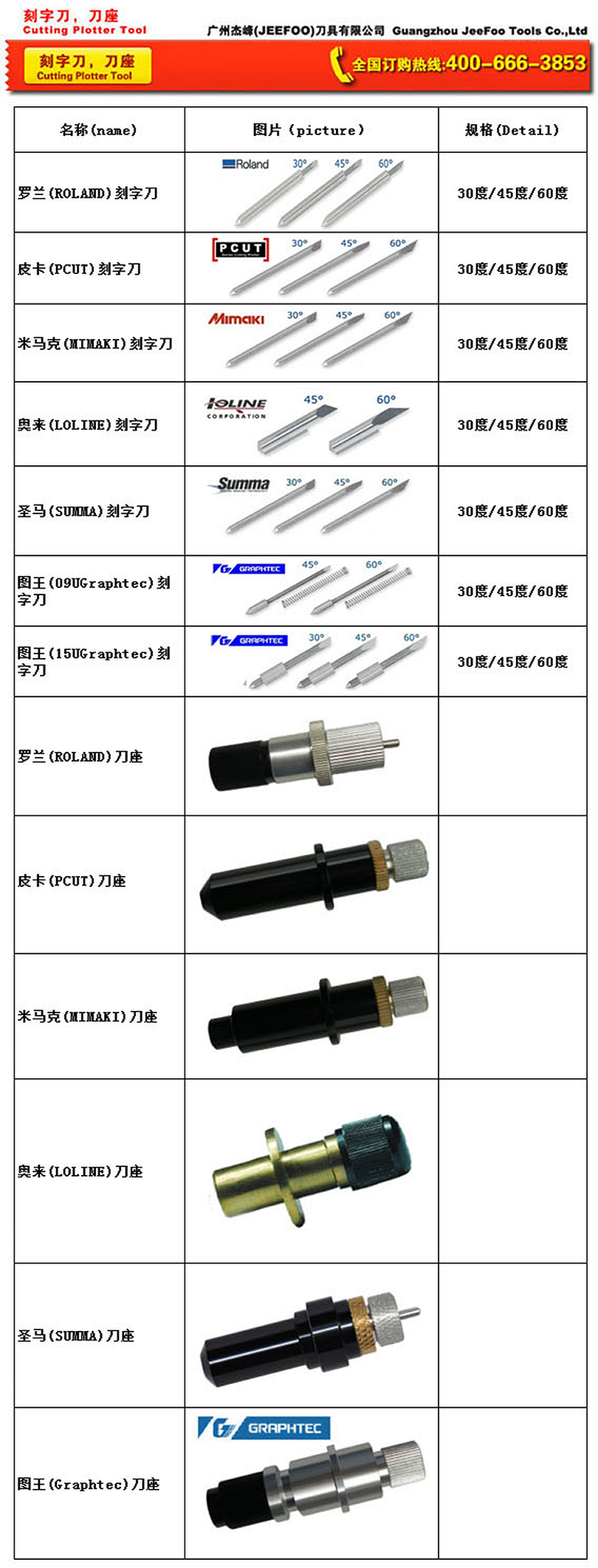
Read the plotter identification label and note the full model. Roland-style cutters can use different carriage clamps, holder dimensions, blade shafts, and offset values. Appearance alone is not enough to confirm fit. If the model is uncertain, provide clear photographs of the carriage and original holder to the supplier.
2. Compare the original holder
Measure overall length, body diameter, flange position, blade opening, and the area gripped by the carriage. Compare adjustment threads and any retaining components. The replacement should seat vertically and the clamp should close securely without excessive force. A loose or misaligned body can create inconsistent depth and poor corner closure.
3. Confirm the compatible blade
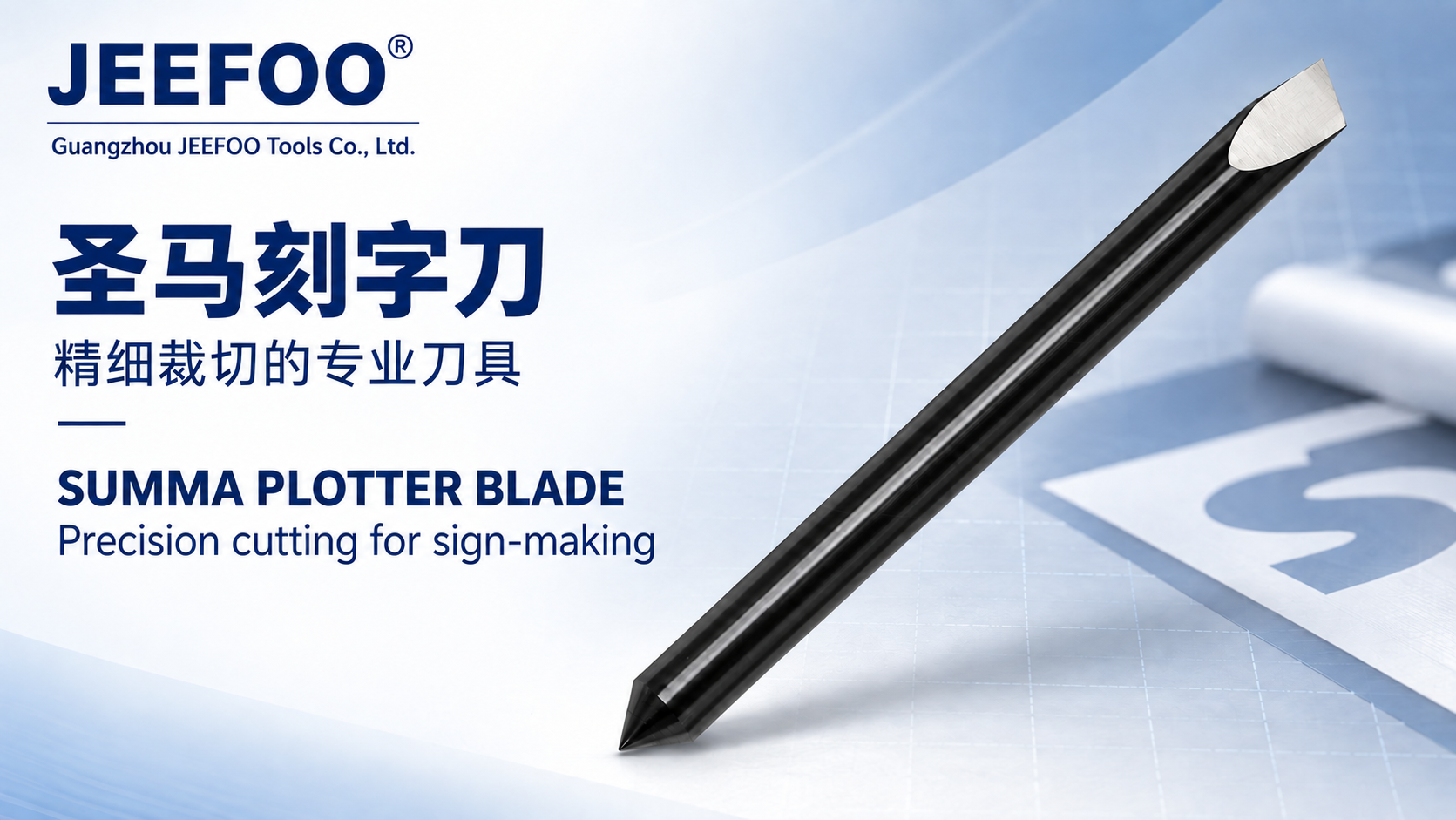
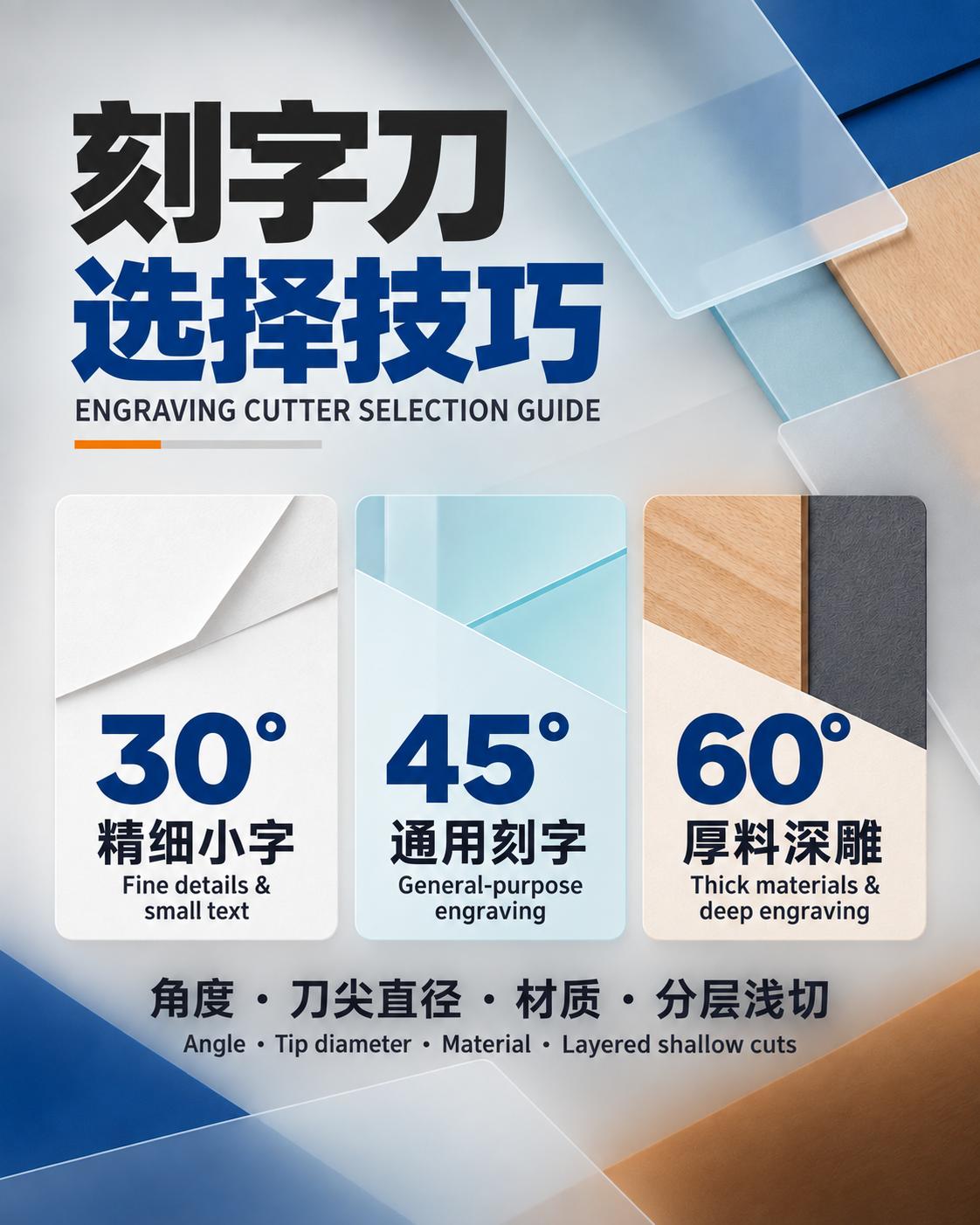
Check the blade shaft diameter, angle, length, and offset required by the machine. The blade should seat correctly in the Golden Roland cutting holder and swivel freely. A mismatched shaft, chipped tip, adhesive residue, or restricted rotation may cause incomplete paths, hooked corners, ragged edges, and difficult weeding.
4. Use minimal blade exposure
Expose only enough tip to cut the face material. Excess exposure can score the liner, increase drag, and distort small details. After installing the Golden Roland cutting holder, begin with conservative force and speed. Run a small square, circle, and lettering test, then adjust only one variable at a time.
5. Match settings to approved media
Paper, poster material, sign vinyl, label stock, masking film, and other machine-approved media can need different blade angles, force, speed, and offset. Test whenever the material, laminate, design scale, blade, or holder changes. Inspect several positions in the job to confirm consistent cutting depth across the usable width.
6. Troubleshoot systematically
If cuts do not close, inspect holder seating, tip wear, free rotation, contamination, exposure, force, speed, and offset. Deep backing marks usually indicate too much exposure or pressure. Clean the Golden Roland cutting holder with a soft brush or dry air, and replace damaged parts rather than compensating indefinitely through higher force.
7. Prepare complete ordering information
Provide the plotter model, original holder measurements, blade specification, typical media, character size, and desired cutting depth. JEEFOO in Guangzhou, China supports buyers comparing a Golden Roland cutting holder and related cutting tools. Complete application details reduce compatibility uncertainty and improve product discussions.
Installation and Maintenance Checklist
Power down the cutter before servicing the carriage. Seat the holder vertically, secure the clamp, and confirm unrestricted blade rotation. Follow the plotter manufacturer’s instructions and appropriate machine-guarding guidance. Store loose blades in protective containers and keep the holder away from adhesive buildup, dust, and accidental impact.
After a successful test, document blade angle, exposure, force, speed, offset, and media batch. Replace a bent body, slipping adjustment mechanism, restricted bearing, or worn blade promptly. A repeatable setup routine helps the Golden Roland cutting holder support clean outlines and consistent weeding in everyday sign and vinyl work.
Golden Roland cutting holder specifications and product images
FEATURES:
1.wildly used:can be used for different kind of paper and poster cloth;
2.high accuracy ,fast speed,big friction during paper feeding progress;
3.no harm for paper;
4.unaffected by tempreture,humidity,dust;
5.unwarming,non-slip,high-efficiency in continuous operation