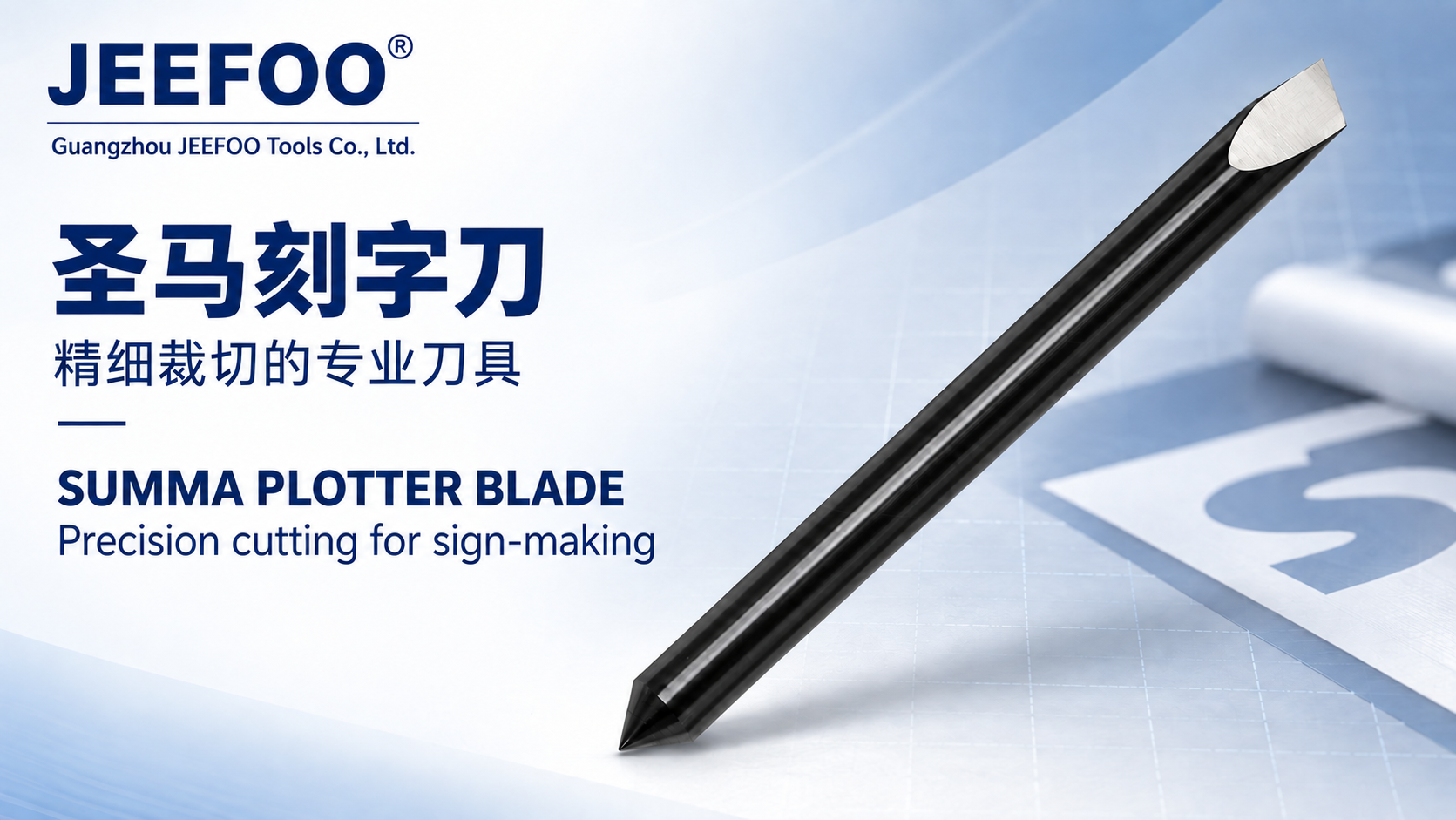
Mimac Plotter Carving Knife Guide: a Mimac carving knife is described as a replaceable cutting or engraving blade for compatible computer-controlled plotter and carving systems. Exact compatibility must be confirmed by machine model, blade holder, shank size, offset, tip angle, and supported material before installation.

Table of Contents
Mimac Plotter Carving Knife Guide: Quick Answer
Match the blade and holder to the exact plotter model, then calibrate blade extension, offset, pressure, speed, and test-cut settings. The blade should extend only enough to penetrate the media, not the backing or cutting strip.
Seven Setup Tips
- Verify model compatibility: compare machine, holder, shank, blade family, and manual requirements.
- Choose the tip angle: use angle and exposed length appropriate for thin film, thick media, or detail work.
- Minimize blade extension: excessive exposure causes drag, broken tips, poor corners, and cutting-strip damage.
- Set blade offset: correct offset improves corner closure and geometric accuracy.
- Start with low pressure: increase gradually until the face layer cuts cleanly without damaging the liner.
- Run a test cut: inspect weeding, corners, curves, liner marks, and lifting before production.
- Keep the holder clean: remove dust and adhesive so the blade can rotate and move freely.
Blade Angle and Material Choice
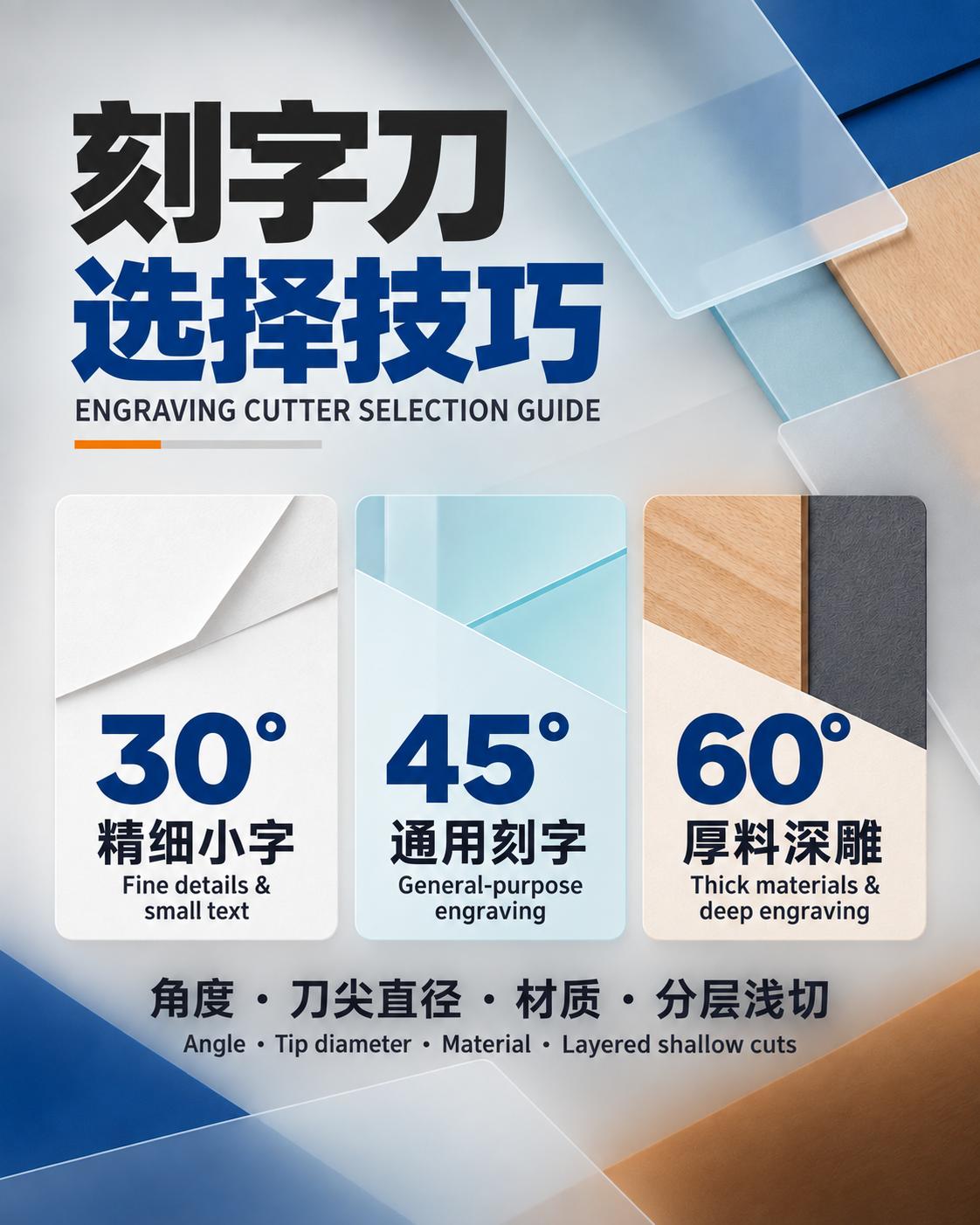
- Lower tip angle: often used for thin films and general lettering where minimal penetration is needed.
- Higher tip angle: can suit thicker or tougher media, but may require different pressure and offset.
- Fine-point blade: supports small text and detailed shapes but is sensitive to excess force.
- Wear-resistant blade: helps with abrasive media, reflective film, or longer production runs.
Installation Workflow
- Power down or place the machine in its approved blade-change state.
- Remove the holder and inspect it for adhesive, dust, bent parts, or restricted motion.
- Insert the correct blade without touching the sharp tip.
- Adjust extension conservatively and secure the holder at the specified position.
- Load flat media, align pinch rollers, and confirm the cutting area.
- Run the machine’s test pattern and adjust one variable at a time.
Pressure, Speed, and Offset
Pressure should cut the media cleanly without deeply scoring the liner. Speed should be reduced for small text, tight curves, thick media, or worn blades. Offset compensates for the distance between the blade pivot and tip; incorrect values create rounded, open, or hooked corners. Acceleration may also need reduction for fine work.
How to Read a Test Cut
- Media will not weed: check edge sharpness, extension, pressure, and liner condition.
- Liner is deeply cut: reduce extension or pressure.
- Corners do not close: verify offset, blade rotation, and holder cleanliness.
- Small details lift: reduce speed or acceleration and confirm blade sharpness.
- Curves are rough: inspect tip damage, carriage play, tracking, and excessive speed.
Maintenance and Replacement
Clean the holder regularly, remove adhesive buildup with an approved method, and keep spare blades protected. Replace the blade when weeding worsens, pressure must rise, corners become inconsistent, the tip chips, or the cut surface becomes rough. Inspect the cutting strip because grooves can mimic a blade problem.
Safety and Compatibility
Blade tips are sharp and can break. Handle them with suitable tools, keep fingers away from the tip and carriage path, and store removed blades in a protective container. Do not assume compatibility from appearance alone; verify the exact machine and holder specifications.
References and Product Support
Review general vinyl cutter operating principles, then follow the official manual for the exact plotter model. Visit JeeFoo Tools for plotter-blade and carving-knife selection support.
Frequently Asked Questions
How far should the blade extend?
Only far enough to cut the media layer. Excessive extension is a common cause of damaged liners, broken tips, drag, and poor corners.
Why are corners rounded or open?
Possible causes include incorrect offset, a dirty holder, a dull tip, excessive speed, too much extension, or carriage play.
When should a carving blade be replaced?
Replace it when the tip is chipped, cut quality declines, pressure must increase, weeding becomes difficult, or detail accuracy becomes inconsistent.