A training display needs two vinyl arrows for end views of the same fan. Both drawings will face the reader, with their tops aligned. JEEFOO’s Roland-type blade holder has a depth ring for setting blade projection. On a compatible plotter, cut the curved arrow and its pointed head as one outline in a scrap of the intended sign vinyl. Weed the background and check that the point stays attached to the arc.
Vinyl arrows: set the viewing end before you cut
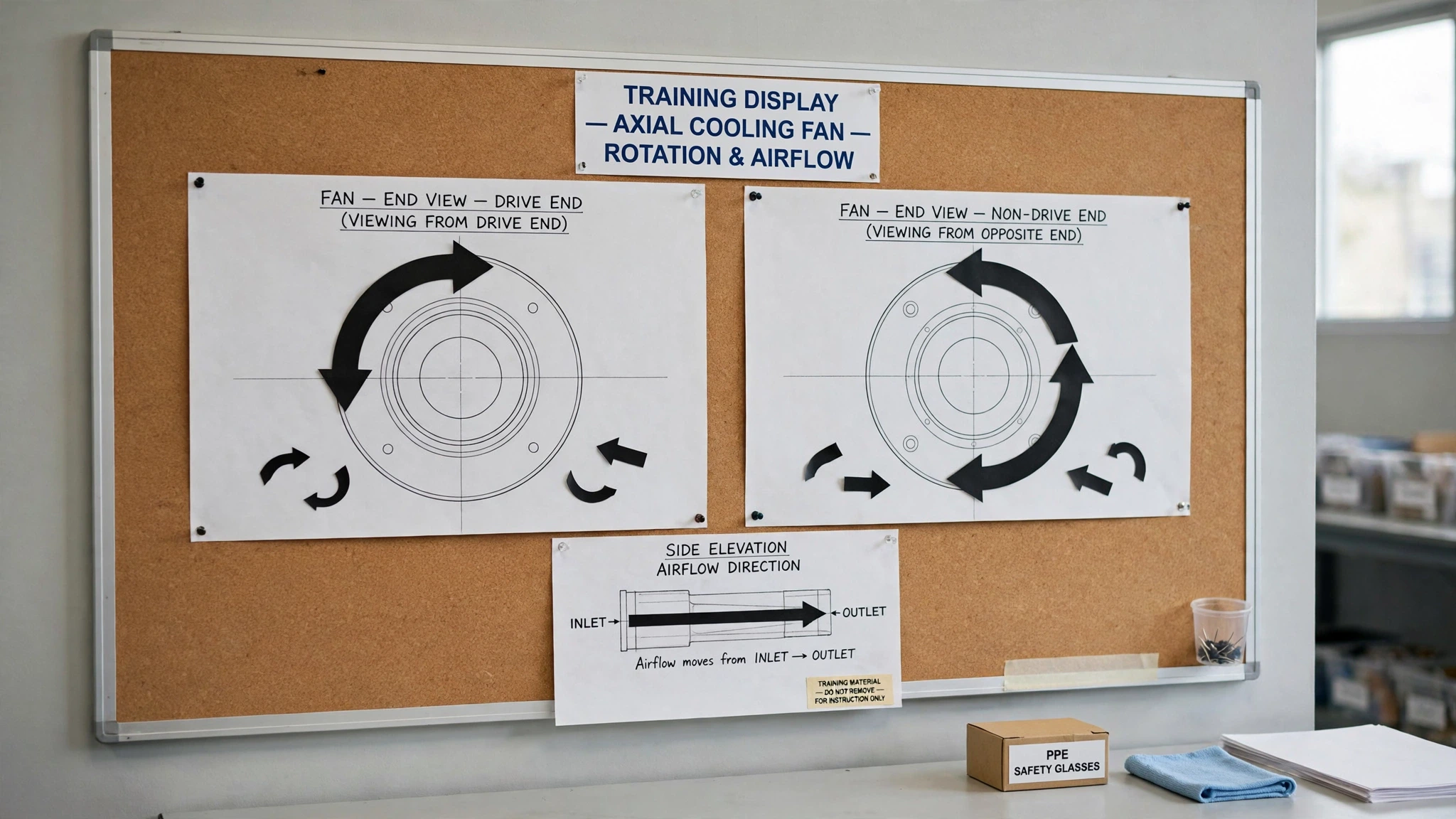
Start with the viewing end specified for the fan. The ebm-papst sheet for the 4412 FGL describes counterclockwise rotation when looking toward the rotor. On that drawing, a quarter-circle arrow with its tail at twelve o’clock should end at nine. Label the drawing with the viewing end so the arrow has a reference.
On the drawing viewed from the other end of the axis, the same turn goes from twelve to three. Rotating a spare copy of the first decal on the workbench moves its tail as well and preserves its sense of rotation. Reflect the arrow outline in the artwork for the second view. Leave the words in normal reading order.
Airflow needs its own mark. CORSAIR distinguishes the spin arrow and the flow arrow on its fan frames. For this display, use the 4412 FGL specification. Air exits on the side with the struts. On the side elevation, cut a straight arrow pointing from the inlet toward that outlet. Place the three weeded shapes on the labelled paper drawings before transferring them to the display.
Related reading: Spare plotter blade holders: a receiving record that survives the next reorder