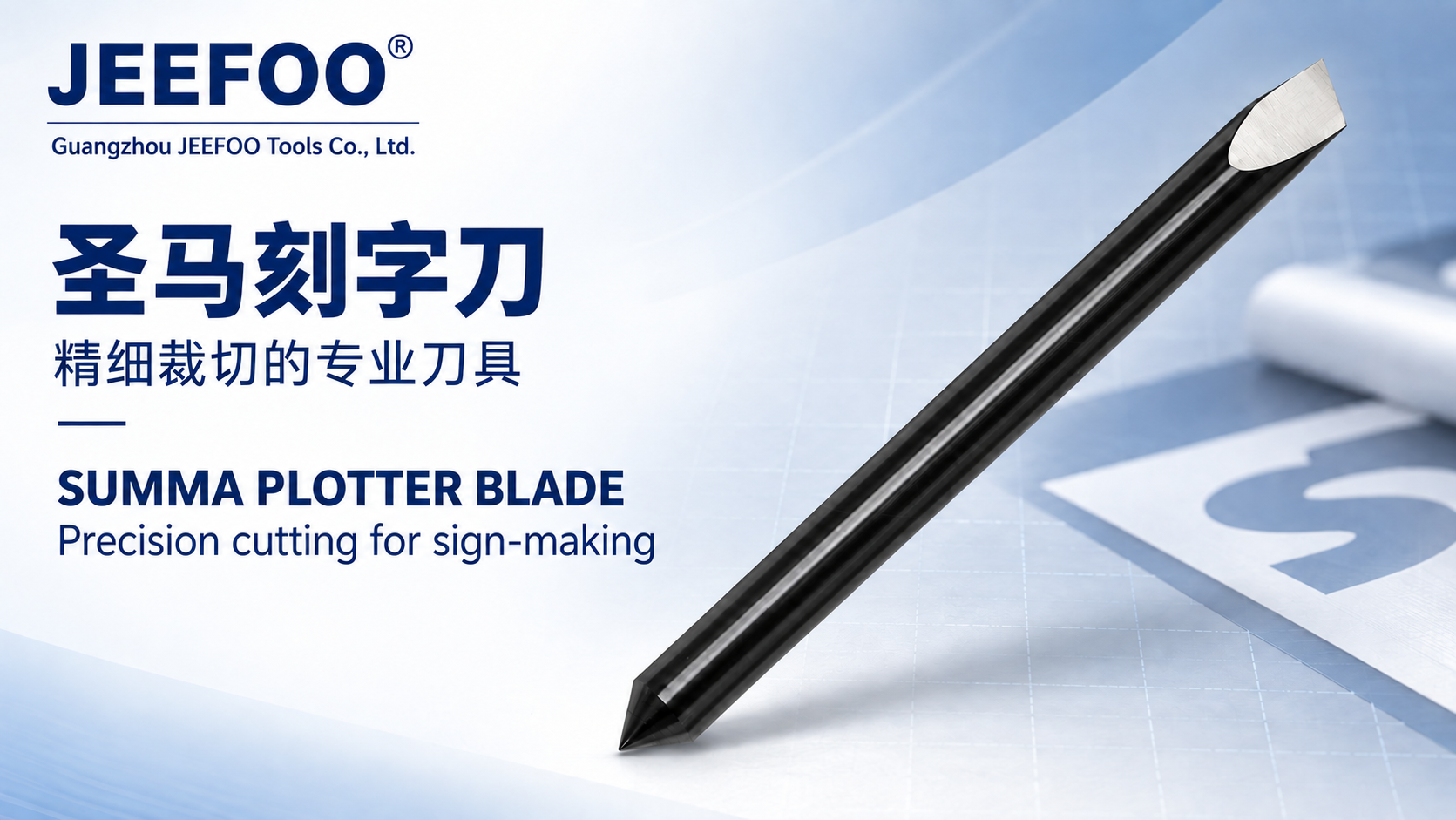
A Muto carving knife is a replaceable cutting or engraving blade marketed for compatible sign-making, lettering, and light carving systems. The correct blade must match the exact machine holder, blade angle, tip geometry, material, and cutting depth. This Muto Carving Knife Selection Guide shows how to verify those details before production.

What Is a Muto Carving Knife?
“Muto” is a supplier or market description and may refer to blades intended for particular lettering, plotting, or engraving equipment. Products sold under similar names can differ in shank diameter, exposed tip, offset, angle, coating, and holder compatibility. Use the machine manual and the blade supplier’s drawing as the primary identification sources.
Muto Carving Knife Selection Guide: 9 Key Tips
- Confirm the machine model. Record the full model, holder type, and firmware or tool-head variant when relevant.
- Measure the shank. Diameter and clamping length must match the holder exactly.
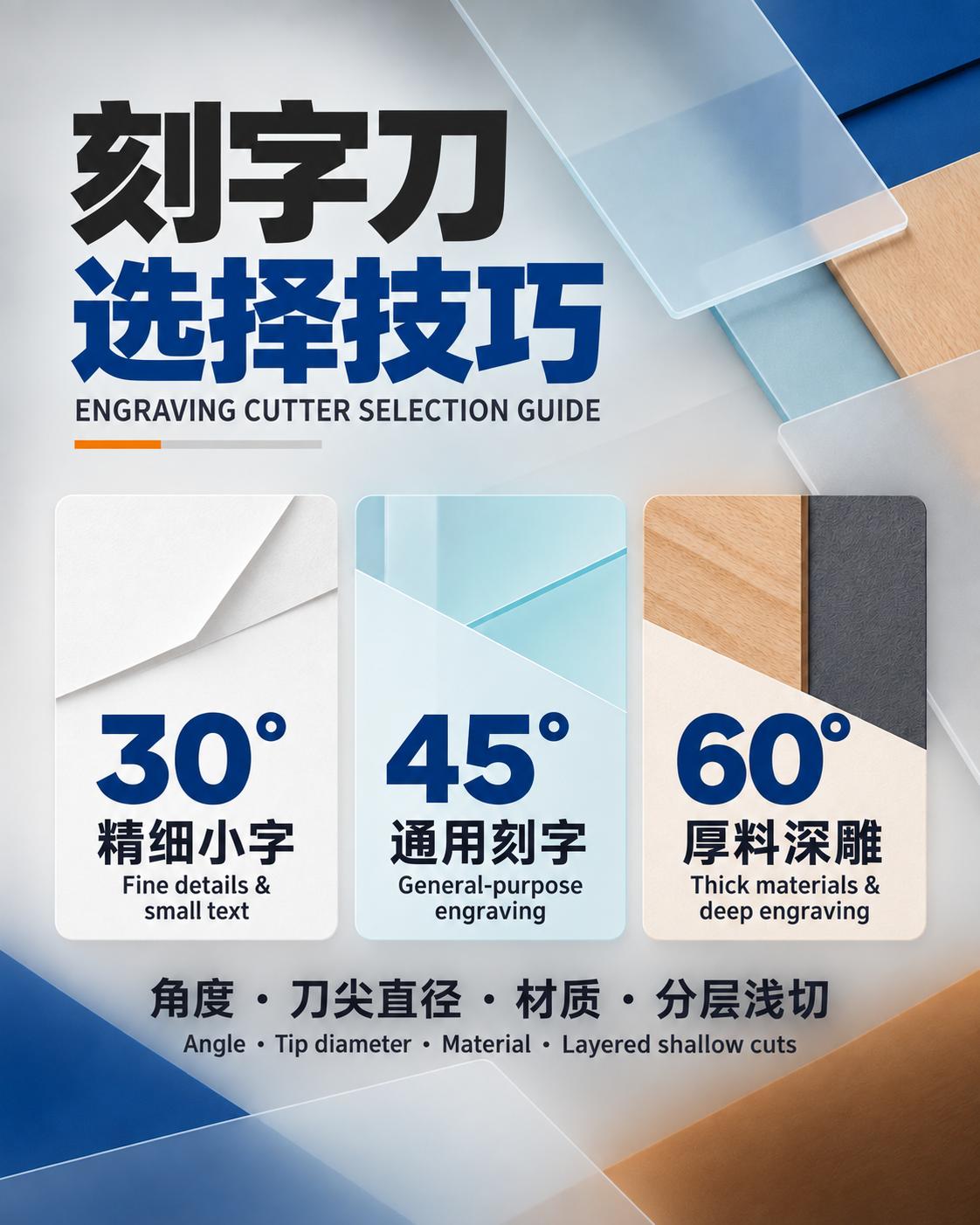
- Select the blade angle. Use the manufacturer’s recommended angle for the material thickness and cutting task.
- Check tip geometry. Lettering, contour cutting, fine-detail carving, and thicker media may need different tips.
- Match the material. Identify vinyl, PVC, foam, acrylic, paperboard, film, or another approved substrate.
- Set minimum exposure. Expose only enough blade to cut the target layer without scoring the backing or table.
- Calibrate offset. Enter the specified offset so corners close correctly and small text remains accurate.
- Use a test cut. Verify force, speed, depth, corner quality, and weeding before the full job.
- Inspect condition. Replace chipped, bent, loose, contaminated, or excessively worn blades.
Blade Angle and Material Thickness
A smaller included angle is often used for thin, fine-detail media, while a steeper blade may be specified for thicker or tougher material. This is not a universal rule: tip length, offset, blade exposure, holder design, and material construction also matter. Follow the compatibility table for the exact blade rather than choosing by angle alone.
Holder Compatibility and Blade Exposure
The Muto Carving Knife Selection Guide prioritizes mechanical fit. Clean the holder and confirm that the blade rotates or seats as designed. Excessive exposure increases drag, corner distortion, and breakage risk. Too little exposure may leave the top layer uncut and tempt the operator to add excessive force.
Force, Speed, Offset, and Test Cuts
Begin with the machine or media supplier’s recommended settings. Use the lowest force that produces a complete cut, then verify that the liner or backing remains intact. Slower speed may improve tiny lettering or sharp corners, but very low speed cannot compensate for a dull blade, wrong angle, incorrect offset, or unstable material.
Typical Applications
- Vinyl lettering and sign graphics.
- Masking film and stencil media.
- Selected paper, card, and thin plastic sheet.
- Foam or soft board when the blade and machine are approved for it.
- Fine-detail contour cutting and light engraving operations.
- Prototype labels, decals, advertising graphics, and model components.
Material suitability always depends on the blade data and machine capability. Do not use a light-duty holder on acrylic or other rigid sheet unless the manufacturer specifically approves that operation.
Troubleshooting Cutting Quality
- Corners do not close: check offset, blade rotation, holder condition, and overcut settings.
- Media tears or lifts: reduce exposure and force, confirm blade angle, and improve material hold-down.
- Incomplete cuts: inspect the tip, verify exposure, then adjust force within approved limits.
- Backing is scored: reduce exposure and force and confirm the correct blade.
- Uneven depth: check table flatness, pinch rollers, holder seating, debris, and material thickness.
- Small text weeds poorly: use a sharp compatible blade, slower validated speed, correct offset, and clean media.
Maintenance and Storage
Remove adhesive and debris with a method approved by the blade supplier. Do not scrape the edge or use a damaged holder. Store spare blades in protective containers, label each angle and model, and avoid mixing visually similar parts. Track operating hours or media area when repeatability matters.
Safety Essentials
Carving and lettering blades are extremely sharp. Power down or use the machine’s safe tool-change mode, keep fingers away from the tip, and dispose of used blades in a puncture-resistant sharps container. Keep covers and guards in place and follow applicable OSHA machine-guarding guidance plus the machine manual.
How to Order the Correct Blade
Send the supplier the machine and holder model, current blade code, shank diameter, blade angle, offset, target material, thickness, smallest feature, and expected production volume. Request a dimensioned drawing, compatibility list, recommended settings, packaging method, and replacement interval. Review JeeFoo plotter blade and cutting tool solutions for related options.
Frequently Asked Questions
Can one Muto carving knife cut every material?
No. Blade angle, offset, tip length, holder, and machine settings must match the material and task.
Should I increase force when cutting is incomplete?
Inspect blade sharpness, exposure, holder seating, material, and test-cut results first. Excess force can damage the backing, holder, or blade.
Why does the blade break?
Common causes include excessive exposure, incompatible material, too much force, impact with the table, a damaged holder, or the wrong tip geometry. Use this Muto Carving Knife Selection Guide to check the full setup.
Final Recommendation
Buy by verified dimensions and compatibility—not appearance alone. Set minimum blade exposure, calibrate offset, run a test cut, and record successful settings. This Muto Carving Knife Selection Guide supports clean, repeatable lettering and light carving while protecting the holder and media.