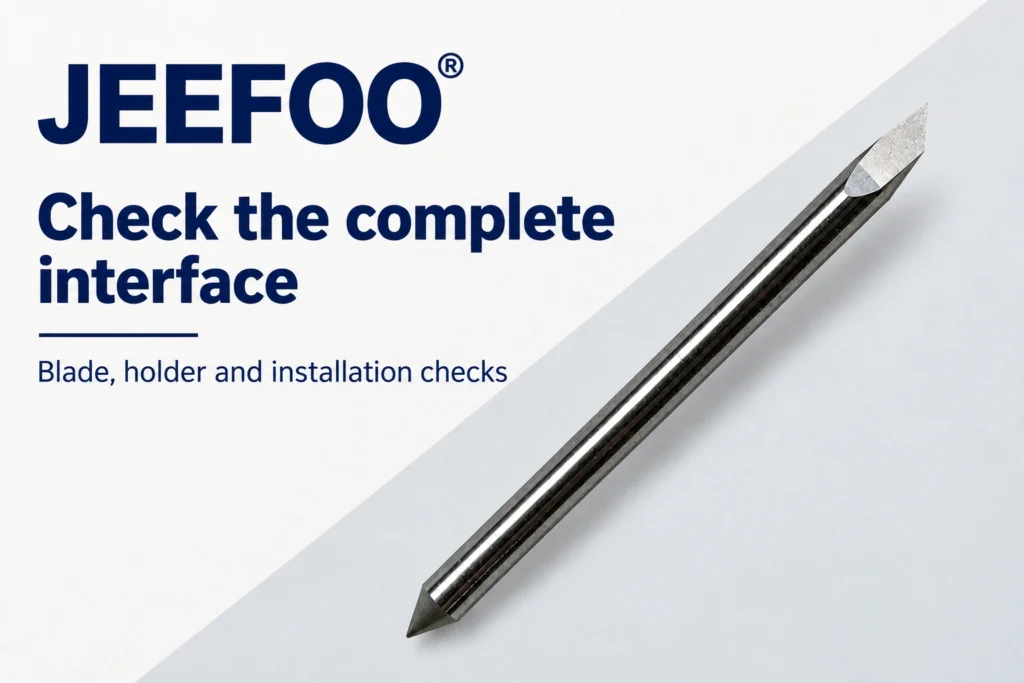
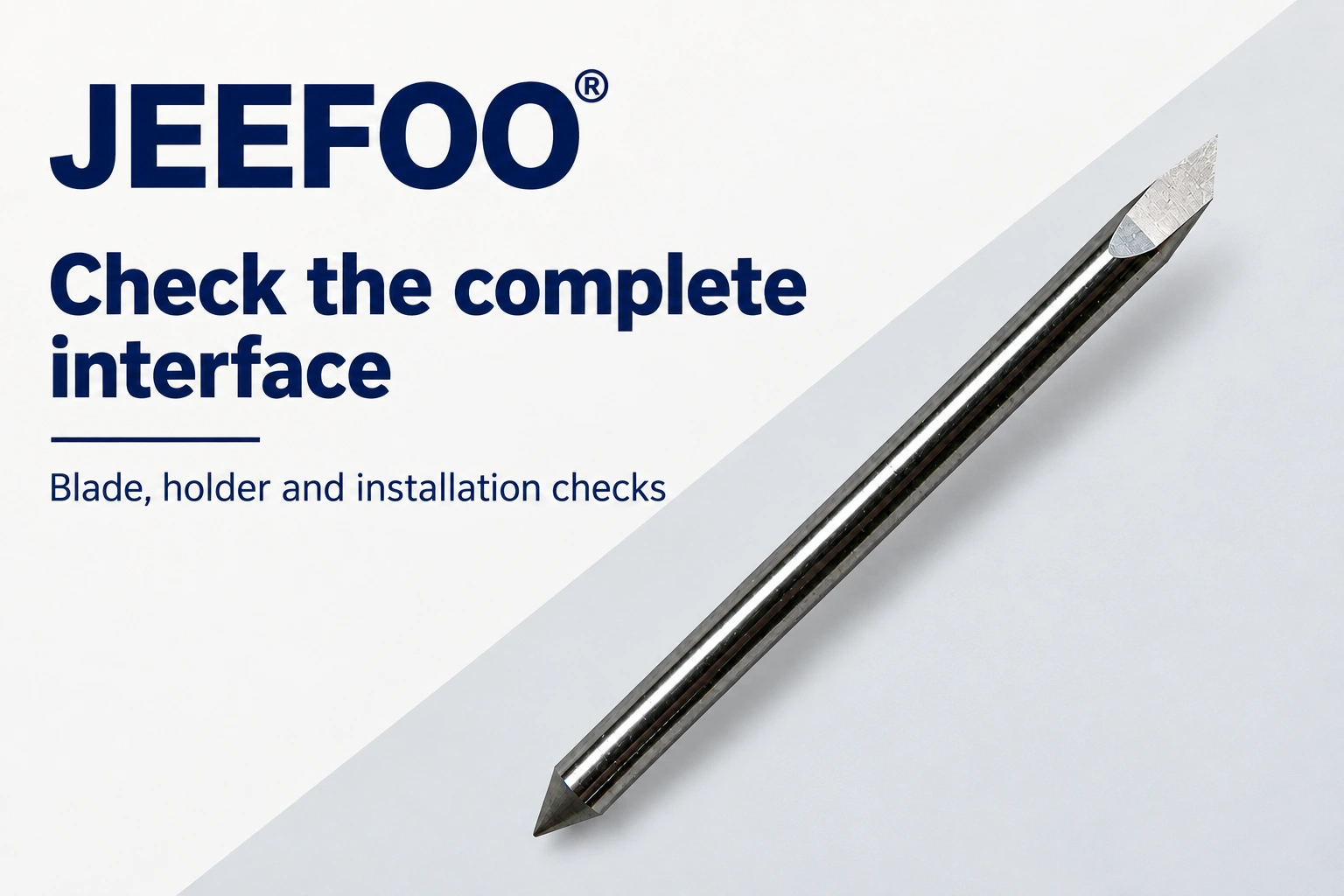
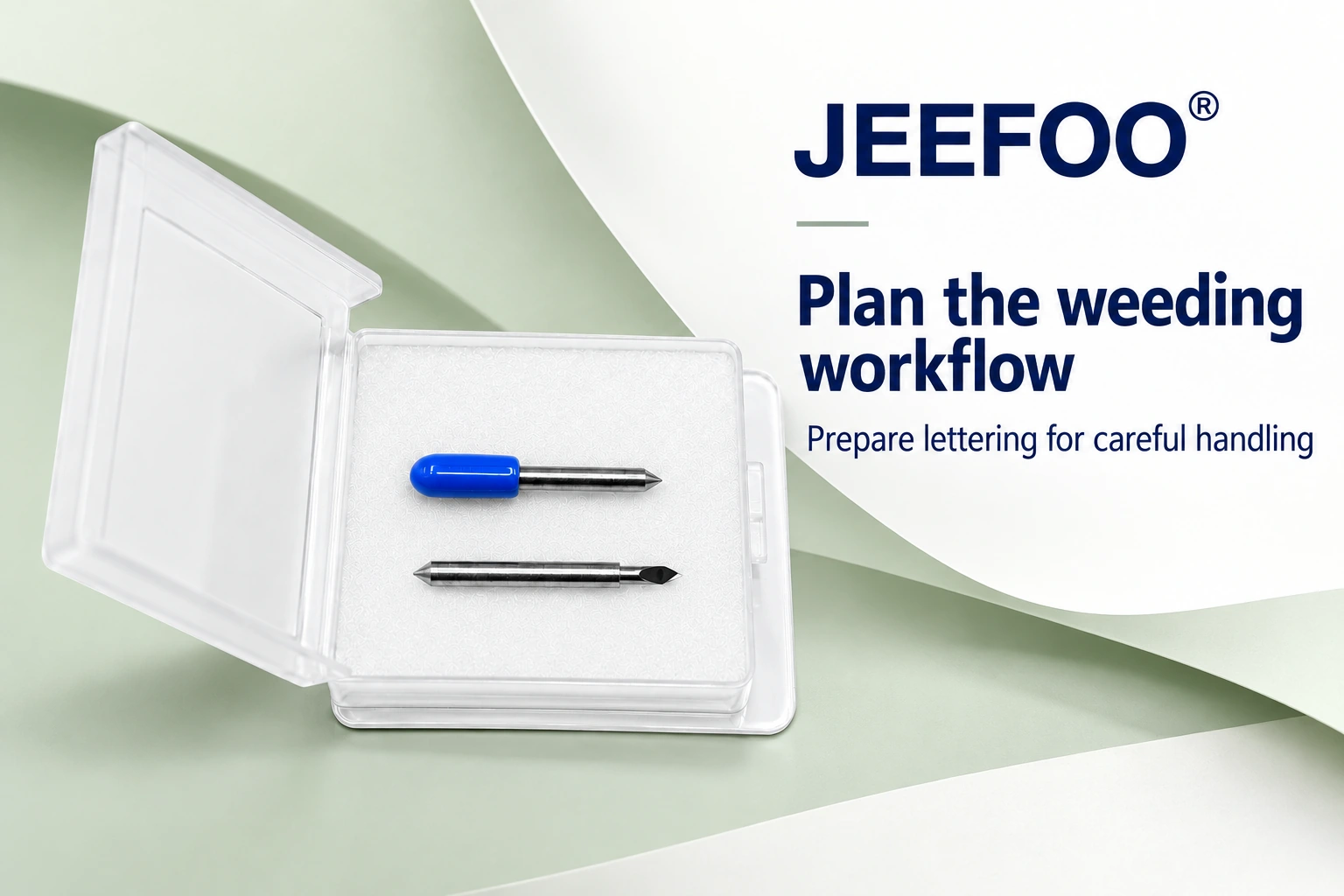
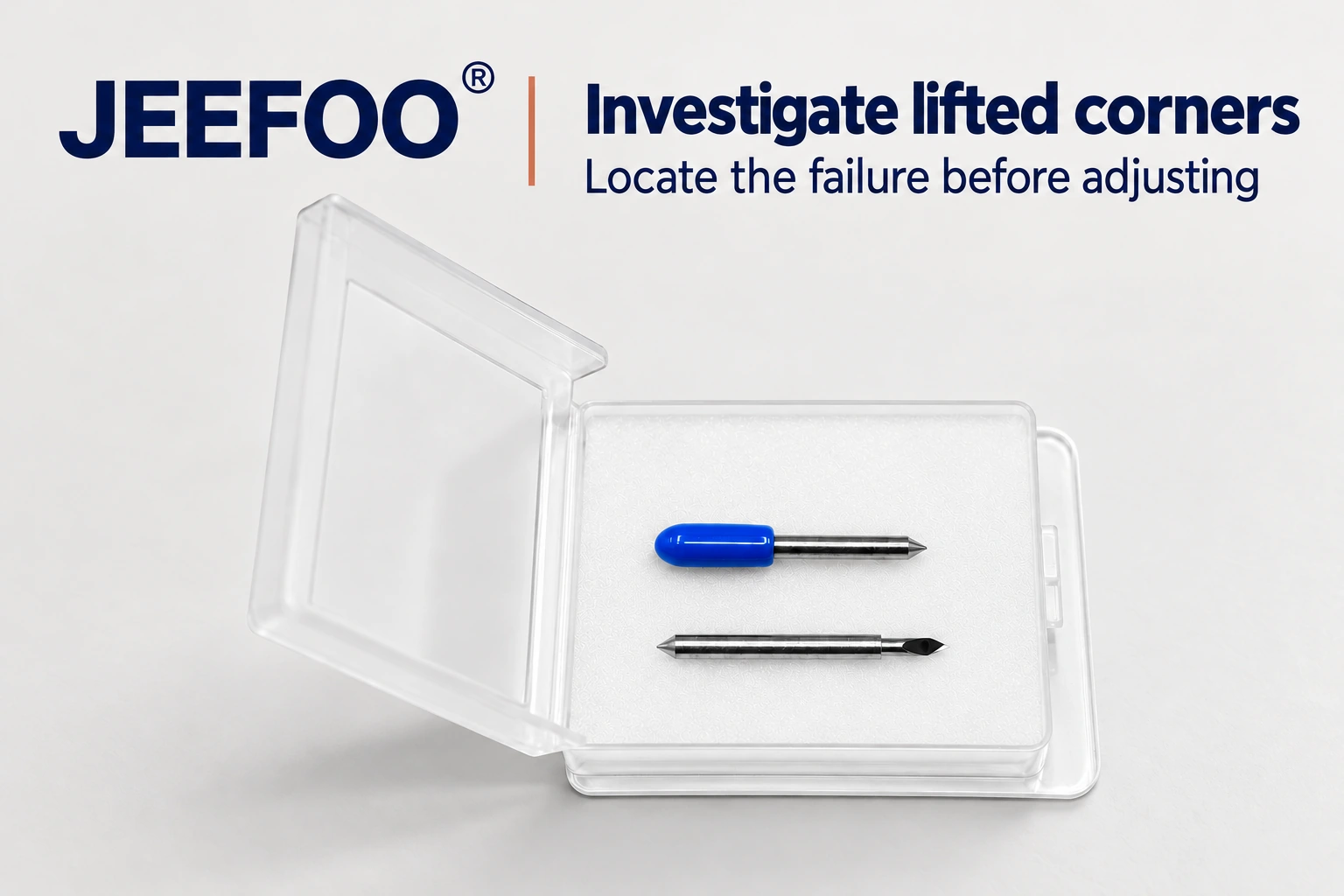
PCUT blades must match the installed blade holder, not just the machine name. To check compatibility, identify the machine and holder, compare the blade interface, inspect the holder and complete a controlled test cut. A replacement that looks like the old blade remains a candidate until these checks are complete. This guide helps purchasing and maintenance teams separate a fit problem from holder wear before production.
1. Identify PCUT blades and the complete assembly
Record the machine model, holder reference and current blade identification together. If the holder has been changed, the original machine specification may no longer describe the assembly on the bench. JEEFOO® lists PCUT blades and a corresponding PCUT blade holder category. These categories help locate candidates; they do not establish compatibility with every PCUT model.
Before ordering, ask the supplier to confirm the exact offered reference against your installed holder. Include clear photographs of the old blade and holder markings, plus any dimensions required by the equipment documentation. Keep the supplier confirmation with the purchase record so that future replacements can be checked against the same approved reference. Do not infer dimensions from a photograph or assume that an unmarked component matches the original assembly.
2. Compare the blade and holder interface
Using the documented inspection method, compare the relevant shank, locating and retention features with the approved reference. Check that the offered item is the same type of component, rather than judging it only by tip shape. Photographs can reveal an obvious mismatch, but perspective cannot verify an exact dimension. If a required measurement or specification is unavailable, leave the replacement unapproved until the supplier or equipment documentation resolves it.
Blade angle and physical fit answer different questions. An angle chosen for a material does not establish whether the blade fits the holder. First confirm the interface for your assembly; then choose the cutting geometry specified for the planned material and job. This article does not provide universal shank dimensions, blade exposure or force settings for PCUT blades because those values must come from the applicable equipment and component instructions.
3. Inspect the PCUT blade holder separately
After stopping and removing the assembly according to the machine instructions, inspect accessible areas for debris, damage and signs of incorrect seating. Use only the approved cleaning and handling procedure. Do not force PCUT blades into a resistant opening or modify a holder to make a doubtful part fit. Assess any required movement by the prescribed method and keep fingers away from the cutting edge throughout the inspection.
A new blade does not repair a damaged or obstructed holder. If an approved replacement cannot be installed correctly, stop and check the holder reference and condition before adjusting cutting settings. Where the equipment instructions permit it, comparison with a correctly identified, known-good assembly can help isolate the cause. Keep rejected and uncertain components clearly separated from usable stock, with a brief note explaining why they were rejected.
4. Verify installation and a representative test cut
First confirm that installation follows the applicable procedure without improvised packing or extra force. For a documented PCut setup reference, consult the PCut manual provided by USCutter support and check that it applies to your machine and installed assembly. Use the correct manual for your model if the instructions differ.
Only after installation is accepted should you evaluate a representative cut on suitable scrap from the planned material. Include the small corners or lettering features that matter to the job, then check whether the cut and weeding outcome meets your production requirements. If the result is poor, record whether the symptom appears immediately or develops during movement. Record the assembly reference, material, settings and result so the next test has a clear comparison.
PCUT blades: frequently asked questions
Are PCUT blades compatible with every PCUT holder?
Do not assume universal compatibility. Confirm the exact blade reference and interface against the installed holder and applicable documentation. A brand or category label alone is insufficient.
Can a photograph confirm blade fit?
A photograph supports identification and can reveal a visible mismatch. It cannot establish precise dimensions or substitute for the required measurements and reference checks.
When is the replacement ready for production?
Accept PCUT blades for production only after the supplied reference is confirmed, the holder is inspected, installation follows the correct procedure and a representative test cut meets the job requirements.