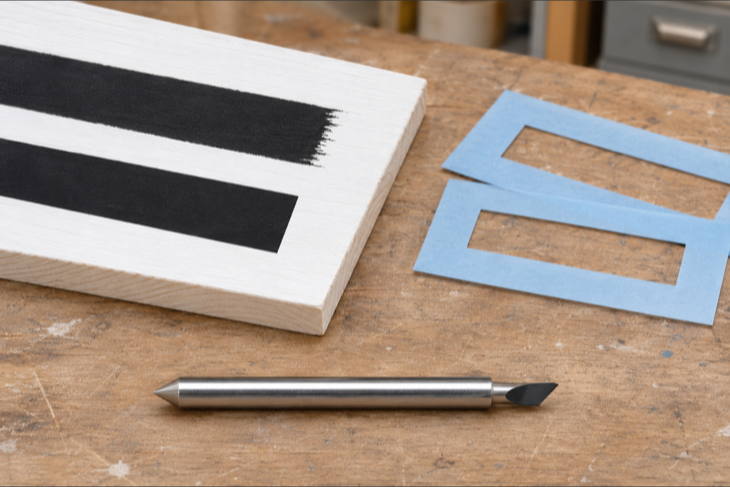
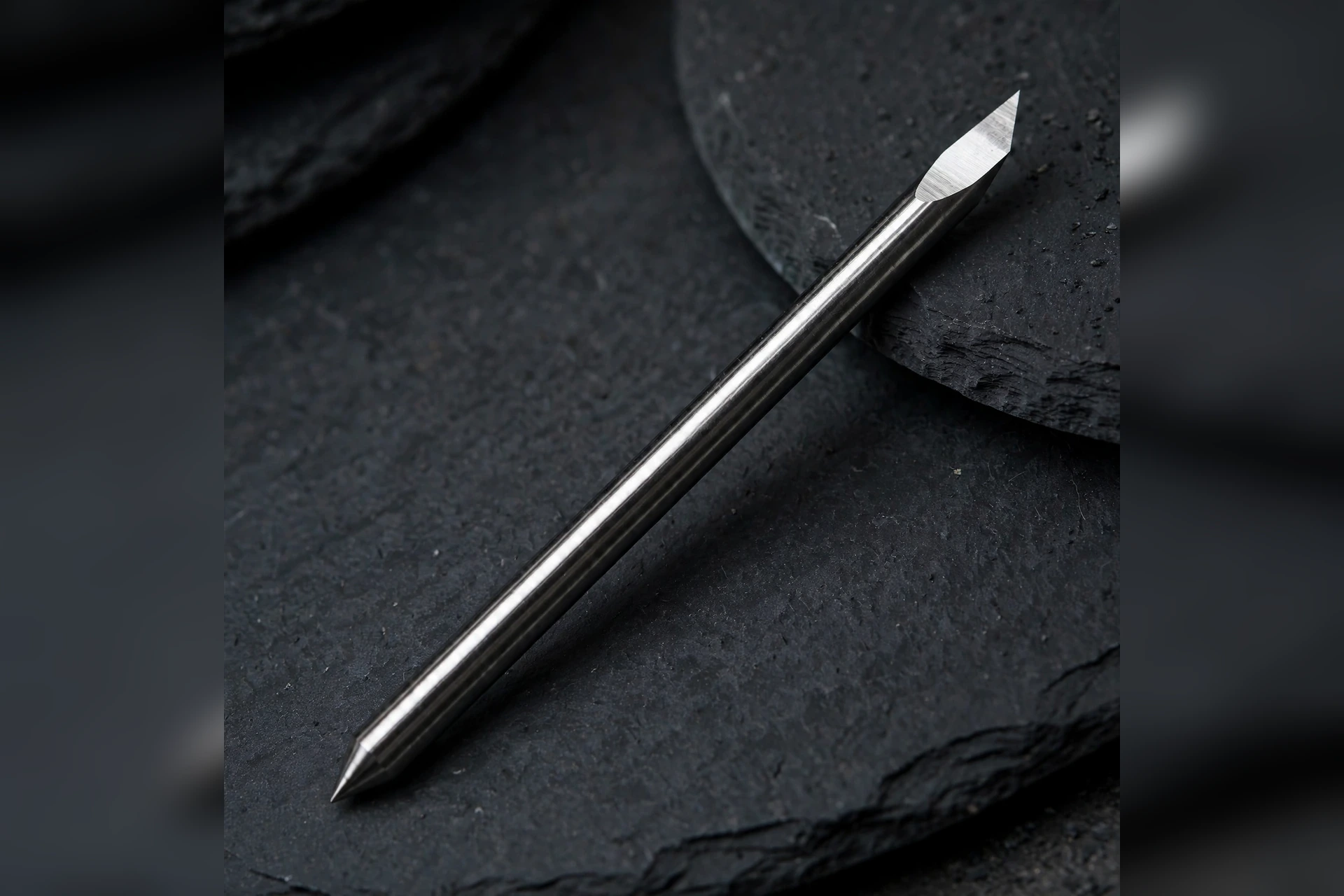
A PCUT blade looks the same whichever angle you buy: a slim 1.5 mm carbide rod, 23 mm long, with a 0.25 mm offset. What changes is the PCUT blade angle — the angle of the cutting tip — 30°, 45° or 60° — and that angle decides how the blade meets the material. Pick the wrong one and you get ragged corners on thin film, or a tip that chips on thick film. Pick the right one and the same plotter cuts cleaner, longer, with fewer ruined sheets.
What the PCUT blade angle changes
The blade angle is the angle of the bevelled cutting face at the tip. A lower angle (30°) makes a longer, sharper, more delicate edge. A higher angle (60°) makes a shorter, steeper, stronger edge. The 45° blade sits in the middle. All three PCUT angles share the same body — 1.5 mm diameter, 23 mm length, 0.25 mm offset, 89–90% tungsten carbide with 10–11% cobalt binder, 91.5 HRA — so the angle is the only thing you are choosing. Think of it as choosing the edge, not the blade.
The 30° PCUT blade angle: thin films and fine detail
The 30° blade is the sharpest of the three, and the most delicate. Its long, shallow bevel slices thin material with very little drag, which is exactly what fine detail needs. Use it for thin calendered vinyl, window film, and small text or intricate shapes where the corners have to stay crisp. The trade-off is durability: the fine edge wears faster and chips more easily, so keep the 30° blade away from thick or abrasive materials. If your work is mostly small lettering and thin films, the 30° blade earns its place. If you cut thick stock with it, you will replace it often.
The 45° PCUT blade angle: the all-rounder
The 45° blade is the default for a reason. It balances sharpness and strength well enough for most sign work: general calendered and cast vinyl, heat-transfer vinyl, and standard sign and decal jobs. It holds its edge longer than the 30° blade and still cuts clean corners at normal sizes. If you run one blade for mixed work, or you are not sure which angle a job needs, start with the 45°. It is the angle most workshops reach for first, and the one to keep loaded when the next job is unknown.
The 60° PCUT blade angle: thick and tough materials
The 60° blade is the strongest tip of the three. Its short, steep bevel resists chipping and pushes through material that would blunt or break a finer edge. Use it for thick films: reflective vinyl, sandblast mask, thick heat-transfer vinyl, and heavy cardstock. The trade-off is detail — the steeper edge does not turn as tightly, so very small text and sharp inside corners come out rounder than with a 30° or 45° blade. When the material is thick, that trade is worth making; when the design is tiny, it is not.
How to choose your PCUT blade angle
Match the angle to the material first, the design second. Thin film and fine detail point to 30°. Mixed general work points to 45°. Thick or tough material points to 60°. If a job mixes thin film with thick film, change the blade rather than forcing one angle through both — a blade swap takes a minute, a ruined sheet costs more. Keep one of each angle on hand, label them clearly, and note which PCUT blade angle you used on each job so the next identical job starts with the right blade already in the holder.
Sources
[1] JEEFOO PCUT A-series product page, plotter-blade.com (1.5 mm diameter, 23 mm length, 0.25 mm offset, 89–90% WC, 10–11% Co, 91.5 HRA)