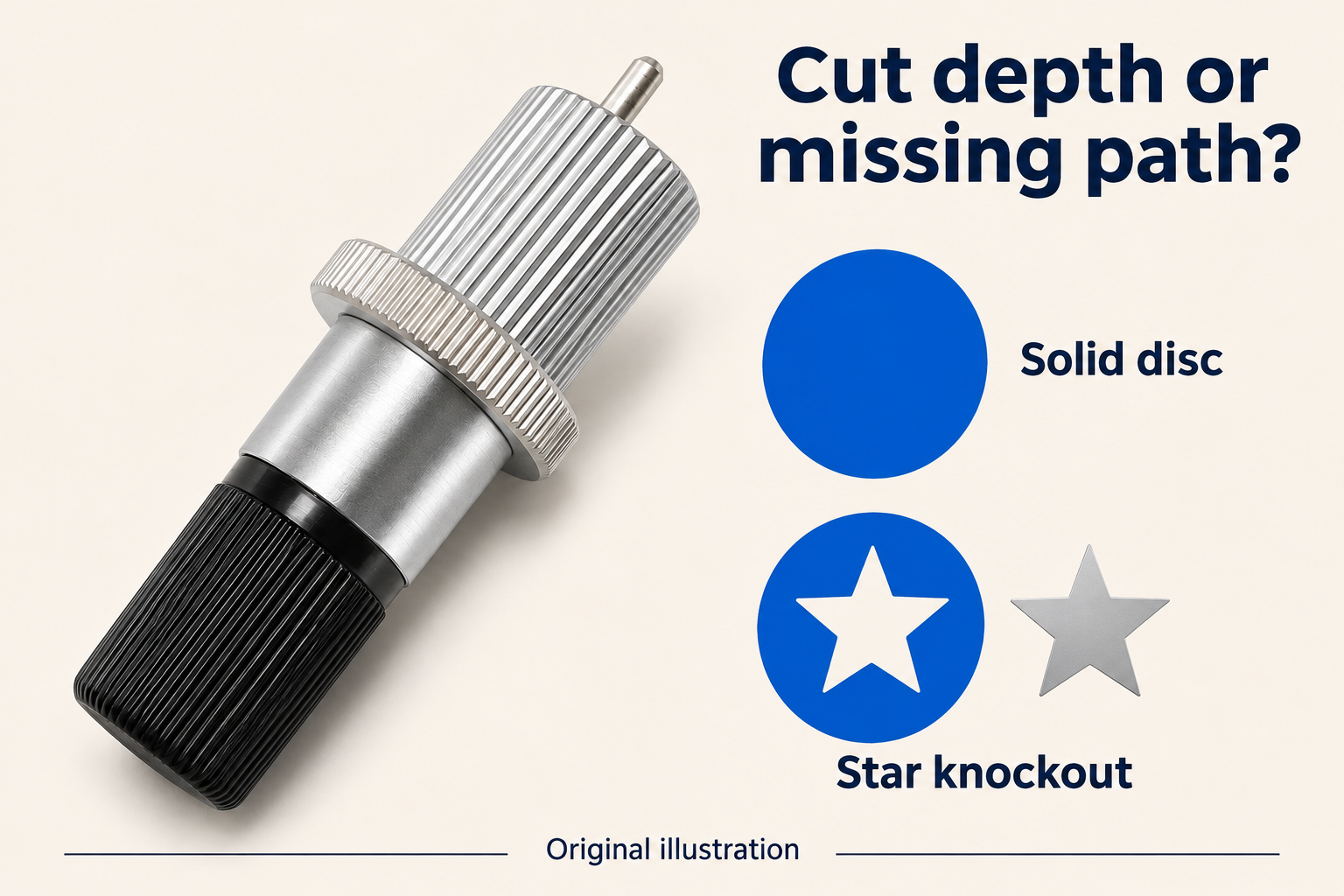
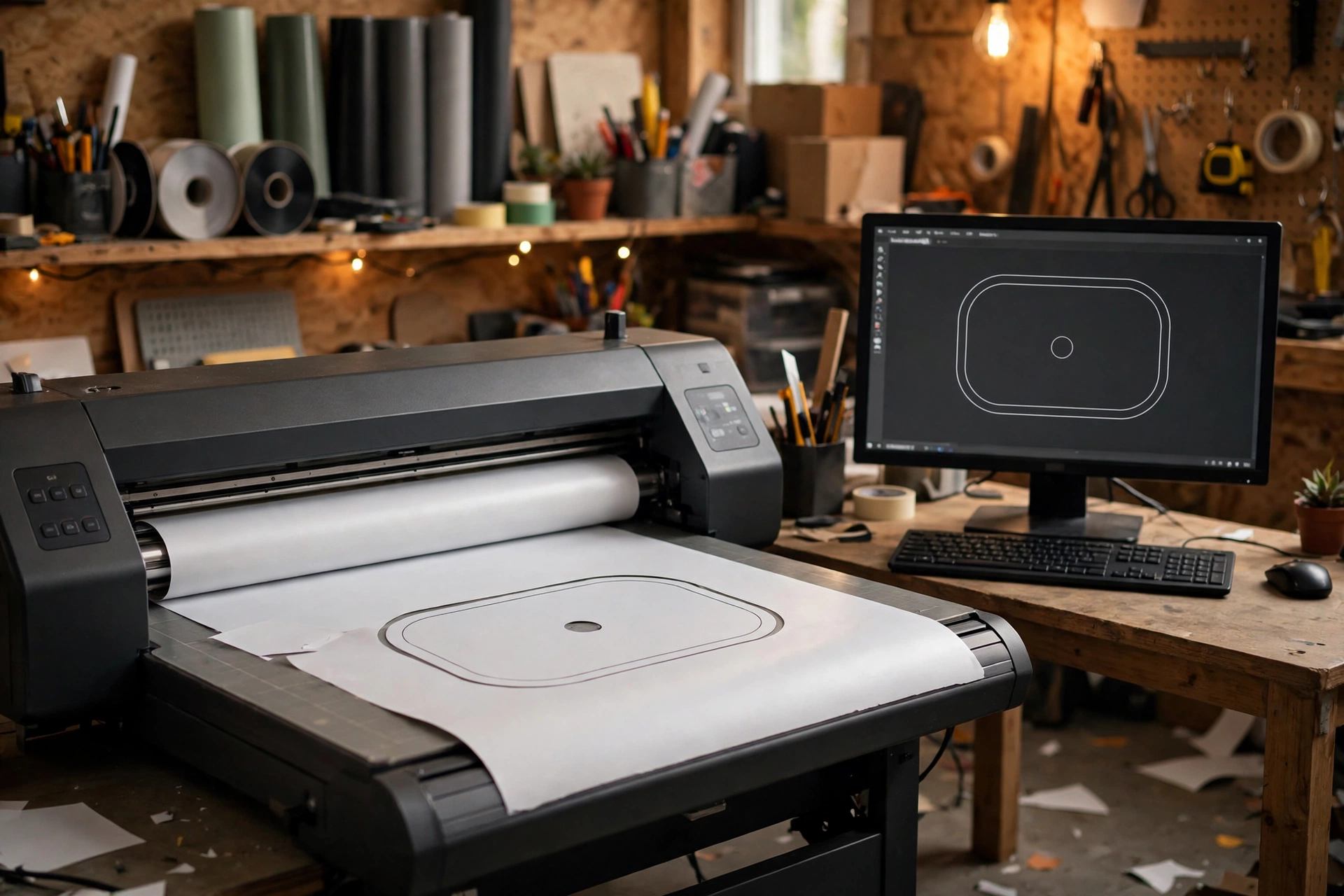
The replacement assembly is installed, a troublesome contour has been edited on the computer, and the next cut still follows the old shape. Before interpreting that result as evidence against the new PCUT blade, establish which job the cutter actually executed. PCUT Repeat Mode can reproduce earlier output without using the drawing now visible on the screen.
Does a physical fit prove that the revised drawing was used?
No. Seating concerns the installed components; the source of the cutting instructions is a separate question. This site’s PCUT guidance identifies blade and holder categories but requires the exact assembly to be checked.[1] Assume that installation has already been accepted through the applicable procedure. That still says nothing about whether a later computer edit was transmitted.
What does the documented PCUT Repeat Mode do?
The PCUT manual supplied through USCutter support describes Repeat Mode on printed page 11 as duplicating the last cut sent to the cutter. It explains that this PCUT Repeat Mode operation bypasses the software, so software adjustments are not taken into account.[2] That is a specific operating mode in the documented equipment, not a claim that every machine carrying the PCUT name has identical controls. Check the manual for the actual machine before applying the distinction.
Also separate the source of the contour from the machine’s current settings. The cited passage does not establish that every pressure, speed or other setting is frozen whenever a job is repeated using PCUT Repeat Mode. Its useful point here is narrower: a computer edit is not evidence that revised cutting instructions were used.
Why can this make a blade comparison misleading?
Consider a hypothetical sign with a small internal opening. After changing the blade, the operator enlarges that opening in the design, then uses the machine’s PCUT Repeat Mode function to make another piece. If that function replays the previously sent job, the second piece has not tested the enlarged opening. An unchanged result cannot show that the design change failed, because the changed design may never have been cut.
This is not a reported customer incident or a diagnosis of a particular machine. It illustrates a missing link between an intended intervention and the operation actually performed. Further blade changes would add uncertainty while leaving that link unresolved.
How can I resolve that uncertainty?
Identify how the disputed run was started: from the cutter’s PCUT Repeat Mode control or as a newly submitted job from the cutting application. Then establish which artwork revision that submission contained. A file saved on the computer and a job sent to the cutter are separate events. Where the application provides an output view, examine the contour that will be sent, following its own documentation. Do not treat the design window alone as a transmission receipt.
For a fresh comparison, use the equipment’s permitted procedure to send the intended revision and evaluate a representative scrap cut. Keep the existing tool setup unchanged unless its instructions or condition require intervention. The purpose is to establish which geometry was tested, not to prescribe a universal PCUT setup.
What if a newly sent revision still cuts poorly?
Then the specific explanation of replayed old geometry has been checked; the blade has neither been cleared nor condemned by that fact. Describe the remaining defect against the contour actually executed and return to the relevant tool, material and equipment guidance. The useful conclusion is precise: the intended revision reached the test, so its result can now inform the next decision.
Sources checked on 5 November 2026: [1] PCUT blade and holder guidance on plotter-blade.com. [2] USCutter’s archived PCUT Users Manual, printed page 11. The example and diagnostic interpretation are editorial analysis; no replacement-product performance or universal software compatibility is claimed.