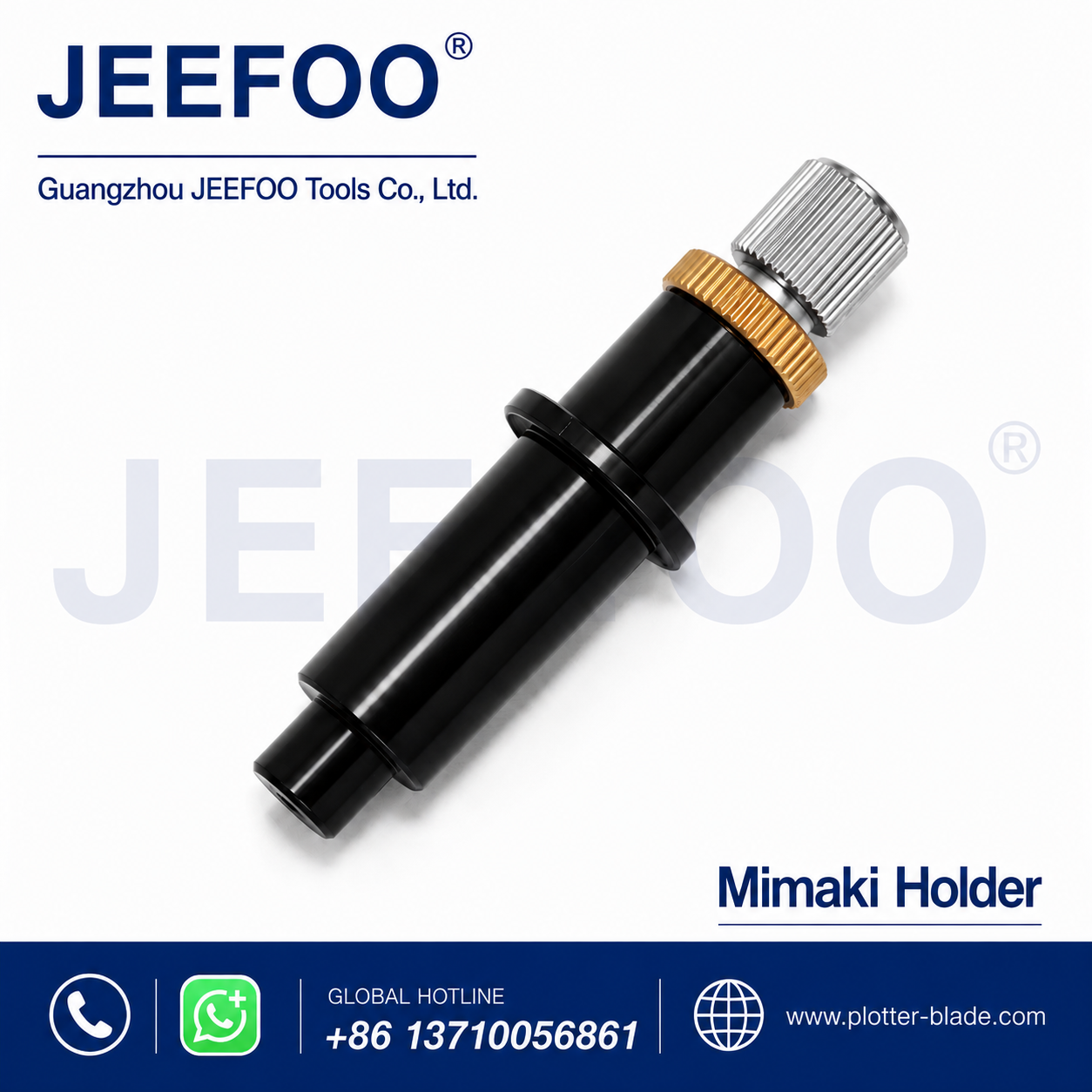
Mimaki plotter blade holder selection affects blade stability, cutting accuracy, and media weeding. This guide explains compatibility, installation, blade adjustment, maintenance, troubleshooting, and wholesale sourcing for Mimaki cutting-plotter operators.
What Is a Mimaki Plotter Blade Holder?
A Mimaki plotter blade holder secures a compatible swivel blade in the tool carriage. It keeps the blade aligned while allowing the tip to rotate through curves and corners. Correct fit and adjustment support clean lettering, smooth contours, and repeatable production results.
7 Expert Buying Tips
- Verify the machine model. Read the plotter label before ordering.
- Measure the original holder. Compare diameter, length, flange position, and blade opening.
- Confirm blade dimensions. Check shaft diameter and blade angle.
- Inspect adjustment threads. Smooth, secure movement helps preserve settings.
- Choose stable construction. A straight body reduces unwanted carriage movement.
- Test a sample. Approve fit and cutting quality before a large order.
- Share application details. Tell the supplier which media and designs you cut.
Mimaki Plotter Blade Holder Compatibility
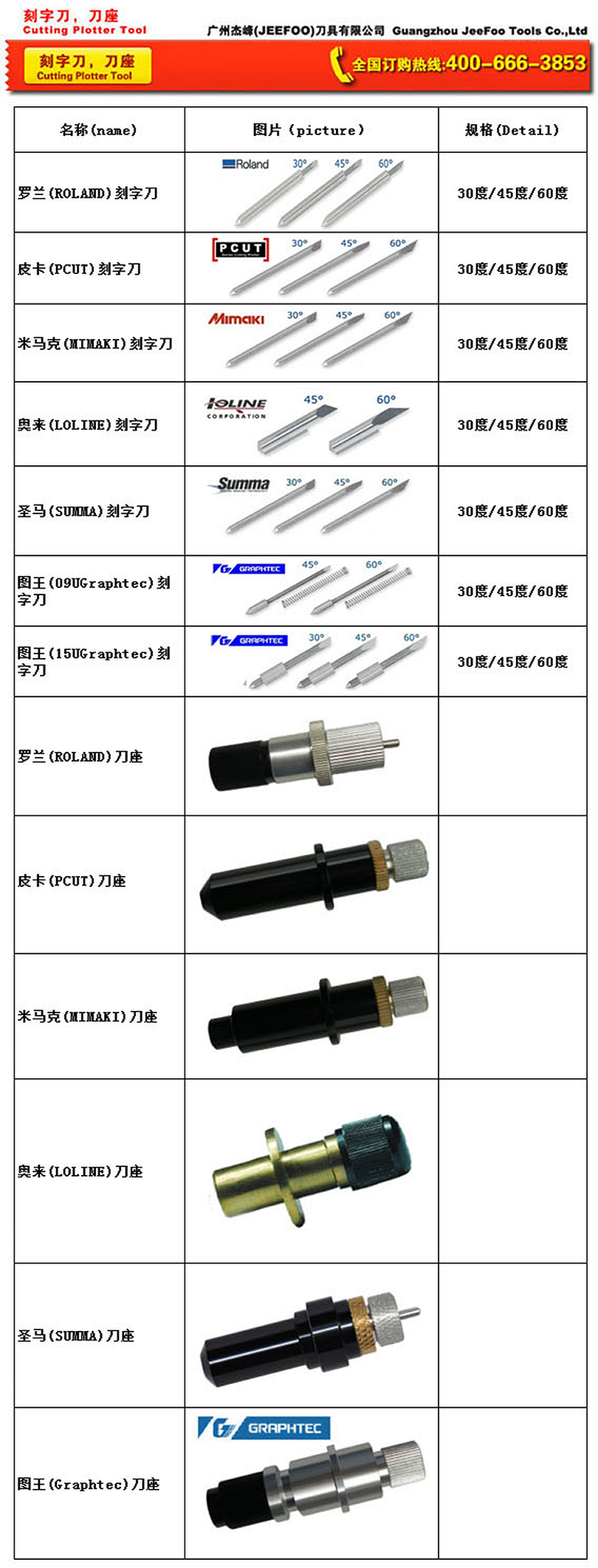
Do not assume that all holders fit every Mimaki cutter. Compare the replacement with the original part and confirm that the carriage clamp closes securely without force. The blade should seat correctly and rotate freely. Check the machine manual or Mimaki support resources when model-specific information is available.
Before purchasing, provide the exact model, holder measurements, blade shaft diameter, photographs, and typical media. These details reduce ordering errors and help a supplier recommend the appropriate configuration.
Installation and Blade Adjustment
- Power off the plotter and remove the existing tool carefully.
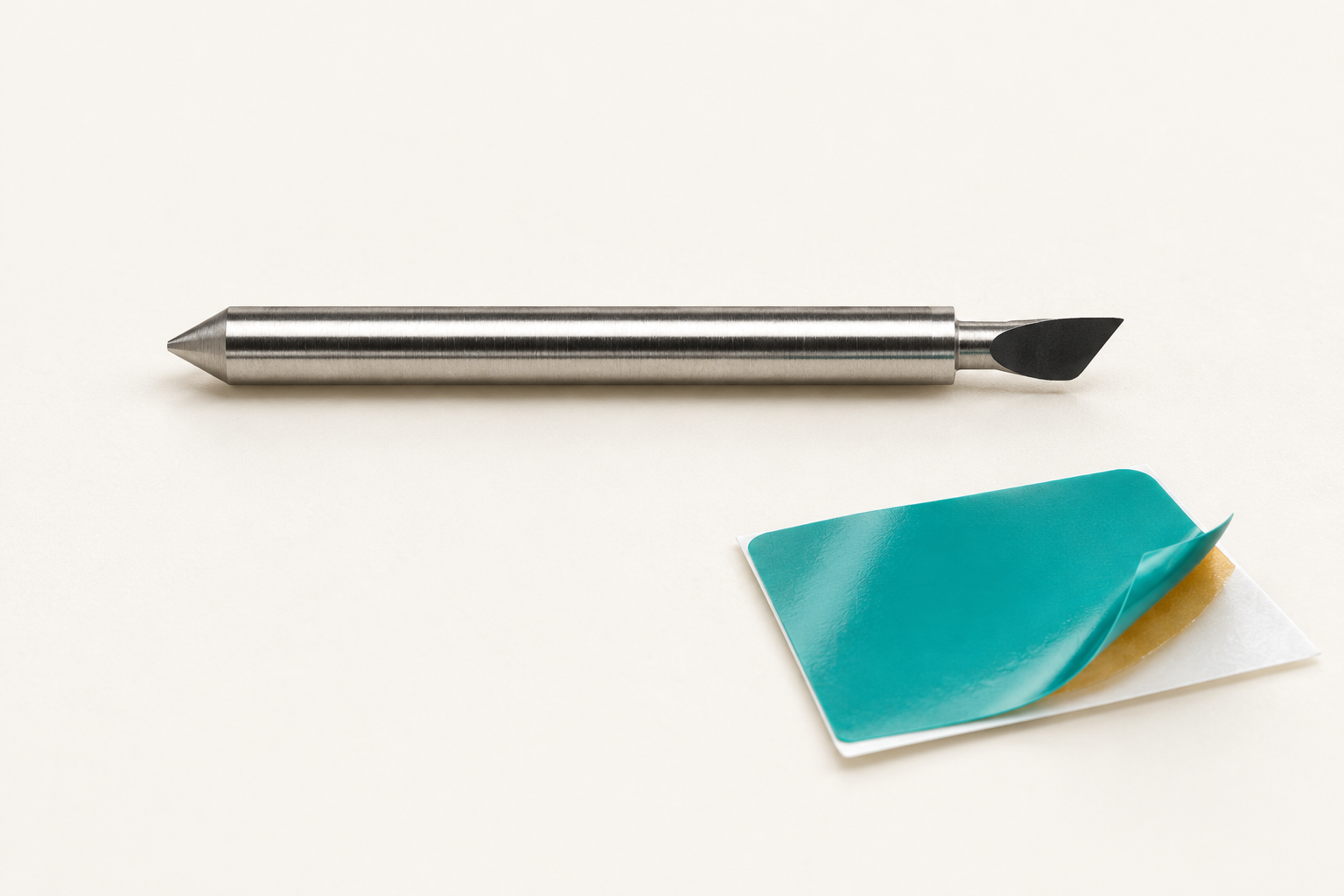
- Insert a compatible blade into the Mimaki plotter blade holder.
- Set minimal blade exposure so only the material layer is cut.
- Seat the holder vertically in the carriage and secure the clamp.
- Run a small test cut on scrap media.
- Adjust exposure, force, speed, and offset one step at a time.
Excess blade exposure can damage the liner, distort corners, and make weeding difficult. Begin with a small exposed tip and conservative force. Increase settings gradually, inspecting each test before production.
Troubleshooting Cutting Problems
If shapes do not close, inspect holder tightness, blade wear, debris, and offset. Jagged curves may result from a chipped blade, excessive speed, carriage play, or restricted blade rotation. Deeply scored backing paper usually indicates excessive blade exposure or force.
Clean the holder opening with dry air or a soft brush. Avoid tools that may scratch internal surfaces. Store holders and blades in labeled containers, and replace bent bodies or slipping adjustment mechanisms promptly.
Materials and Applications
A compatible Mimaki plotter blade holder may support sign vinyl, heat-transfer vinyl, label stock, masking film, paper, and other manufacturer-approved media. Match the blade angle, force, speed, and offset to the material thickness and design detail.
Production Quality Checklist
Before each run, confirm that the holder is vertical, the blade rotates freely, and test-cut corners close cleanly. Record blade angle, exposure, force, speed, offset, and media batch for repeatability. Keep a tested spare Mimaki plotter blade holder available for high-volume work.
Frequently Asked Questions
Does one holder fit every Mimaki plotter?
No. Confirm the machine model, carriage dimensions, holder size, and blade specification.
How much blade should be exposed?
Only enough to cut the media layer. Excess exposure reduces accuracy and may damage the liner.
When should the holder be replaced?
Replace it when the body is bent, threads slip, blade rotation is restricted, or persistent play affects quality.
Order the Right Mimaki Plotter Blade Holder
Match the holder to the machine and blade, approve a sample, and document successful settings. Compare our Roland plotter blade holder guide or contact Guangzhou JeeFoo Tools Co., Ltd for compatibility and wholesale support.