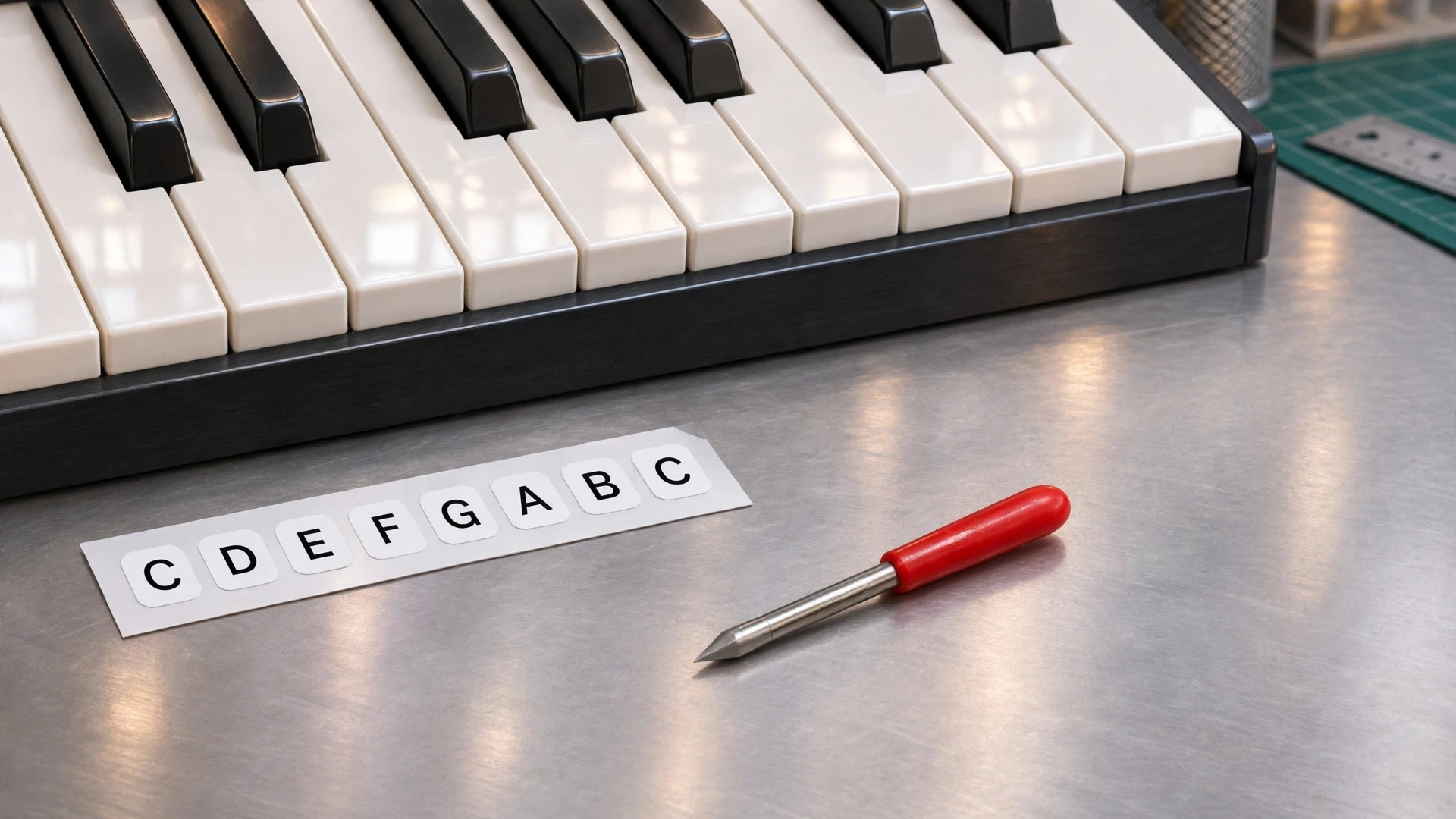
This piano note strip guide covers measuring the octave, spacing the labels and cutting the vinyl names for a removable music-school display.
For a music-school display, put vinyl note names on a removable strip. The strip has its own support in front of the keyboard, clear of the moving keys. In a complete octave, find C immediately left of a group of two black keys. Centre its label across the broad white key front.
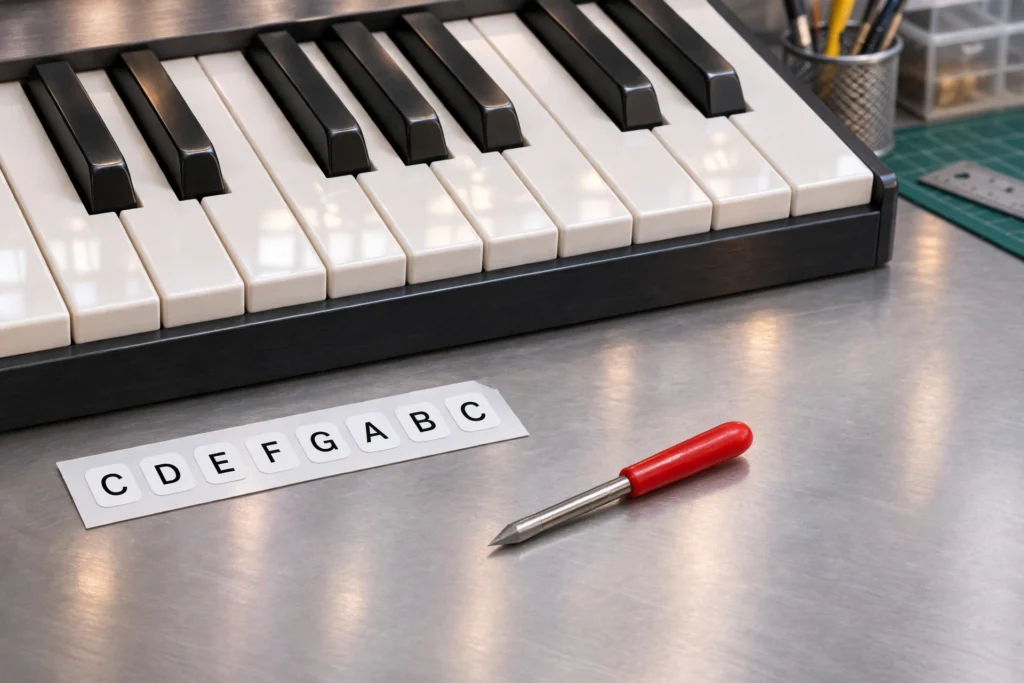
Measure from that C’s centre to the next C’s centre. The DS Standard Foundation uses this span to specify keyboard sizes. Suppose it measures 161 mm on this instrument and the white-key fronts are equally spaced. There are eight label positions from C through the next C, but only seven intervals. Set them 23 mm apart. Counting twelve pitch steps includes the black keys. Only white-key fronts get a label here.
Set a full-size paper proof against the key fronts. Check F at 69 mm from the first C, just left of the group of three black keys. A swapped E and F would pass a check at both C marks.
Cutting the piano note strip
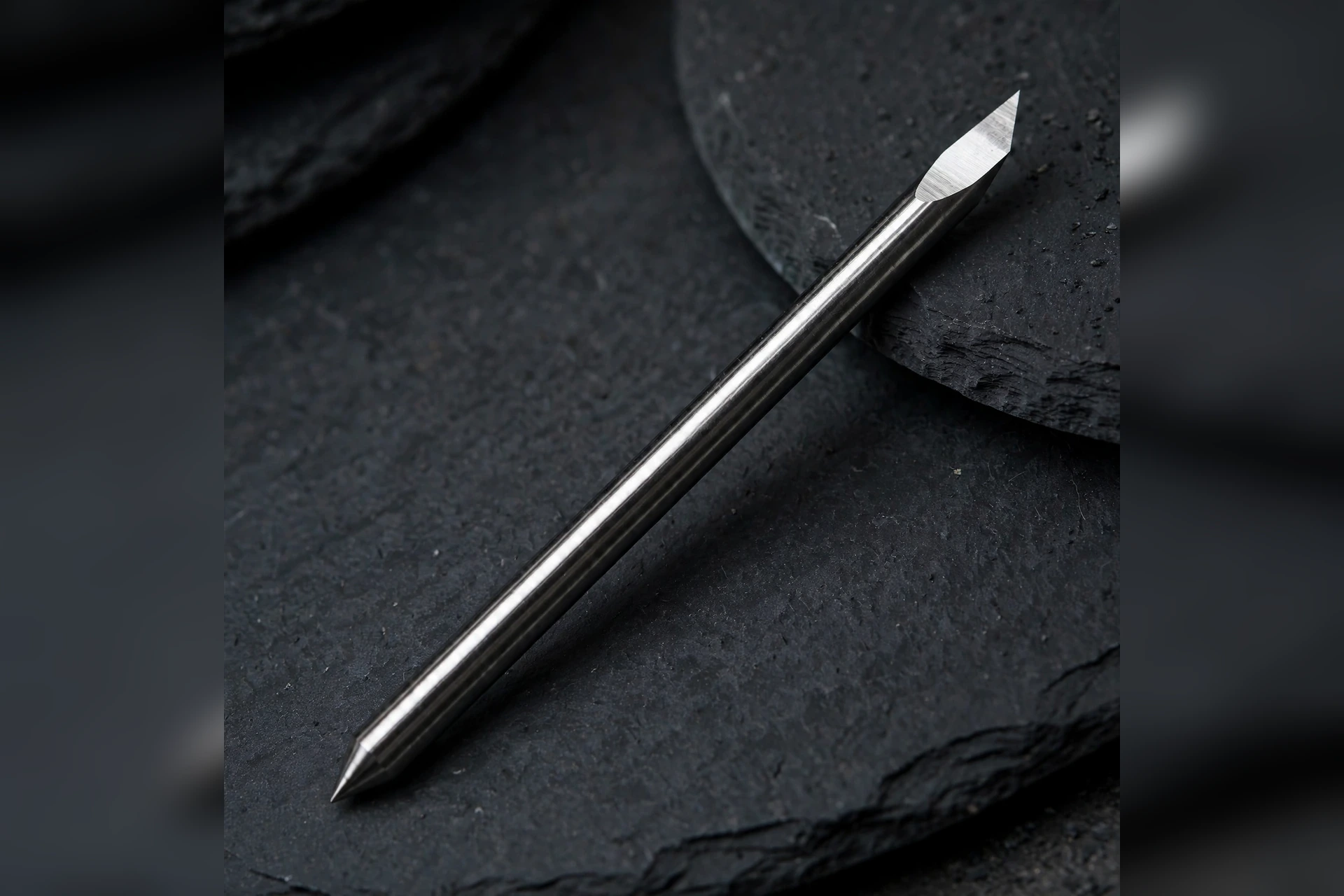
Cut the names from sign vinyl with the 45° Summa-type blade after checking it fits the installed holder. Weed the row on its liner. ORAFOL describes MT80P as a transparent transfer film for cut lettering. Use the proof to mark both C centres on removable tabs beside the strip. Lift the row together, align both Cs and press the letters onto the strip. Peel off the transfer film and remove the tabs.
Related reading for your piano note strip project: Cutting half-drop leaf decals with a Summa-type blade and Summa Plotter Blades: 4 Essential Restart Checks.