Carefully verify holder fit and test each new material before starting production.
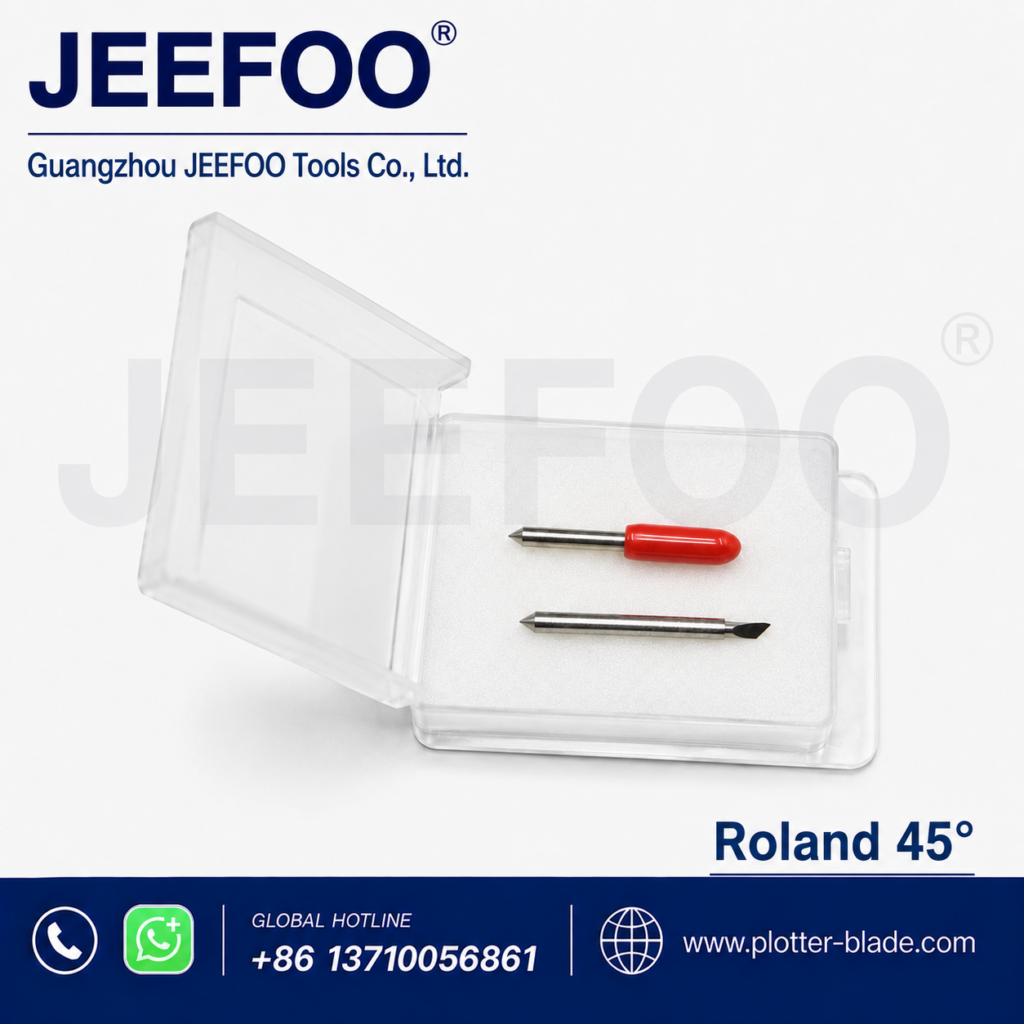
Roland Cutting Blade for 45° Vinyl Plotter Work
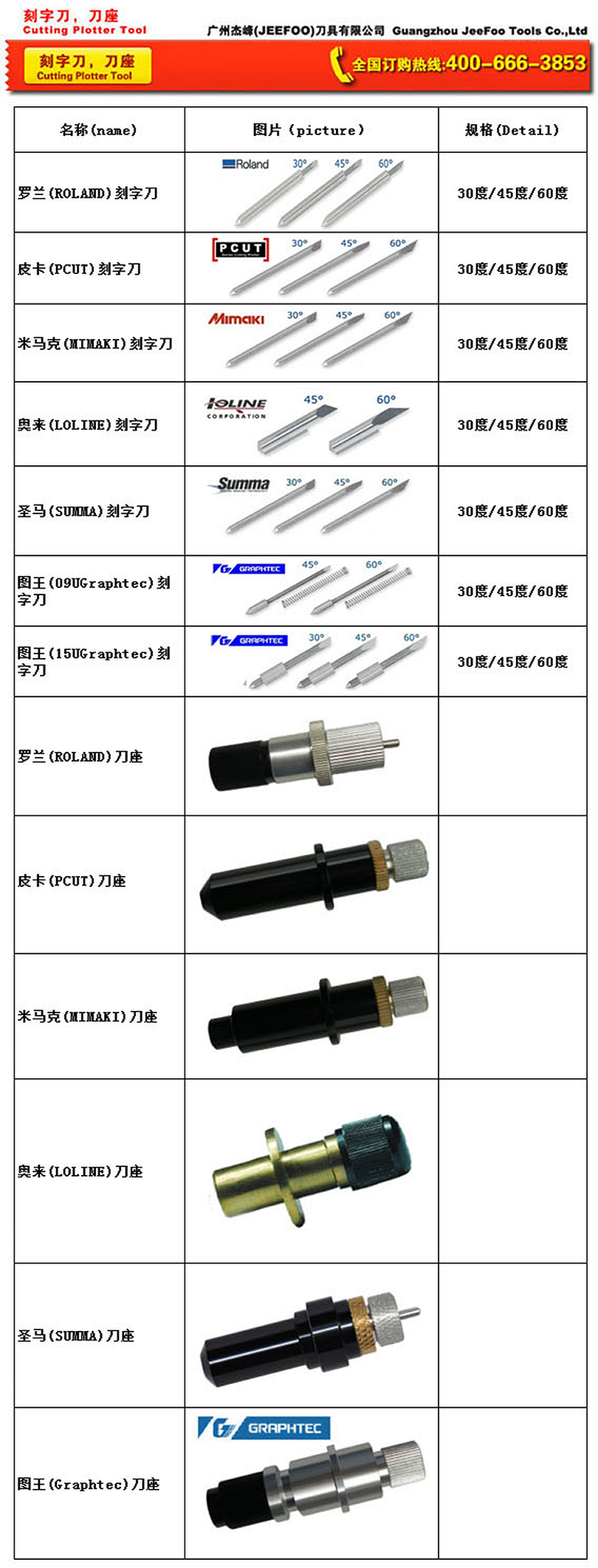
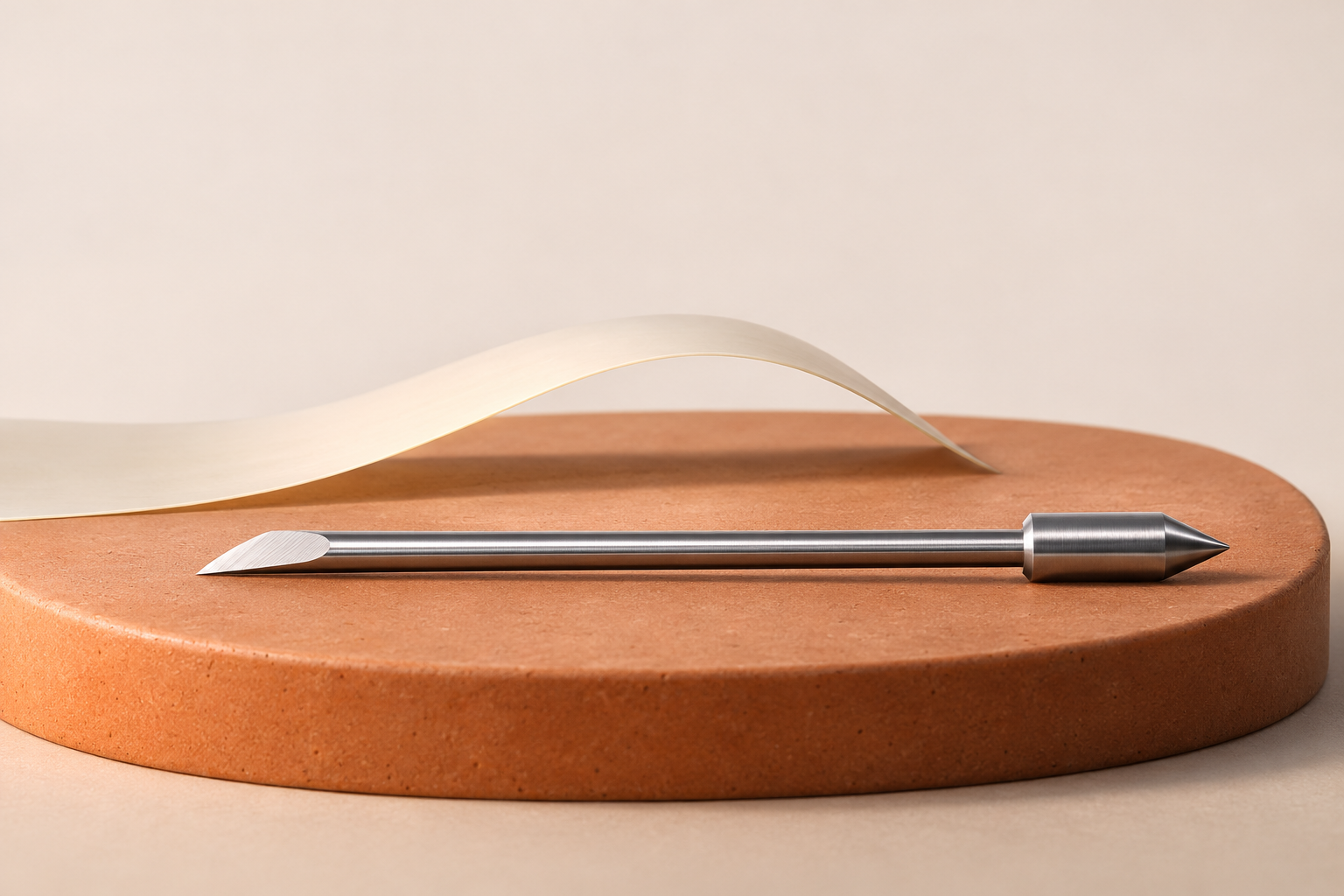
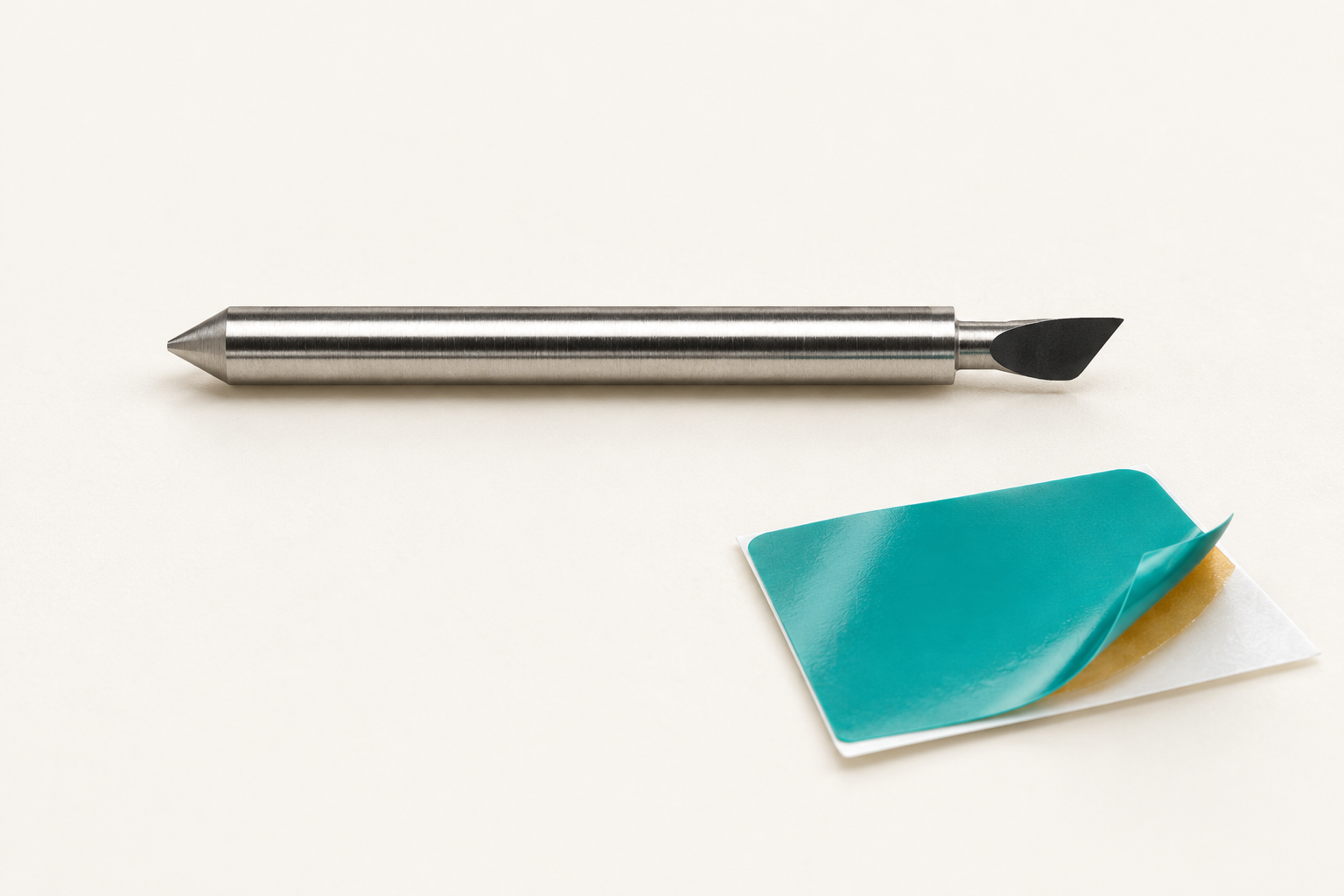
A Roland cutting blade with a 45-degree angle is a general-purpose option for compatible vinyl cutters and cutting plotters. The available product specification lists a 0.25 mm cutting-thickness reference and applications that include Roland cutting plotter and compatible CNC engraving equipment. Before ordering, compare the blade with the exact machine, holder, shank dimensions, and material.
JEEFOO supplies plotter cutting tools from Guangzhou, China. Buyers can provide the Roland model, holder type, media name, and material thickness for a practical compatibility comparison.
Available 45-Degree Blade Specifications
- Product type: cutting plotter knife
- Cutting angle: 45 degrees
- Listed cutting-thickness reference: 0.25 mm
- Listed applications: compatible Roland cutting plotter and CNC engraving machine
- Material statement: the original listing describes imported German cutting material
- Machining statement: the original listing describes CNC precision machining
These points summarize the available product information without adding unsupported performance guarantees. The listed thickness is a product reference, not a universal limit for every machine or media. Results also depend on blade exposure, force, speed, offset, holder condition, cutting strip condition, and tip wear.
Typical Uses for a Roland Cutting Blade
A 45-degree blade is commonly considered for sign vinyl, labels, decals, lettering, masking film, and other routine contour-cutting work when the holder and cutter support it. It balances general cutting depth and turning behavior for many everyday materials. Specialized media may require a different angle or blade specification.
If corners lift or curves look uneven, inspect the holder and blade before increasing force. Adhesive residue can restrict blade rotation, and a worn tip can leave incomplete corners. Excessive force may score the backing liner, accelerate tip wear, or damage the cutting strip.
How to Confirm Compatibility
Identify the exact Roland cutter model and installed holder. Compare the current blade’s shank diameter, overall length, and angle. Review the machine manual for supported blade types. A matching 45-degree angle alone does not confirm fit because holder and shank designs can differ.
For related hardware, see the Roland plotter blade holder. You can also compare the cutting plotter blade range. For model-specific manuals and troubleshooting, consult official Roland DGA support.
Test-Cut Setup Checklist
- Clean the holder and check that the blade rotates freely.
- Insert the compatible shank without forcing it.
- Expose only enough tip to cut the face material.
- Start with conservative force and speed settings.
- Run a small pattern with straight lines, curves, and corners.
- Inspect weedability and check the backing liner for deep marks.
- Adjust one setting at a time and repeat the test.
Blade exposure is a mechanical limit, while downforce is a machine setting. Too much exposure cannot be corrected simply by reducing force. A controlled test cut helps protect the blade tip, holder, and cutting strip while identifying settings that suit the specific media.
Care and Replacement
Store unused blades dry and protected so the tips do not contact hard surfaces. Remove dust and adhesive residue from the holder. Replace a chipped or worn blade instead of compensating with steadily higher force. Record successful settings for each media to make future setup faster and more consistent.
Ordering from JEEFOO in Guangzhou, China
When requesting this Roland cutting blade, include the cutter model, holder type, required angle, media, thickness, and intended application. JEEFOO can compare those details with the listed 45-degree blade information for lettering, decals, labels, sign vinyl, and compatible engraving workflows.
This page is a product-selection guide and does not replace the machine manufacturer’s operating instructions. Confirm compatibility and complete a test cut before production.
Product Images